
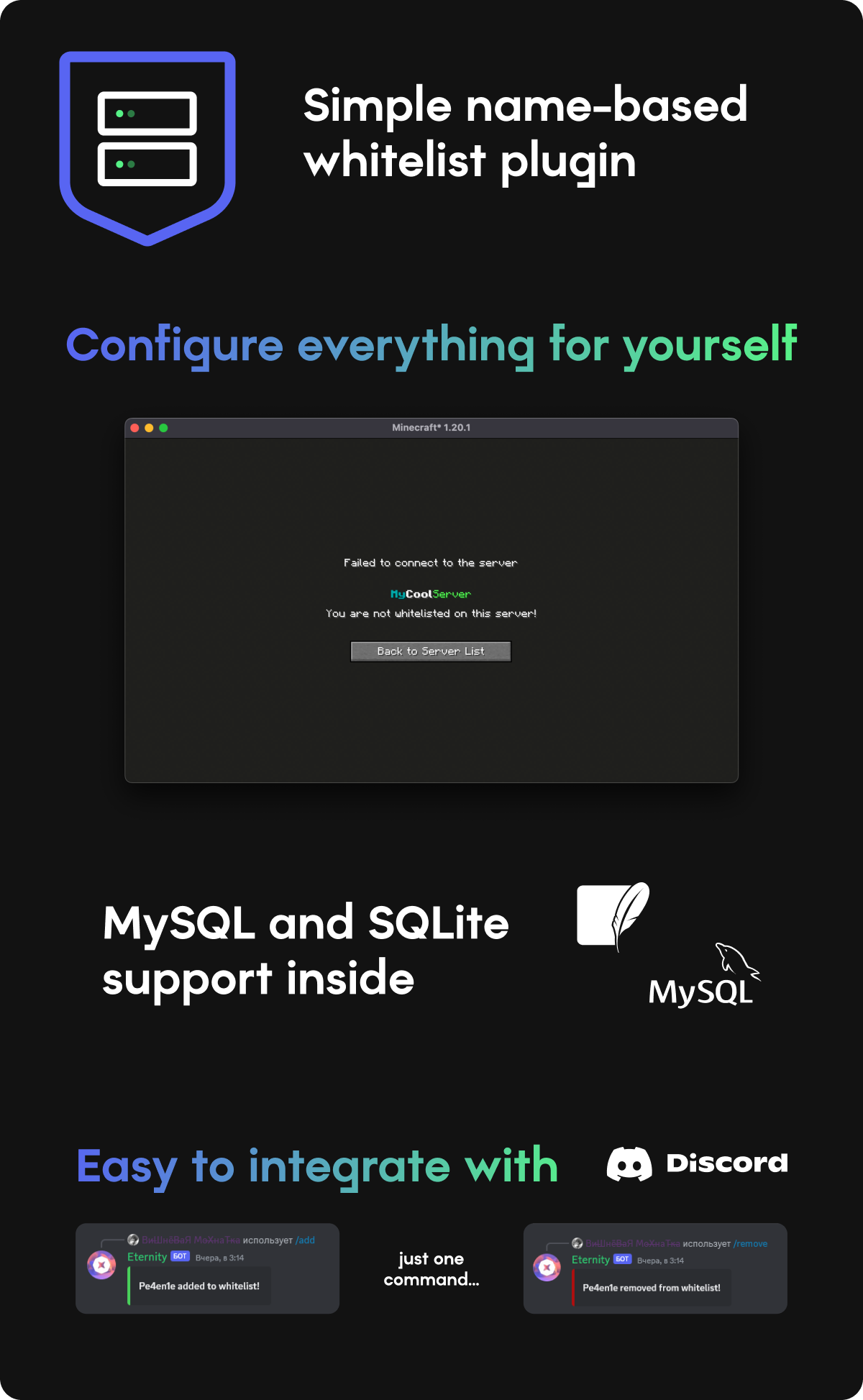
How to connect discord?
First of all you need to create Discord bot, and enable ALL intents
Paste bot token and ROLE ID (role will allow to add/remove players) into config
Commands
/ac add - Add player to whitelist
/ac remove - Remove player from whitelist
/ac list - List all whitelisted players
/ac reload - Reload config
Permissions
authcontrol.add - Add command
authcontrol.remove - Remove command
authcontrol.list - List command
authcontrol.reload - Reload command
authcontrol.* - For all commands
Config
messages: # Here you can setup plugin messages
  kickMessage: "You are not whitelisted on this server!"

serverName: "MyCoolServer" # This will be displayed on player kick

type: local # local for SQLite, mysql for MySQL

mysql: # MySQL settings
  host: localhost
  port: 3306
  username: username
  password: password
  database: default

discord: # Discord integration
  enabled: false
  token: PASTE_DISCORD_BOT_TOKEN_HERE
  admin_role_id: PASTE_DISCORD_ADMIN_ROLE_ID_HERE
  serverName: "MyCoolServer" # Will be displayed in bot status
Similar projects
Plugin →VeinMiner
Mine the whole vein on mining a single ore/block. Make the tedious mining experience to something satisfying and fun! FTB Ultimine alternative
99.3MSueta
Simple Voice Chat
A working voice chat in Minecraft!
76.8MSueta
Chunky
Pre-generates chunks, quickly and efficiently
18.4MSueta
VeinMiner Enchantment
Veinminer Addon - Adds vineminer enchantment to enchanting tables. Only tools with the enchantment can veinmine
18MSueta
JourneyMap
Real-time map used for mapping in-game or your browser as you explore.
14.7MSueta
WorldEdit
A Minecraft Map Editor... that runs in-game! With selections, schematics, copy and paste, brushes, and scripting. Use it in creative, or use it temporarily in survival.
11.6MSueta