
Block Entities
Disclaimer
This plugin was created for recreational and research purposes. It is not intended for intensive use, as it is still in an experimental phase, and there may be many errors.
I do not intend to provide exhaustive support for the plugin, and I may only address minor issues and implement new mechanics in the future. However, the project code is open source, and contributions are welcome.
Furthermore, please note that this plugin was developed exclusively for Minecraft version 1.19.4, and it may not function with any other configuration. I am uncertain whether it works with Geyser or ViaVersion.
BlockEntities is a plugin that uses the new Display Entities from Minecraft version 1.19.4 to create custom blocks. The plugin's goal is to explore the possibilities that these entities offer.
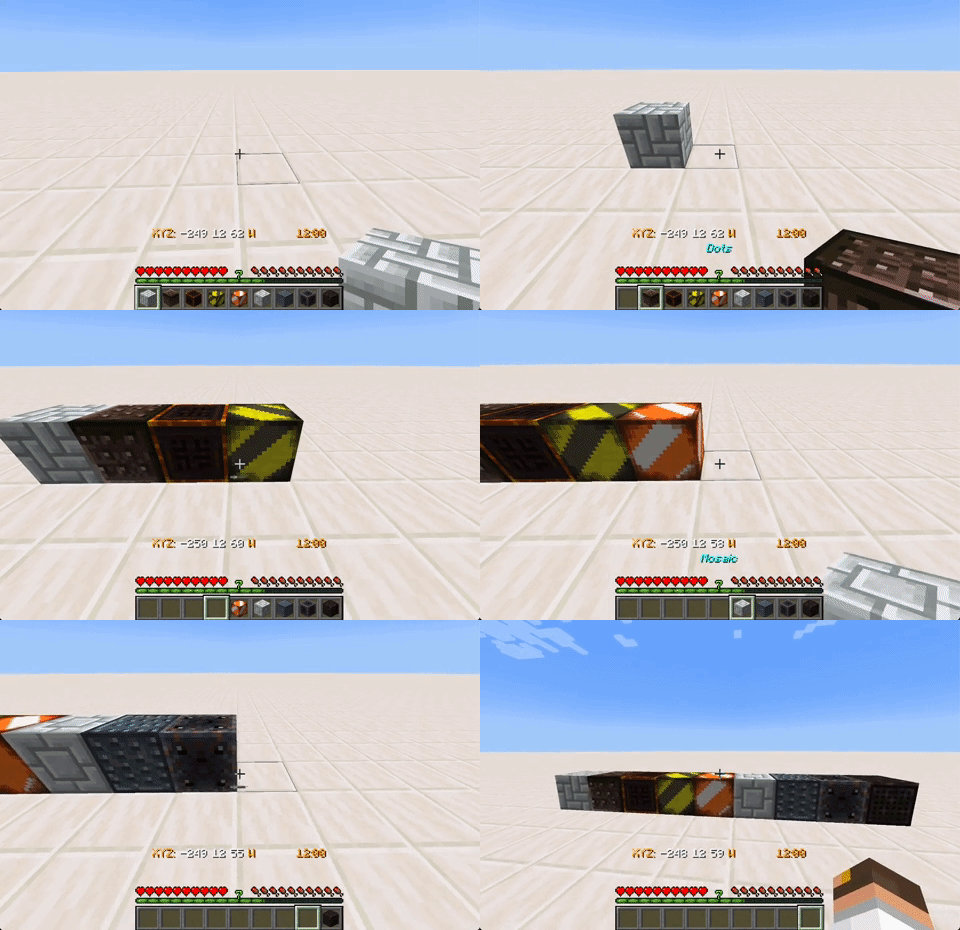
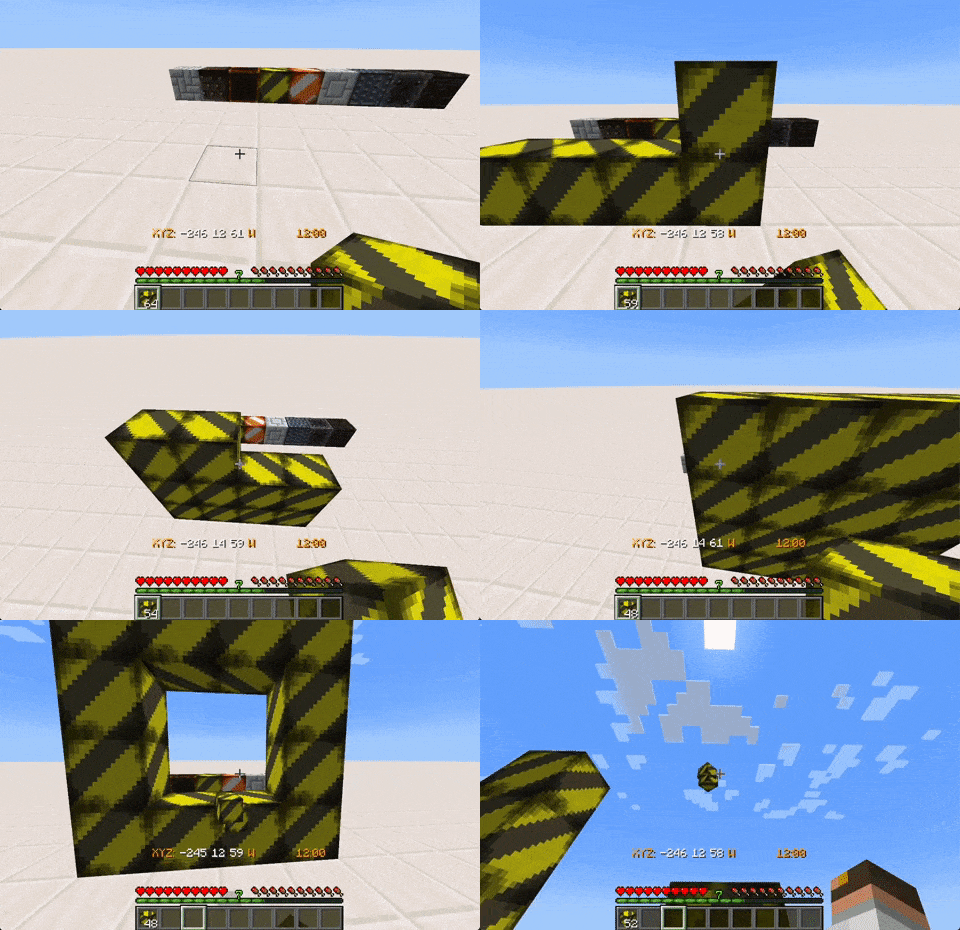
To function, the plugin requires a texture pack that allows the Display Entity to render the desired block. Inside, the plugin creates a Display Entity with CustomModelData and adds a Barrier to give it a hitbox.
Currently, the plugin has basic functions to place and break blocks. In the future, the ability to orient blocks, use specific tools to remove them, and allow them to receive/emit redstone could be added.
Likewise, the possibility of assigning commands when interacting with blocks is being considered for a future update.
How to Install
To get the plugin to work correctly, the Minecraft server needs to be version 1.19.4 and run using Java 17+. Additionally, a compatible texture pack must be configured, which can be found at the following link Texture Pack. You can also refer to the Wiki for information on how to create a texture pack compatible with the plugin.
Installing the plugin is simple, just place the plugin's JAR file in the server's plugins folder and restart the server. The configuration file will be automatically generated when the server starts.
WIKI
For additional information on the plugin, please refer to the following entries in the Wiki:
- Block Configuration
- How to create a texture pack
- Commands and Permissions
These entries provide detailed explanations on how to configure and customize blocks, create a texture pack, and use the necessary commands and permissions for plugin usage.
Similar projects
Plugin →Let Me Despawn
Improves performance by tweaking mob despawn rules. Say bye to pesky unintentional persistent mobs.
25MSueta
JourneyMap
Real-time map used for mapping in-game or your browser as you explore.
14.7MSueta
Emotecraft
Create your own emotes in Minecraft.
7.5MSueta
Simple Tpa
A simple tpa plugin which sends requests
5.4MSueta
Common Network
Forge and Fabric Unified Networking Solution
3.9MSueta
Set Home
A lightweight plugin for players to set their homes.
3.8MSueta