
⭐CompactCrates⭐↪ ▪ Ingame Setup ✅ ▪ Nuvotifer & Placeholder
1.5.0-SNAPSHOTCrates with Ingame Setup ✅ Compatible with Bedrock✅
▪ CompactCrates ▪


Images
Particle and a Interact Main Chest

All Crates in A BIG ONE

In game View:

Bedrock Support

In game Setup

Win Effects:


Gif


Spigot 1.16.1 - 1.19.2+
Java 16 or higher

▪ Spigot and Paper support ✅
▪ Update checker ✅
▪ In game Setup ✅
▪ Nuvotifer Connection ✅
▪ PlaceholderAPI placeholders (lists below) ✅
▪ Command Rewards ✅
▪ Item Probabilities ✅
▪ Effect on reward Item ✅
▪ Extra Lore in Item Preview that not applied on the Item on Reward✅
▪ MySql✅
▪ Bedrock Support! (You need the Floodgate Plugin on each Server!)✅

▪ More Configuration ❌
▪ More Opening Animations (4 / X)❌

Placeholders
%compactcrates_cratename_<CrateID>% - Crate name of Crate ID
%compactcrates_usercratecount_<CrateID>% - Get the crate amount from the player from the crateID

Probability
Every Item has a default Probability
Config:
defaultProbability: 100.0You can give some Items an extra Probability with:
/cc item addProbability 10.0
or
/compactcrates item addProbability 0.25
Permissions
compactcrates.admin | For some Admin Stuff
compactcrates.break | To break the Placed Main Crate
compactcrates.open | To open the Placed Main Crate
compactcrates.place | To place the Main Crate
compactcrates.reload | To reload the Plugin Config
compactcrates.placechest | To give the Main Crate
compactcrates.admin.keys | Manage Keys
compactcrates.admin.setparticle | Change the Chest Paricle
compactcrates.notify.update | Notify for a new Update
compactcrates.admin.item | edit item
Commands
Main Command: /cc or /compactcrates
/compactcrates help - Shows this help message
/compactcrates reload - Reloads the plugin
/compactcrates placechest - Gives you a crate to place
/compactcrates item addCommand <Commans[Split with '/']> set the item in hand to a Command Reward
/cc admin gui - Open the admin gui
/cc admin keys [do] [player] [type] [amount] - Manage keys
/cc admin setParticle [particle] - Set the particle of the crate
/cc admin [delete, renamecrate, setslot, changetype] <ID> - Change the look of the Crates in the Main Crate
/cc admin setsize <size> - set the inventory size of the main Crate
/cc create <NewID> <Slot> <Material> <Name> - Create a new Crate

10 - ✅
50 - ✅
100 - ✅
150 - ✅
500 - ✅
1000 - ❌
5000 - ❌
10000 - ❌

Metrics collection
CompactCrates collects anonymous server statistics through bStats, an open-source statistics service for Minecraft software.
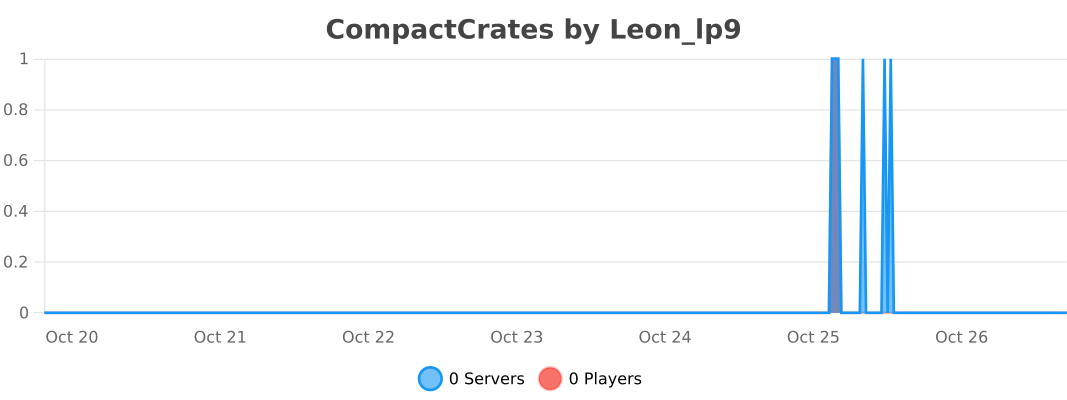
If you'd like to disable metrics collection via bStats, you can edit the plugins/bStats/config.yml file.
Similar projects
Config →Let Me Despawn
Improves performance by tweaking mob despawn rules. Say bye to pesky unintentional persistent mobs.
25MSueta
JourneyMap
Real-time map used for mapping in-game or your browser as you explore.
14.7MSueta
Emotecraft
Create your own emotes in Minecraft.
7.5MSueta
Simple Tpa
A simple tpa plugin which sends requests
5.4MSueta
Common Network
Forge and Fabric Unified Networking Solution
3.9MSueta
Set Home
A lightweight plugin for players to set their homes.
3.8MSueta