
Features
- Mutli-Root
- Multi-Proxy
- Template-System (global and task templates)
- API
- Spigot, Bungeecord support
- SQL-Support
- Ingame Commands
- Execute commands on Minecraft servers from the controller.
- Addons
- OnlyProxyJoin
Addons
- Cloudsigns
- CloudLog
Setup
- Download and unzip the files.
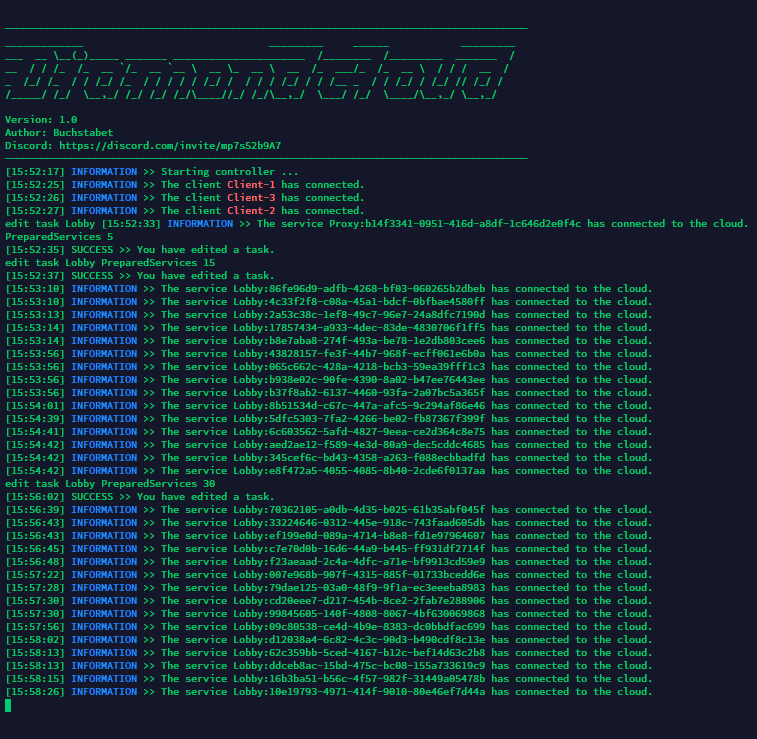
- Run controller.jar
- Follow the setup instructions.
- Create a client using the "create" command and start it.
- Create a task with the "create" command.
- Enter "help" to get an overview of the commands.
- Make sure that each server has the ServiceApplication when it starts.
Commands and Permissions
- /cloud » diamondcloud.commands.cloud
- /hub » diamondcloud.commands.hub
- /id » diamondcloud.commands.id
- /serveramount » diamondcloud.commands.serveramount
CloudSigns
The CloudSign addon allows you to enter the servers via signs.
This system is based on the signs of GommeHD.net, for example.
/cloudsigns » cloudsigns.commands.cloudsigns
This addon is only available in Minecraft version 1.8.

CloudLog
With CloudLog you can upload the latest.log file to Pastbin. The /log (Permission: cloudlog.commands.log) command is available for this purpose.
The cloud is still in beta. Errors may occur. Please report errors if you get any.
Videos
German

Similar projects
Plugin →Let Me Despawn
Improves performance by tweaking mob despawn rules. Say bye to pesky unintentional persistent mobs.
25MSueta
JourneyMap
Real-time map used for mapping in-game or your browser as you explore.
14.7MSueta
Emotecraft
Create your own emotes in Minecraft.
7.5MSueta
Simple Tpa
A simple tpa plugin which sends requests
5.4MSueta
Common Network
Forge and Fabric Unified Networking Solution
3.9MSueta
Set Home
A lightweight plugin for players to set their homes.
3.8MSueta