


Usage
- Download the plugin
- Upload the plugin to your Minecraft Server (make sure it has DiscordSRV)
- Make sure the port is open and not used
- Make sure the URL is valid
Setting up Discord values
Everything is being done within Discord application's settings > OAuth2
Values
Copy over the Client ID & Client Secret to the config. Then you would need to configure Redirects. It must be what you have in the config. An example is shown below

Setting up HTTPS
Please see at GitHub README
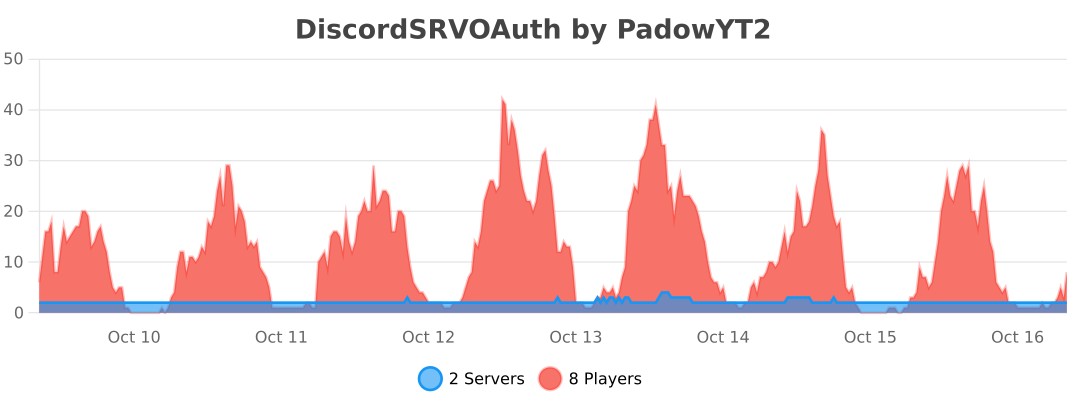
bStats
Similar projects
Plugin →Simple Voice Chat
A working voice chat in Minecraft!
76.8MSueta
WorldEdit
A Minecraft Map Editor... that runs in-game! With selections, schematics, copy and paste, brushes, and scripting. Use it in creative, or use it temporarily in survival.
11.6MSueta
Emotecraft
Create your own emotes in Minecraft.
7.5MSueta
Plasmo Voice
A proximity voice chat mod with audio positioning and lots of features
4.1MSueta
Common Network
Forge and Fabric Unified Networking Solution
3.9MSueta
Customizable Player Models
Customize your minecraft avatar!
3.2MSueta