
EvilBlock 2FA - [QR Code Map | Flat-file | MongoDB | Manual
Release 1.0A free solution to verifying a user's identity by 2FA.
[about]
A free solution to verifying a user's identity by two-factor authentication. Two-factor authentication protects your players from hackers by requiring them to verify their identity when connecting from a new location (or changed ip address).
[list of features]
- Supports flat-file (JSON) and MongoDB out of the box
- Extensive configuration (made for dummies)
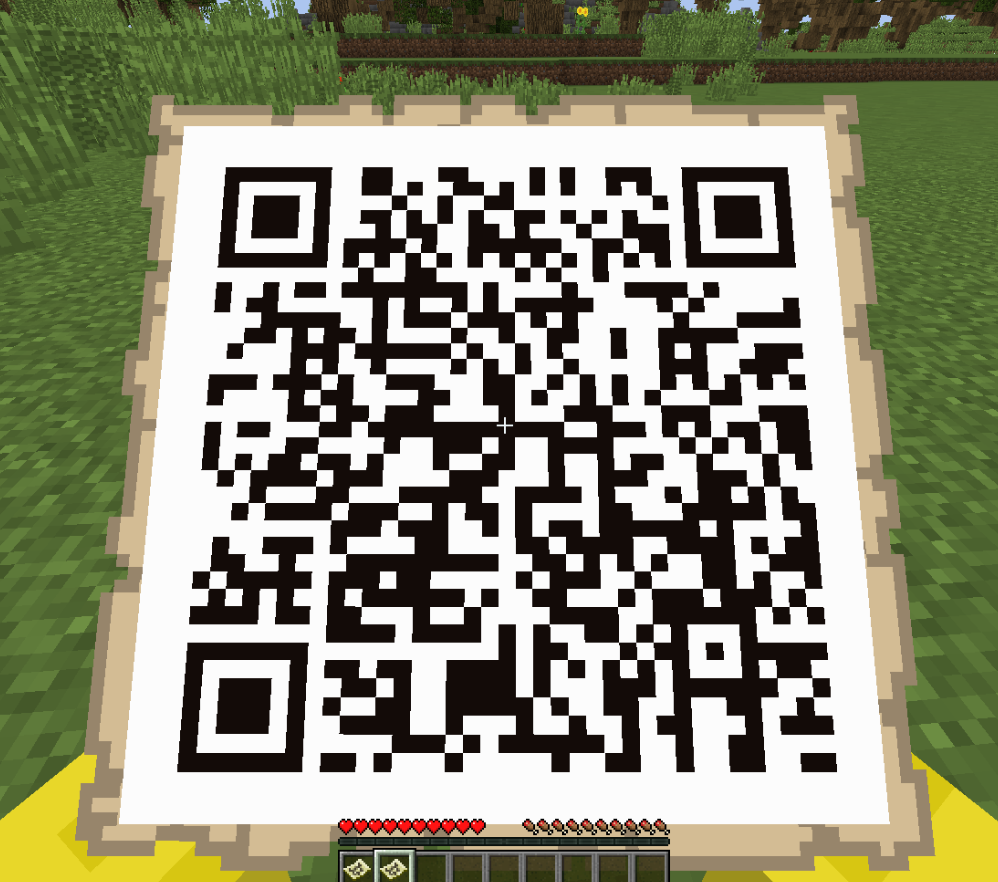
- Displays QR Code image on map that works with 2FA apps
- Configurable issuer name
- Prevents locked players from interacting with the world, chat, etc
- Prevents damage to locked players (by default)
- Whitelisted commands for locked players
[configuration]
config.yml
# Database implementation
database   :
    # for multi-server networks, use "MONGO"
   # for single-server, use "JSON" (aka flat-file)
  implementation   :   "JSON"
  options  :
    host   :   "127.0.0.1"
    port   :  27017
    dbName   :   "two-factor-auth"
    authentication  :
      enabled   :  false
      username   :   "admin"
      password   :   ""
settings   :
    # The name that appears in the 2FA app
  issuer-name   :   "EvilBlock"
   # If only players with the '2fa.access' permission are allowed to setup 2FA
  require-permission   :  true
   # If players with the '2fa.access' permission are required to setup 2FA if they haven't already
  require-setup   :  true
   # The commands that players are allowed to execute while not verified
  whitelisted-commands   :
    -  "auth"
    -  "2fasetup"
    -  "setup2fa"
   # The text the player must enter to agree to the setup terms
  agree-text   :   "yes"
   # If the bypass command can only be executed by the console
  bypass-command-op-only   :  true
   # If players with the `2fa.bypass` permission are granted identity verification bypass
  use-bypass-permission   :  false
   # If damage to players in the locked state is disabled
  disable-damage-to-locked-players   :  false
lang.yml
provide-code-prompt   :
  -  "&cPlease provide your two-factor code. Type \"  /auth <code>\  " to authenticate."
required-setup-prompt   :
  -  "&cPlease set up your two-factor authentication using \"  /2fasetup\  "."
disclaimer-prompt   :
  -  "&c&lTake a minute to read over this, it's important. 2FA can be enabled to protect against hackers getting into your Minecraft account. If you enable 2FA, you'll be required to enter a code every time you log in. If you lose your 2FA device, you won't be able to log in to the network."
  -  "&7If you've read the above and would like to proceed, type \"   yes  \  " in chat. Otherwise, type anything else."
scan-prompt   :
  -  "&cOn your 2FA device, scan the map given to you. Once you've scanned the map, type the code displayed on your device in chat."
setup-complete   :
  -  "&aYour 2FA is now setup."
setup-cancelled   :
  -  "&cCancelling 2FA setup due to too many incorrect codes."
  -  "&cContact the staff team for any questions you have about 2FA."
setup-aborted   :
  -  "&aAborted 2FA setup."
[media]

Similar projects
Plugin →Let Me Despawn
Improves performance by tweaking mob despawn rules. Say bye to pesky unintentional persistent mobs.
25MSueta
JourneyMap
Real-time map used for mapping in-game or your browser as you explore.
14.7MSueta
Emotecraft
Create your own emotes in Minecraft.
7.5MSueta
Simple Tpa
A simple tpa plugin which sends requests
5.4MSueta
Common Network
Forge and Fabric Unified Networking Solution
3.9MSueta
Set Home
A lightweight plugin for players to set their homes.
3.8MSueta