
Gameboy - Supports 90% of the games
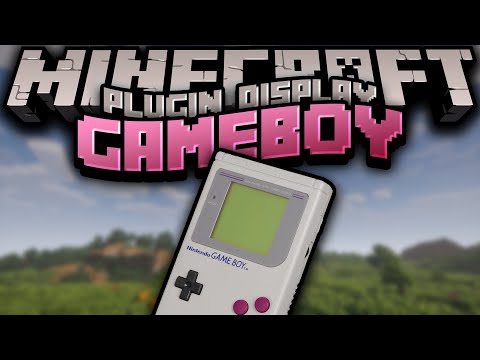
2.0.4Emulate gameboy and gameboy color games in your server

Please install ProtocolLib for a smoother experience
Now supports 90% of the games:
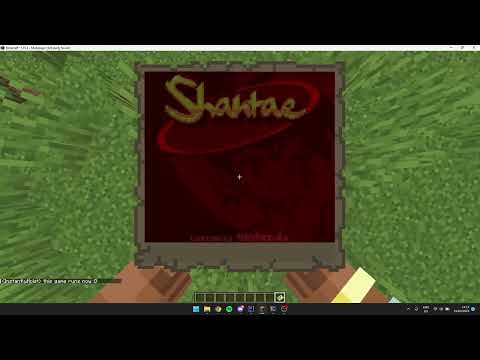
Relive the classic gaming experience with Gameboy, the ultimate plugin for Minecraft! Immerse yourself in the nostalgia of the Gameboy and Gameboy Color consoles, right within your Minecraft world. Simply place your legally obtained ROMs in the designated folder and use the command "/gameboy reload" to load them into the plugin. Then, with the permission "gameboy.play", launch your favorite games with the simple command "/gameboy play [name]". And the best part? Your game saves are unique to you, so your progress will always be saved. Download Gameboy now and bring back the fun!
Need help? Join my discord.
More images


Controls:
Jump-Key = A button
Right-Mouse-Click = B button
Swap-Item-Key = Start Button
Q-Key = Select Button
WASD = Arrow keys
messages.yml:
already-running: "&cAlready playing a game, stop by doing /gameboy stop"
click-to-play: "&7Click here to play %gamename%"
gamename-prefix: "&7"
instructions:
  - " "
  - "&7Type /gameboy play 'name' to play a game!"
  - " "
  - "&7Unsure how the plugin works? Join my discord: &7https://kyllian.nl/discord"
no-game: "&cNo running game!"
no-games:
  - "&7No games found!"
  - " "
  - "&7Need help installing them? Join my discord: &7https://kyllian.nl/discord"
no-permission: "&cYou don't have permission to do this!"
not-found: "&cGame not found"
now-playing-normal: "&aNow playing %gamename% type /gameboy stop to stop playing"
now-playing-protocollib: "&aNow playing %gamename% sneak to stop playing!"
playable: "&7The current games you can play are: "
player-only: "&cThis command is only executable via a player"
stopped: "&aStopped game succesfully!"
ULTRA PERFORMANCE UPDATE
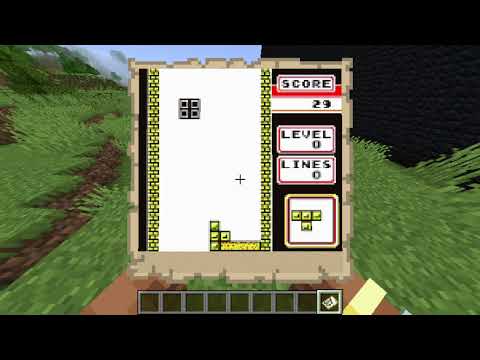
Showcase of the plugin (Thanks to @DerVillion )
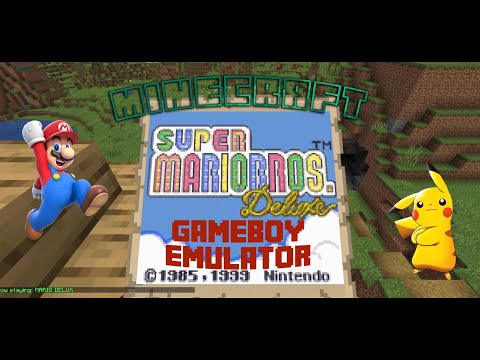
Showcase of the plugin (Thanks to @ericbarbwire)

Similar projects
Plugin →Let Me Despawn
Improves performance by tweaking mob despawn rules. Say bye to pesky unintentional persistent mobs.
26.2MSueta
JourneyMap
Real-time map used for mapping in-game or your browser as you explore.
14.7MSueta
Emotecraft
Create your own emotes in Minecraft.
7.9MSueta
Simple Tpa
A simple tpa plugin which sends requests
5.4MSueta
Common Network
Forge and Fabric Unified Networking Solution
4.7MSueta
Set Home
A lightweight plugin for players to set their homes.
3.8MSueta