
GGQOL
26.2Quality of Life plugin for Minecraft 26.2. Adds instant smelting, auto replant, bulk crafting, armored elytra, inventory totem, silk touch block recovery, scrollable bundles, and 15+ more configurable
GoofyGoober's Quality of Life (GGQOL) 26.2
GGQOL is a Paper/Folia plugin for survival servers. It removes wait time, repeated clicks, and item unpacking from common vanilla tasks. Each feature is controlled from config.yml.
Most inventory features can read from shulker boxes and bundles. Bundle searches have a depth limit so nested bundles do not run forever.
This README covers GGQOL 26.2 for Paper and Folia servers running Java 25.
Requirements
- Paper, Folia, or a compatible Paper/Folia fork for Minecraft 26.2
- Java 25 or newer
- PacketEvents, required for bundle scrolling
- Minecraft 26.2
There are no commands and no permissions. Install the plugin and the PacketEvents jar, then start the server once to generate config.yml.
Feature list
| Feature | Default | Main setting |
|---|---|---|
| Instant furnaces, smokers, and blast furnaces | on | instant-furnace, instant-smoker, instant-blast-furnace |
| Instant brewing stands and campfires | on | instant-brewing-stand, instant-campfire |
| Auto replant | on | auto-plant |
| Bone meal max grow | on | bonemeal-max-grow |
| Animal changes | on | instant-animals |
| Villager trade and cure changes | on | villagers-reset-trade-cooldown, villagers-instant-cure |
| Bulk crafting | on | bulk-crafting |
| Bulk villager trading | on | villagers-bulk-trading |
| Anvil XP cap removal | on | anvil-unlimited-repair-cost |
| Armored elytra | on | armored-elytra |
| Tool and armor break protection | on | prevent-tool-break, prevent-armor-break |
| Inventory totems | on | inventory-totem |
| Silk Touch block recovery | on | silk-touch-recover-blocks |
| Sea pickle fast place | on | sea-pickles-fast-place |
| Bundle scroll | on | bundle-scroll |
| Mud spread | on | mud-spread |
| Concrete powder in water | on | concrete-powder-in-water |
| Piston farmland protection | on | piston-protect-farmland |
| Piston and flying-machine harvest drops | always on | No setting |
Instant smelting and processing
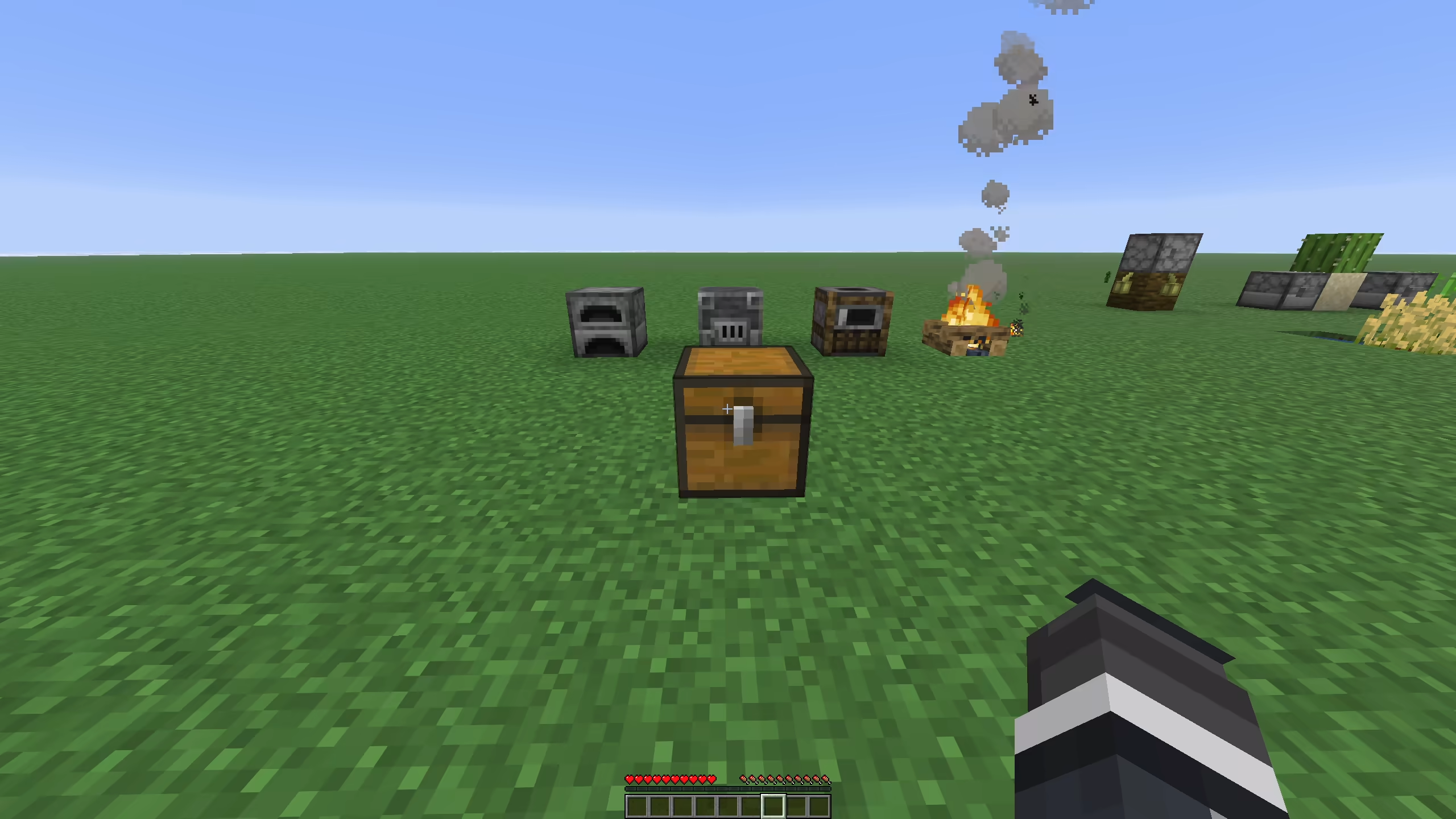
Furnaces, smokers, and blast furnaces cook all valid input they can finish with the fuel available. The plugin checks the matching Bukkit cooking recipe, the current output stack, cook progress, burn time, and output stack limit before it changes the inventory.
fuel-cost-multiplier multiplies the cook time cost before fuel is consumed. With the default value of 2.0, a recipe uses twice the normal fuel time. The plugin spends existing burn time first, then consumes fuel items from the fuel slot.
safe-fuel-mode controls unknown fuels. When it is on, the plugin only uses burn times learned from real furnace burn events. When it is off, it can guess common burn times for fuels that Bukkit has not reported yet.
Instant furnace, smoker, and blast-furnace processing records the recipe XP in the block. Players receive the stored XP normally when they remove the cooked output, including output completed in bulk by the plugin.
Brewing stands and campfires use their server events to set brew or cook time to 1 tick.
| Setting | Default | Notes |
|---|---|---|
instant-furnace | true | Enables instant furnace recipes |
instant-smoker | true | Enables instant smoker recipes |
instant-blast-furnace | true | Enables instant blast furnace recipes |
instant-brewing-stand | true | Sets brewing time to 1 tick |
instant-campfire | true | Sets campfire cook time to 1 tick |
fuel-cost-multiplier | 2.0 | Multiplies fuel time used |
safe-fuel-mode | true | Avoids guessed burn times |
Auto replant
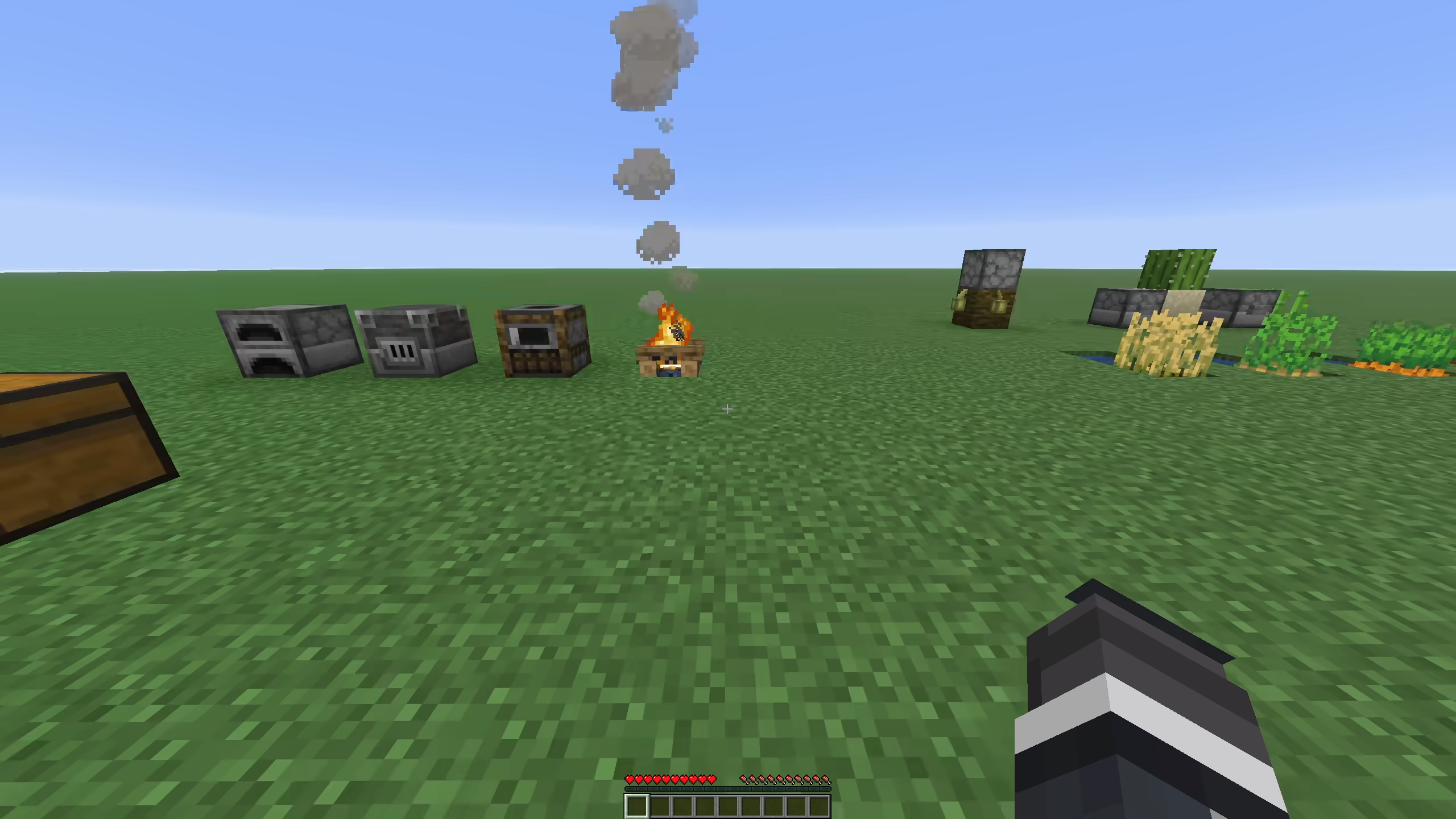
When a supported fully grown crop is broken, the plugin removes one seed or crop item, stores the harvest, and replants the crop. It uses the drops first. If the drops do not include the needed seed, it checks the player inventory, shulker boxes, and bundles based on config.
The replant task retries once per tick up to replant-tries. This helps when another plugin or server timing delay leaves the block occupied for a tick.
Supported normal crops:
- Wheat
- Carrots
- Potatoes
- Beetroot
- Nether Wart
- Torchflower crop
- Pitcher crop
- Melon stems
- Pumpkin stems
Sugar cane and cactus are handled as columns. If the broken block is the base of a multi-block column and the base can be replanted, the full column is removed and one block is replanted. Cactus flowers attached above the cactus column are removed with the cactus. Sugar cane is only replanted on valid soil next to water or a waterlogged block. Cactus is only replanted on sand or red sand with clear sides.
Harvest drops go to the player inventory first. If the inventory is full, auto plant can store leftovers in bundles and shulker boxes before dropping the rest.
| Setting | Default | Notes |
|---|---|---|
auto-plant | true | Enables crop and column replanting |
auto-plant-allow-creative | false | Allows the feature in creative mode |
auto-plant-use-shulkers | true | Reads seeds and stores drops in shulker boxes |
auto-plant-use-bundles | true | Reads seeds and stores drops in bundles |
auto-plant-bundle-max-depth | 4 | Bundle nesting depth |
replant-tries | 120 | Replant attempts, one per tick |
Bone meal max grow
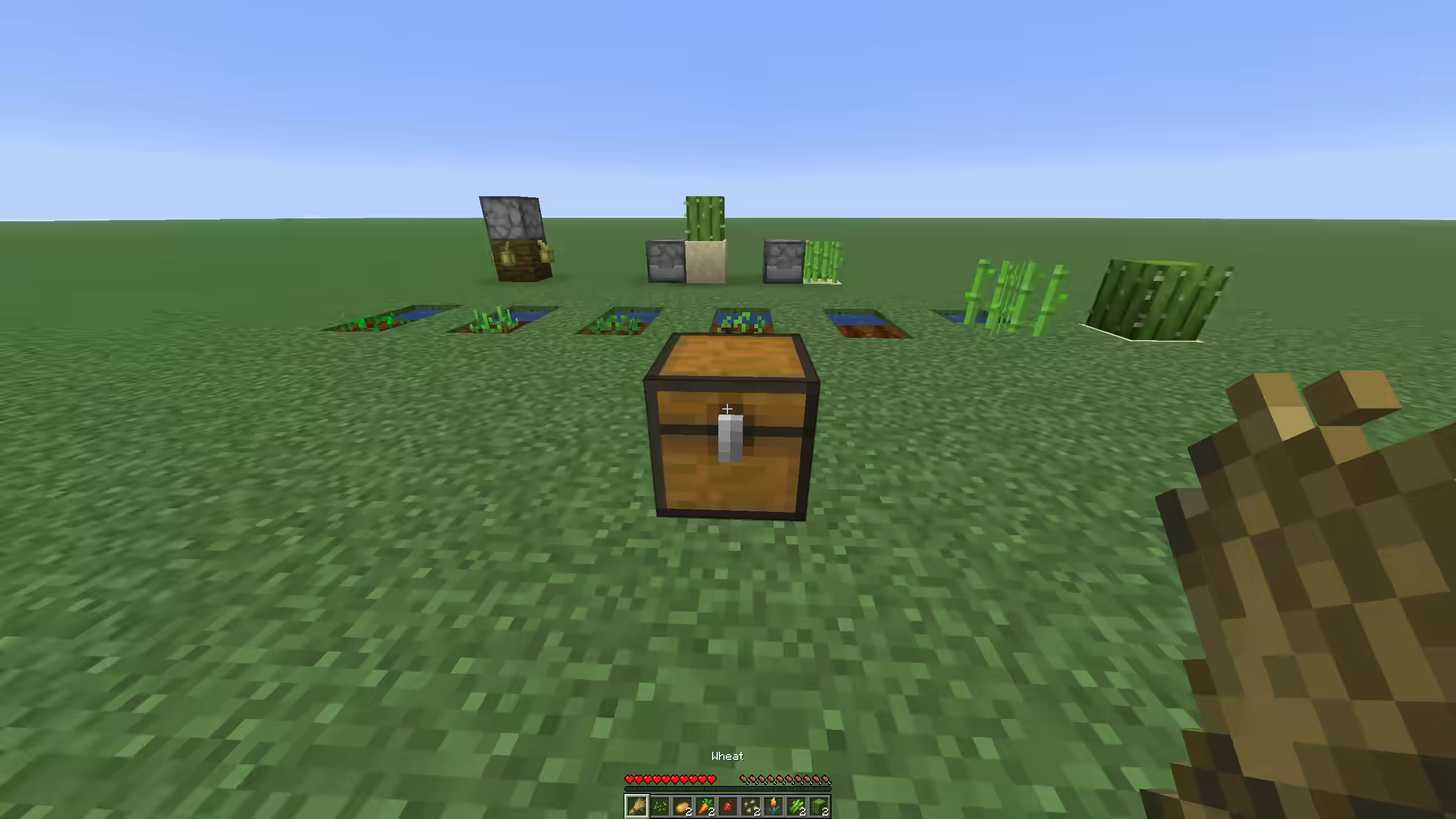
One bone meal use pushes a target to its max state if it can grow. The plugin only consumes bone meal when something changes.
Supported cases include age-based crops, torchflower crops, pitcher crops, melon stems, pumpkin stems, sugar cane, cactus, bamboo, bamboo saplings, and saplings. Saplings can grow into trees, including 2x2 trees when the saplings are placed that way.
Bone meal also works from dispensers. If a dispenser uses bone meal and nothing can grow, the bone meal item is dropped from the dispenser instead of being consumed.
You can also bone meal the block a crop is attached to in some cases. For example, bone meal on a support block can find an age-based plant, cave vine, or directional crop attached to that block. The plugin skips containers, workstations, redstone controls, beds, doors, signs, cauldrons, anvil blocks, brewing stands, furnaces, and other blocks that should keep their normal right-click behavior.
| Setting | Default | Notes |
|---|---|---|
bonemeal-max-grow | true | Enables one-use max grow |
bonemeal-bamboo-cap | 16 | Max bamboo height |
bonemeal-sugar-cane-cap | 3 | Max sugar cane height |
bonemeal-cactus-cap | 3 | Max cactus height |
Animal changes
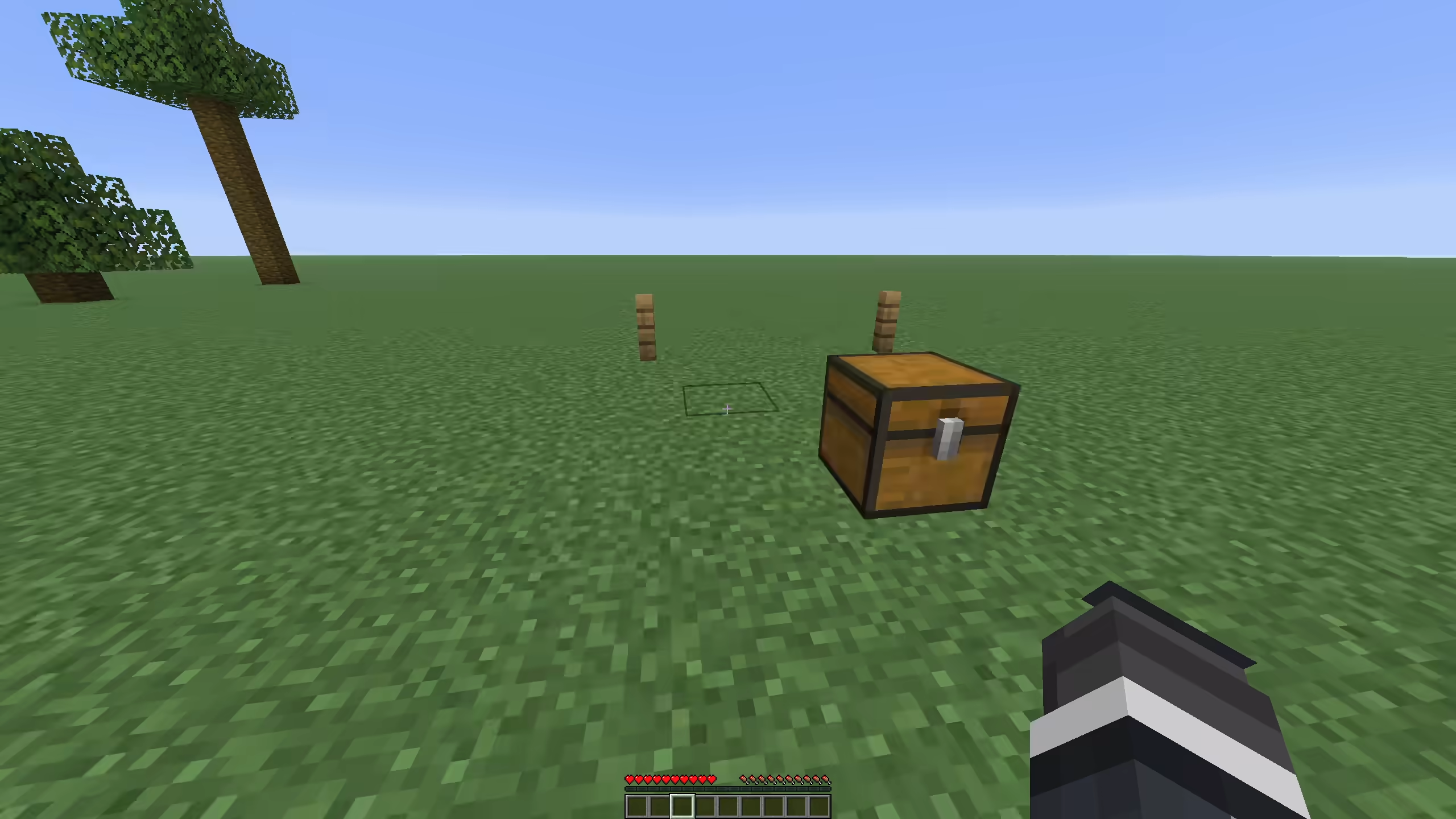
instant-animals is the master switch for animal changes.
When animals-instant-tame is on, right-clicking an untamed tameable mob sets the player as its owner and plays heart particles. The code does not require a specific taming item.
When animals-instant-grow is on, babies from breeding grow up right away. Chickens spawned from thrown eggs also grow up right away.
When animals-reset-breed-cooldown is on, the parents can breed again after a successful breed event.
Animal feeding can use more than one food item per feed action. If animals-feed-uses-multiplier is on, the food cost is ceil(fuel-cost-multiplier), clamped from 1 to 64. With the default multiplier of 2.0, breeding food costs 2 items. The extra food can come from shulker boxes and bundles.
| Setting | Default | Notes |
|---|---|---|
instant-animals | true | Master switch |
animals-instant-tame | true | Right-click tames tameable mobs |
animals-instant-grow | true | Babies become adults |
animals-reset-breed-cooldown | true | Parents can breed again after breeding |
animals-feed-uses-multiplier | true | Food cost follows fuel-cost-multiplier |
animals-feed-use-shulkers | true | Reads extra food from shulker boxes |
animals-feed-use-bundles | true | Reads extra food from bundles |
animals-feed-bundle-max-depth | 4 | Bundle nesting depth |
Villager changes
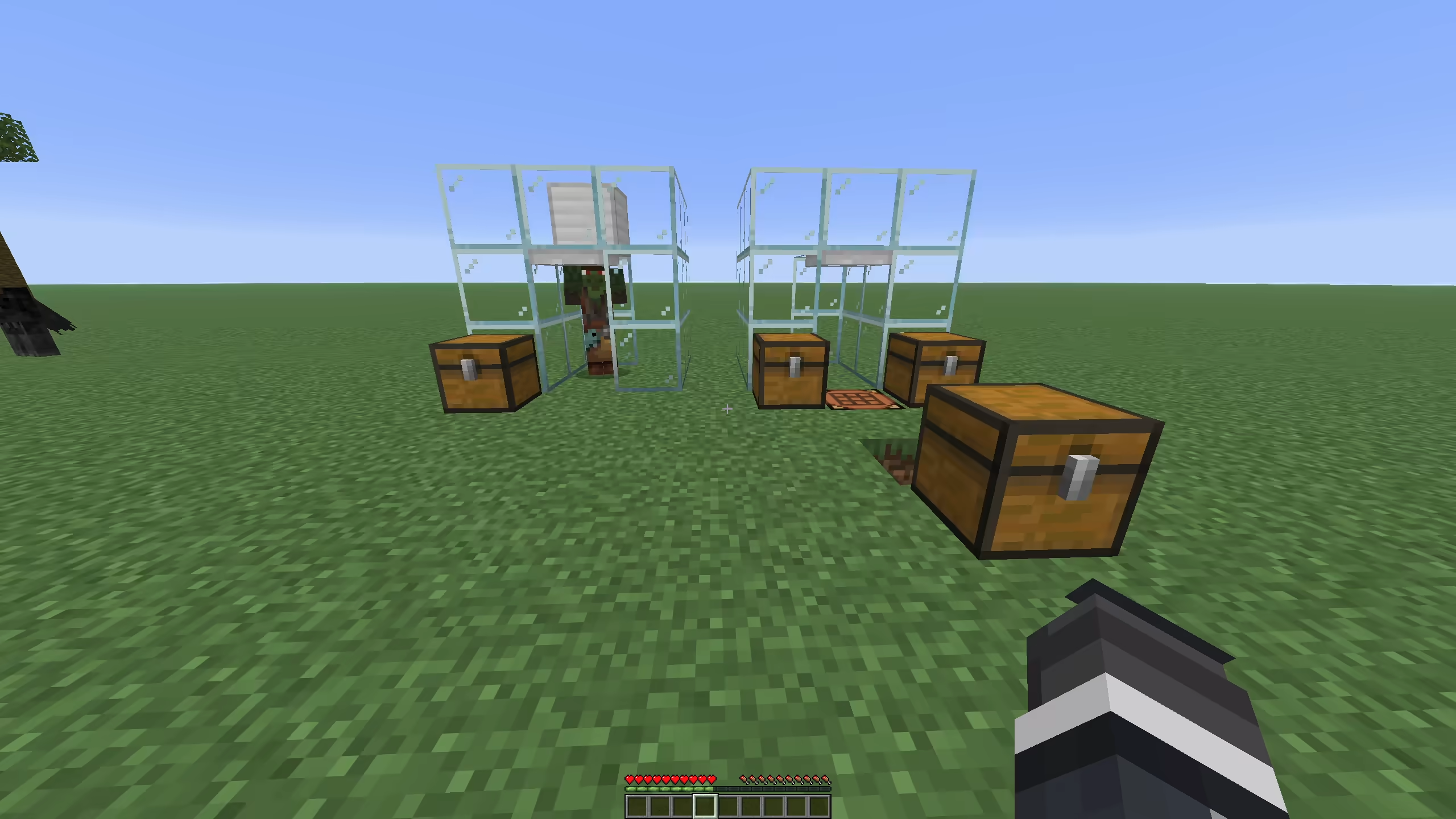
Opening or interacting with a villager clears major and minor negative reputation for that player. This removes punishment from bad gossip.
When trade reset is enabled, villager recipe uses, demand, max uses, and positive special price are reset when the trade menu opens or the villager is interacted with. This keeps trades from locking.
Zombie villagers that are already converting finish at 1 tick when loaded. If a player uses a golden apple on a weakened zombie villager, the plugin marks the player and forces conversion time to 1 tick after vanilla starts the conversion. After cure, it applies cure reputation values of 20 major positive and 25 minor positive for that player.
When a villager job site block is placed, the nearest adult unemployed villager in range gets that block as a potential job site. The default range is 1 block. Job assignment is scheduled for the next tick.
Job site blocks covered by the code are barrel, blast furnace, brewing stand, cartography table, cauldron, composter, fletching table, grindstone, lectern, loom, smithing table, smoker, and stonecutter.
| Setting | Default | Notes |
|---|---|---|
villagers-reset-trade-cooldown | true | Resets trade uses, demand, max uses, and positive special price |
villagers-instant-cure | true | Forces zombie villager conversion time to 1 tick |
villagers-instant-workbench-update | true | Assigns nearby unemployed villagers to new job sites |
villagers-instant-workbench-range | 1 | Search range around the job site block |
Bulk crafting
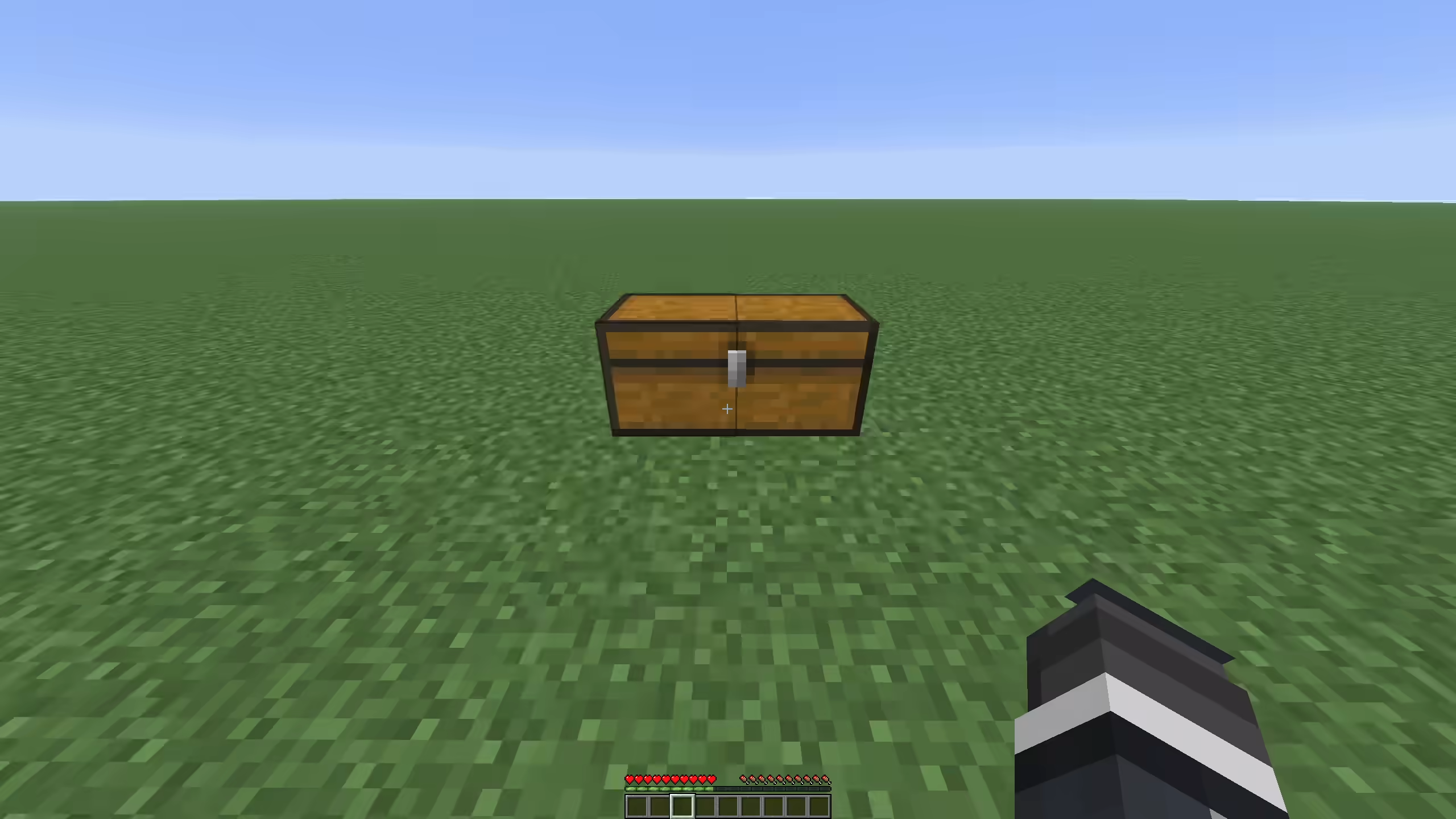
Bulk crafting uses the recipe book "make all" click in a 2x2 player crafting grid or 3x3 crafting table. It only runs when the crafting matrix has at least one full stack, the shown recipe matches the matrix, and the recipe is shaped or shapeless.
The plugin counts how many crafts can be made from the crafting matrix, player inventory, shulker boxes, and bundles. It then consumes the inputs and gives the result. Leftover container items, such as buckets from a recipe, are returned to the player or dropped at the player's feet if the inventory is full.
| Setting | Default | Notes |
|---|---|---|
bulk-crafting | true | Enables recipe book make-all bulk craft |
bulk-crafting-use-shulkers | true | Reads inputs from shulker boxes |
bulk-crafting-use-bundles | true | Reads inputs from bundles |
bulk-crafting-bundle-max-depth | 4 | Bundle nesting depth |
Bulk villager trading
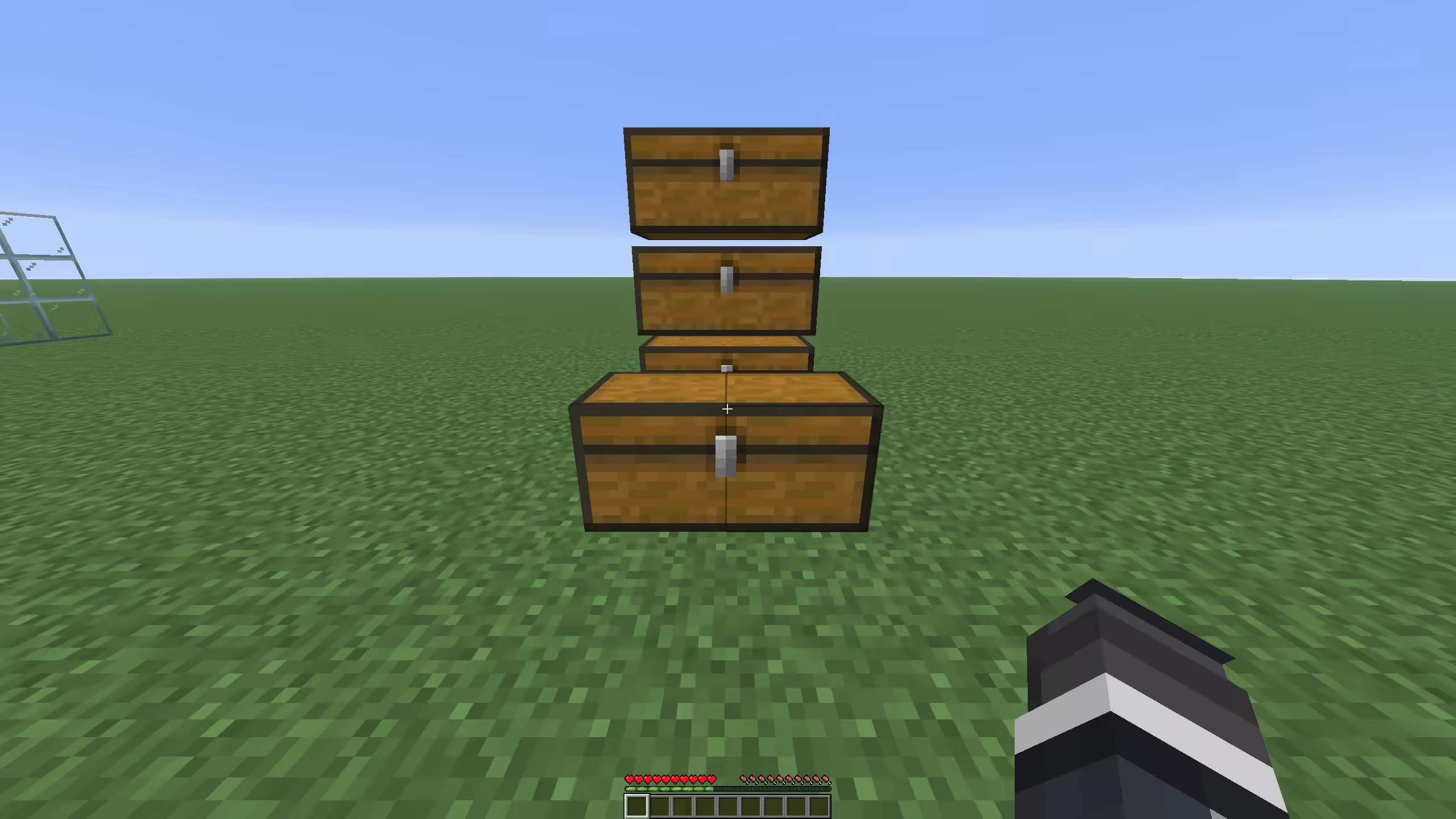
Bulk trading runs when the player selects the same villager trade twice within villagers-bulk-trading-double-click-ticks. The default is 10 ticks, which is half a second.
The plugin checks the selected trade, the merchant input slots, the player inventory, shulker boxes, and bundles. It runs as many trades as the inputs and remaining trade uses allow, then gives the result items. Villager XP and level progress are applied for the bulk trades.
Player trade XP is emitted as one-point orb units for both normal and bulk trades. This keeps the reward proportional to the number of trades and allows the XP to work with Mending.
If villagers-bulk-trading-drop-over-64 is true, the player keeps one max stack of the result and the rest is dropped at the player's feet. This keeps bulk trades from filling the whole inventory with one trade result.
| Setting | Default | Notes |
|---|---|---|
villagers-bulk-trading | true | Enables double-select bulk trading |
villagers-bulk-trading-use-shulkers | true | Reads inputs from shulker boxes |
villagers-bulk-trading-use-bundles | true | Reads inputs from bundles |
villagers-bulk-trading-bundle-max-depth | 4 | Bundle nesting depth |
villagers-bulk-trading-drop-over-64 | true | Keeps one stack, drops the rest |
villagers-bulk-trading-double-click-ticks | 10 | Double-select window |
Anvil changes
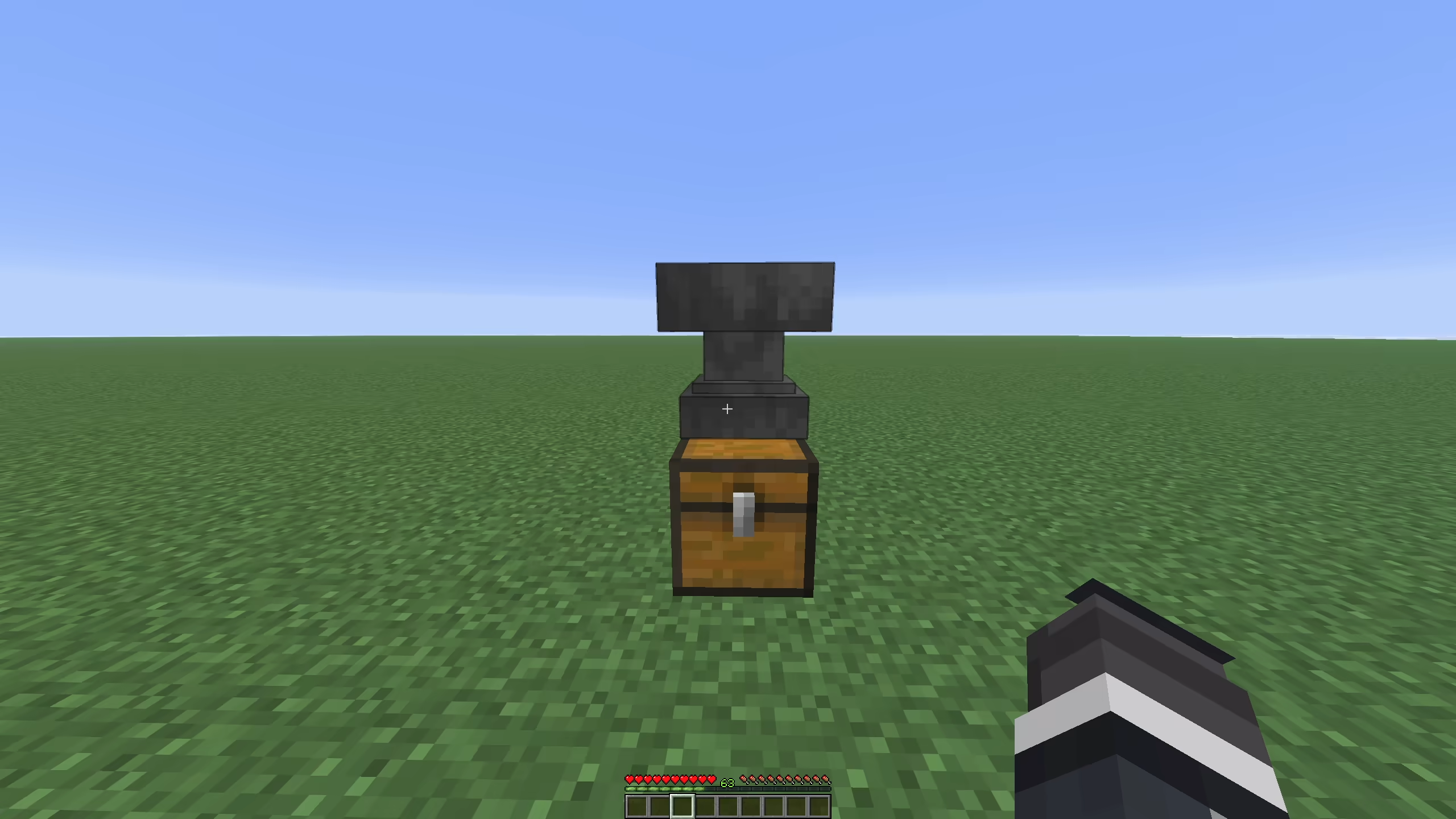
When anvil-unlimited-repair-cost is on, the plugin sets the anvil maximum repair cost from config. The default is 2147483647, which removes the practical vanilla cap.
The anvil result item gets a temporary lore line in the result slot: Cost: N le
Similar projects
Config →VeinMiner
Mine the whole vein on mining a single ore/block. Make the tedious mining experience to something satisfying and fun! FTB Ultimine alternative
99.3MSueta
Simple Voice Chat
A working voice chat in Minecraft!
76.8MSueta
Chunky
Pre-generates chunks, quickly and efficiently
18.4MSueta
VeinMiner Enchantment
Veinminer Addon - Adds vineminer enchantment to enchanting tables. Only tools with the enchantment can veinmine
18MSueta
JourneyMap
Real-time map used for mapping in-game or your browser as you explore.
14.7MSueta
WorldEdit
A Minecraft Map Editor... that runs in-game! With selections, schematics, copy and paste, brushes, and scripting. Use it in creative, or use it temporarily in survival.
11.6MSueta