
Gizmo | Custom Welcome Screen + More
2.0.0A unique utility plugin. Display a custom welcome screen, fullscreen fades, and more!
Gizmo requires ProtocolLib and a server resource pack containing Gizmo's assets.
PlaceholderAPI, Nexo, ItemsAdder, and Oraxen are optional integrations.

DISCORD | REQUEST A FEATURE | ASSETS
Gizmo is a resource pack driven screen system for Minecraft servers. Create polished welcome, rules, guide, and information screens with custom layouts, clickable items, navigation, conditions, messages, commands, sounds, and fades; all without ever clearing or modifying a player's real inventory.

Fully customizable screens displayed after a player has loaded the required resource pack.
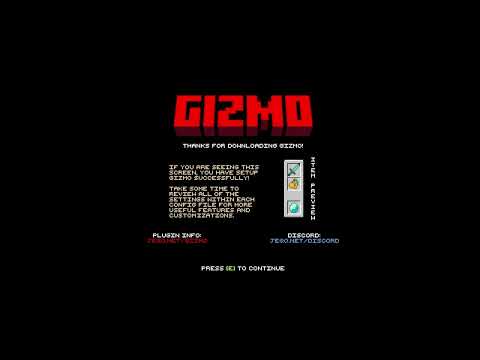
Optional full screen fade with configurable timing and per-screen background colors.
Per-screen close messages with multi-line and hex color support.
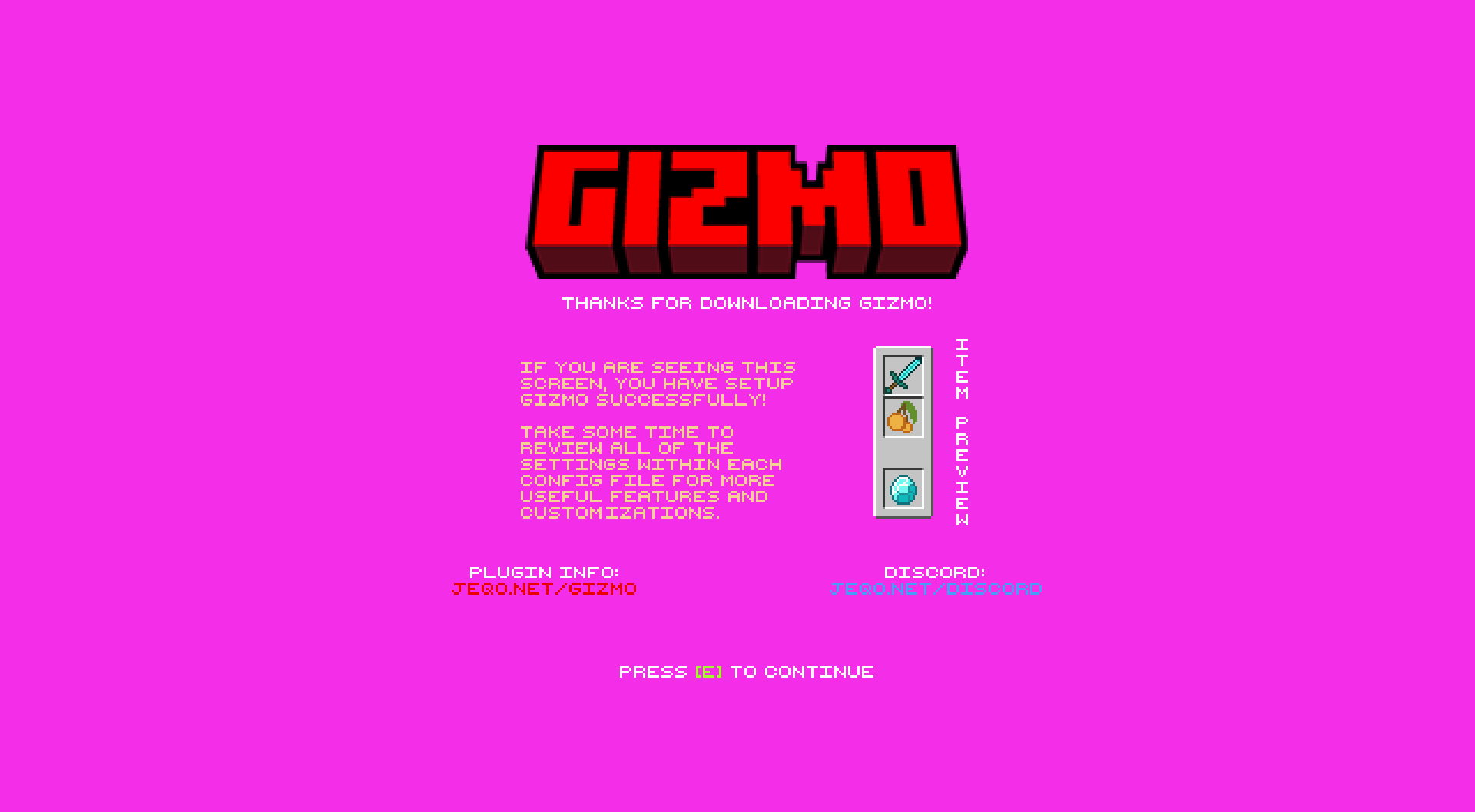
Per-screen background colors; no resource pack rebuild needed to adjust the color.
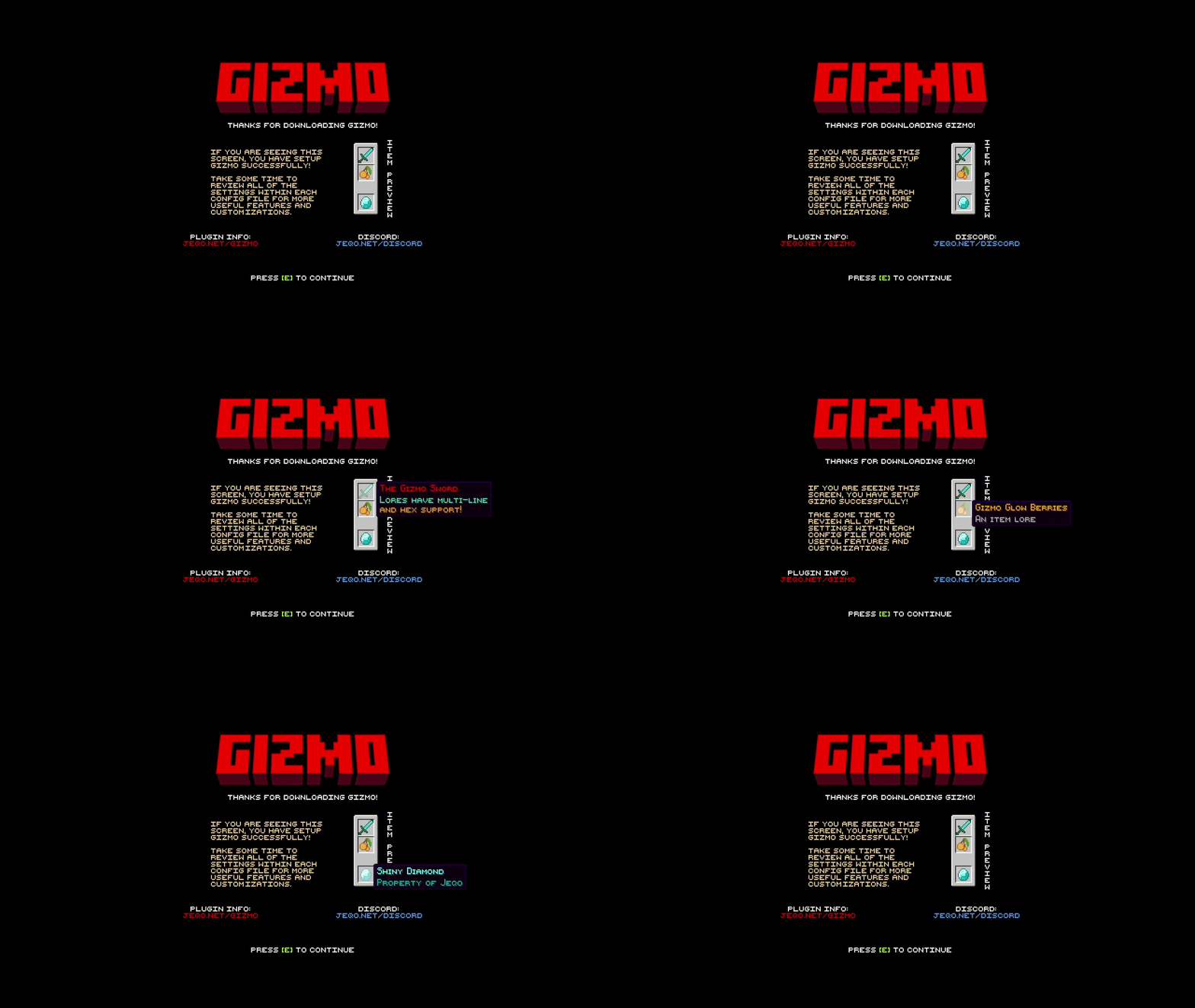
Add up to 54 screen items per screen, including custom model data, lore, actions, navigation, and conditions.
INSTALLATION
- Install a ProtocolLib.
- Install Gizmo.jar in your server's
pluginsfolder. - Apply or merge the provided Gizmo resource pack.
- Start the server once to generate Gizmo's configuration files.
- Configure
screens.yml, then restart or run/gizmo reload.
Important: Gizmo's assets must be included in the pack the player actually receives. Detecting Nexo, ItemsAdder, or Oraxen does not merge Gizmo assets into their pack automatically.
Nexo / ItemsAdder / Oraxen: Merge Gizmo assets into the provider-generated pack, regenerate it, and ensure that pack is sent to joining players.
FEATURES
- Named, reusable screens — define as many screens as needed and assign them to events.
- Join and first-join events — first-time players can receive their own screen, layout, colors, actions, and items.
- Screen navigation — use an item to open another configured screen without firing the previous screen's close actions.
- Conditions — restrict events, screens, or items by permission and world.
- 54 safe screen slots — Gizmo never clears, saves, restores, or writes to the player's actual inventory.
- ProtocolLib inventory masking — player inventory slots are hidden client-side while a screen is open.
- Custom items — material, slot, display name, lore, custom model data, and hidden item flags.
- Item actions — run player commands, console commands, or send messages from clicked items.
- Per-screen close actions — run commands, send messages, play sounds, and show a fade when a screen closes.
- Hex and legacy color support — supports
&and&#RRGGBBcolor formatting. - Resource-pack safeguards — optional blindness and invulnerability while the pack prompt is active.
- Decline handling — optionally kick players who decline or fail to download the required pack, with configurable multi-line text.
- Provider detection — supports vanilla server packs and detects Nexo, ItemsAdder, and Oraxen.
- Join/quit message controls — optionally hide standard server join and quit announcements.
- Config validation — validates screen mappings, layouts, item slots, materials, commands, navigation targets, sounds, and conditions at startup and reload.
- Once-per-restart screens — optionally show an event screen only once per player during a server session.
- Debug mode — resource-pack status diagnostics for troubleshooting.
SCREEN EXAMPLE
Events:
join:
enabled: true
screen: welcome
Screens:
welcome:
background: background
layout: welcome-screen
background-color: '&0'
conditions:
worlds:
- lobby
on-close:
messages:
- '7ff55Welcome to the server!'
items:
rules:
material: BOOK
slot: 22
name: '&#ffd54aRules'
lore:
- '&7Click to view the rules.'
open-screen: rulesSupported conditions:
permission— player must have one permission.permissions— player must have every listed permission.worlds— player must be in one of the configured worlds.
Supported action prefixes:
- '[console] give %player% diamond 1'
- '[player] warp spawn'
- '[message] 7ff55Welcome!'COMMANDS & PERMISSIONS
/gizmo help— Displays command help. Alias:/g help/gizmo reload— Reloads Gizmo configurations and validatesscreens.yml. Permission:gizmo.reload. Alias:/g rl/gizmo show— Shows the configured join screen to yourself. Permission:gizmo.show/gizmo show <player>— Shows the configured join screen to a player. Permission:gizmo.show/gizmo show <screen>— Shows a named screen to yourself. Permission:gizmo.show/gizmo show <screen> <player>— Shows a named screen to a player. Permission:gizmo.show/gizmo fade <in> <stay> <out>— Displays a fade to yourself. Times use ticks. Permission:gizmo.fade/gizmo fade <in> <stay> <out> <player>— Displays a fade to a player. Permission:gizmo.fade
All Gizmo commands can be run from console. Commands that would normally target yourself require a player target when run from console.
COMPATIBILITY
- Spigot/Paper 1.18–26.1+
- ProtocolLib is required; install a version compatible with your Minecraft server.
Troubleshooting: If no screen appears, first confirm that the player was accepted and successfully loaded a resource pack. If player inventory items appear in an open Gizmo screen, confirm ProtocolLib is installed, enabled, and compatible with your server version.
Similar projects
Plugin →Let Me Despawn
Improves performance by tweaking mob despawn rules. Say bye to pesky unintentional persistent mobs.
26.2MSueta
JourneyMap
Real-time map used for mapping in-game or your browser as you explore.
14.7MSueta
Emotecraft
Create your own emotes in Minecraft.
7.9MSueta
Simple Tpa
A simple tpa plugin which sends requests
5.4MSueta
Common Network
Forge and Fabric Unified Networking Solution
4.7MSueta
Set Home
A lightweight plugin for players to set their homes.
3.8MSueta