
Guiy
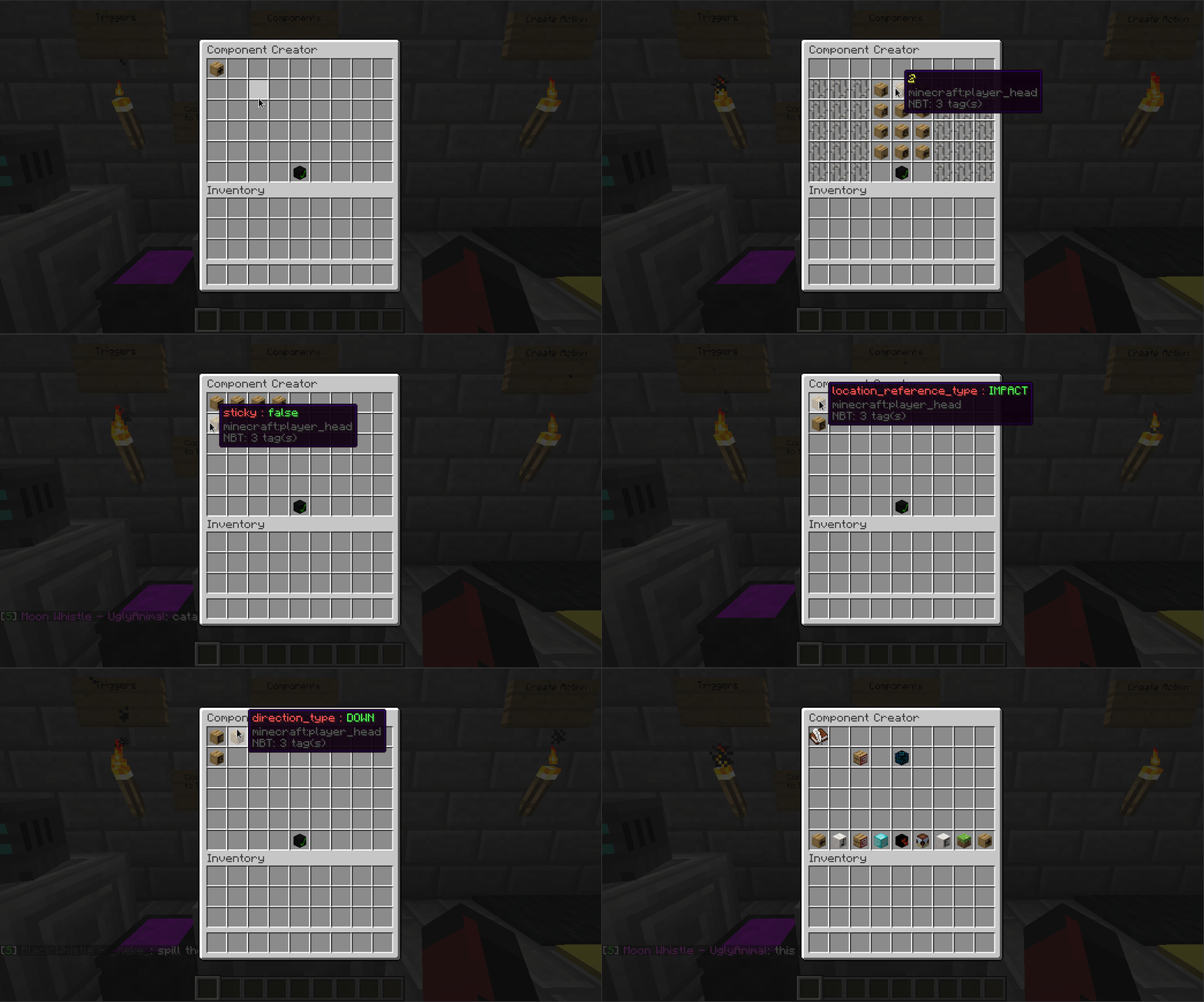
Guiy is a general purpose library for creating chest GUIs. It is an easy
way to create navigatable guis with powerful functionality, such as
on click events and user input.
Guiy was written against minecraft version 1.13.2, but should work for higher
versions (and probably lower versions as well). If it doesn't work for something in
1.14 let me know and I'll take a look.
Guiy was made with creative mode in mind, so treats all clicks the same (clients in
creative mode do not distinguish between different types of inventory
click events).
Some Features
- Layout - Holds multiple other elements
- ClickableElement - Invokes a callback on click
- NumberInput - Input a (positive at the moment) floating point value
- BooleanInput - Input a boolean value
- FixedStringInput - Choose a single string from a list of possible strings
- VerticalScrollingElement - Allow vertical scrolling of an element
- ScrollingPallet - Horizontally scrolling element fixed at one slot high
- FillableElement - Allows adding other elements to it at next available position
Examples
Guiy abstracts the chest GUI into a number of elements. Most elements
wrap other elements to provide additional functionality. A root element
is added to a [code single]GuiHolder[/code], and item holder that passes all click events
through the element tree.
You must register an [code single]InventoryClickEvent[/code] listener in your plugin which
wraps and passes click events to the holder. A simple listener is provided
in [code single]com.derongan.minecraft.guiy.GuiListener[/code]. You can register this if
you want.
Create simple view and swap to a new view
Layout secondView = ...
Layout firstView = new Layout();
Element cell = Cell.forMaterial(Material.DIAMOND_BLOCK, "Button");
ClickableElement button = new ClickableElement(cell);

firstView.addElement(0, 0, button);

SwappableElement swappable = new SwappableElement(firstView);

button.setClickAction(clickEvent -> {
    swappable.swap(secondView);
});

GuiHolder guiHolder = new GuiHolder(6, "Gui with second view", firstView, yourPlugin);

guiHolder.show(player);
Handle numeric user input
Layout layout = new Layout();
Element cell = Cell.forMaterial(Material.DIAMOND_BLOCK, "Submit Number");
ClickableElement button = new ClickableElement(cell);
NumberInput numberInput = new NumberInput();

layout.addElement(4, 5, button);
layout.addElement(0, 0, numberInput);

button.setClickAction(clickEvent -> {
    numberInput.onSubmit();
});

numberInput.setSubmitAction(number -> {
    player.sendMessage(String.format("You entered %f", number));
});

GuiHolder guiHolder = new GuiHolder(6, "Gui with number input", layout, yourPlugin);

guiHolder.show(player);
Use with Gradle
repositories {
    maven {
        name = 'jitpack'
        url = "https://jitpack.io"
    }
}

dependencies {
    compile group: 'com.github.MineInAbyss', name: 'guiy', version: "master-SNAPSHOT"
}
Use with Maven
<repositories>
    <repository>
        <id>jitpack.io</id>
        <url>https://jitpack.io</url>
    </repository>
</repositories>

<dependency>
    <groupId>com.github.MineInAbyss</groupId>
    <artifactId>guiy</artifactId>
    <version>master-SNAPSHOT</version>
</dependency>
Advanced - Protobuf Support
This is probably very specific to the problem I was solving when I made Guiy, but guiy supports Protocol buffer inputs out of the box.
Say we have the following protocol buffer definition:
package com.something.test.proto;

message Thing {
    enum Color{
        RED = 0;
        BLUE = 1;
        YELLOW = 2;
    }

    Color color = 1;
    double value = 2;
}
We can create an input that will create a message for this type like so:
// Construct the initial message state. Values will be preserved if unchanged.
Thing thing = Thing.newBuilder().setValue(2).build;
ProtobufInput<Thing> protobufInput = new ProtobufInput<>(thing);

thing.setSubmitAction(newThing -> {
    // newThing is a message of type Thing.
});
Thanks
Many thanks to Daniel Saukel for Headlib, which
makes life so much easier.
Similar projects
Plugin →Let Me Despawn
Improves performance by tweaking mob despawn rules. Say bye to pesky unintentional persistent mobs.
25MSueta
JourneyMap
Real-time map used for mapping in-game or your browser as you explore.
14.7MSueta
Emotecraft
Create your own emotes in Minecraft.
7.5MSueta
Simple Tpa
A simple tpa plugin which sends requests
5.4MSueta
Common Network
Forge and Fabric Unified Networking Solution
3.9MSueta
Set Home
A lightweight plugin for players to set their homes.
3.8MSueta