
InteractionVisualizer | Visualize Function Blocks & Entities
2026.1.4Visualize Crafting Tables, Furnaces, Enchantment Tables and more with animations through packets!
Languages Repository: https://github.com/LOOHP/InteractionVisualizerLanguages
 Consider donating!
It helps me keep on supporting my plugins while keeping them free! Click me!
Looking for places to host your new Minecraft server? Look no further than BisectHosting! (25% off inside!)
Tell me more about hosting!

Before being a plugin developer, I've actually used BisectHosting before. Their servers run smoothly (when given enough RAM, of course) and they respond to their support tickets super fast, 24/7. They continued to assist me swiftly own downloading my data and worlds even after my server had expired!
With BisectHosting, you'll be able to get your own server in just a few clicks!
Interested? Then here's a deal for you!
Click the banner or the link below to get a 25% discount off your first month when buying any of their gaming servers!
It also supports my development as well, take it as an alternative way to donate while getting your very own Minecraft server as well!
P.S. Using the link or clicking the banner rather than the code supports me more! (Costs you no extra!)



If you disable any blocks or entities in the config, you MUST restart to see changes!
About
So in Minecraft, you click that crafting table and put things in, no one else knows what you are doing.. Aren't we supposed to be able to see that items pop up on the table logically?
With this plugin, you can! See items placed on the crafting table literally as players put them in in their GUI! And much more!
Features
1. Visualization!
Here are all the blocks and entities that have been visualized by InteractionVisualizer so far!
Want to watch videos instead of lovely gifs?
Video Showcases (English)
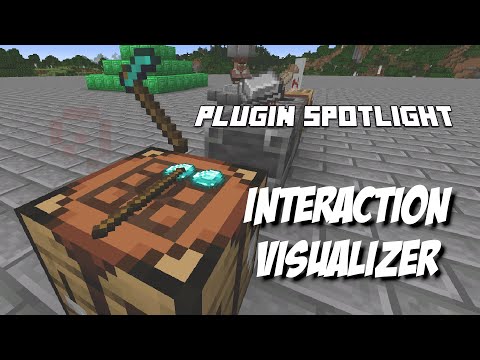
Here is an awesome walkthrough by MusicTechnician! (English)
Here is another one by ServerMiner! (English)
Video Showcases (Other Languages)
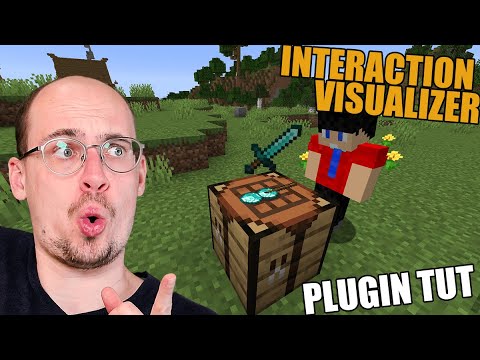
Yet another one by The BelgiumGames (Dutch)
CraftingTable & Crafter (Upward Facing Only)

Stonecutter

Grindstone

Anvil

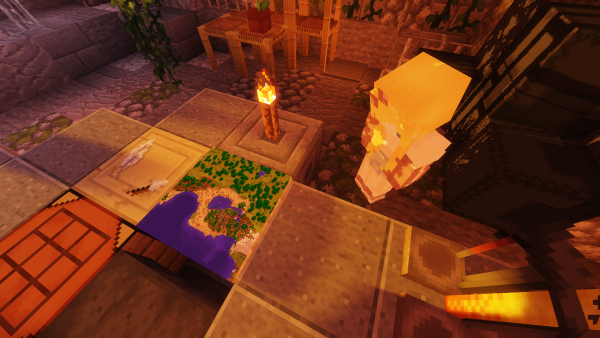
CartographyTable
EnchantmentTable
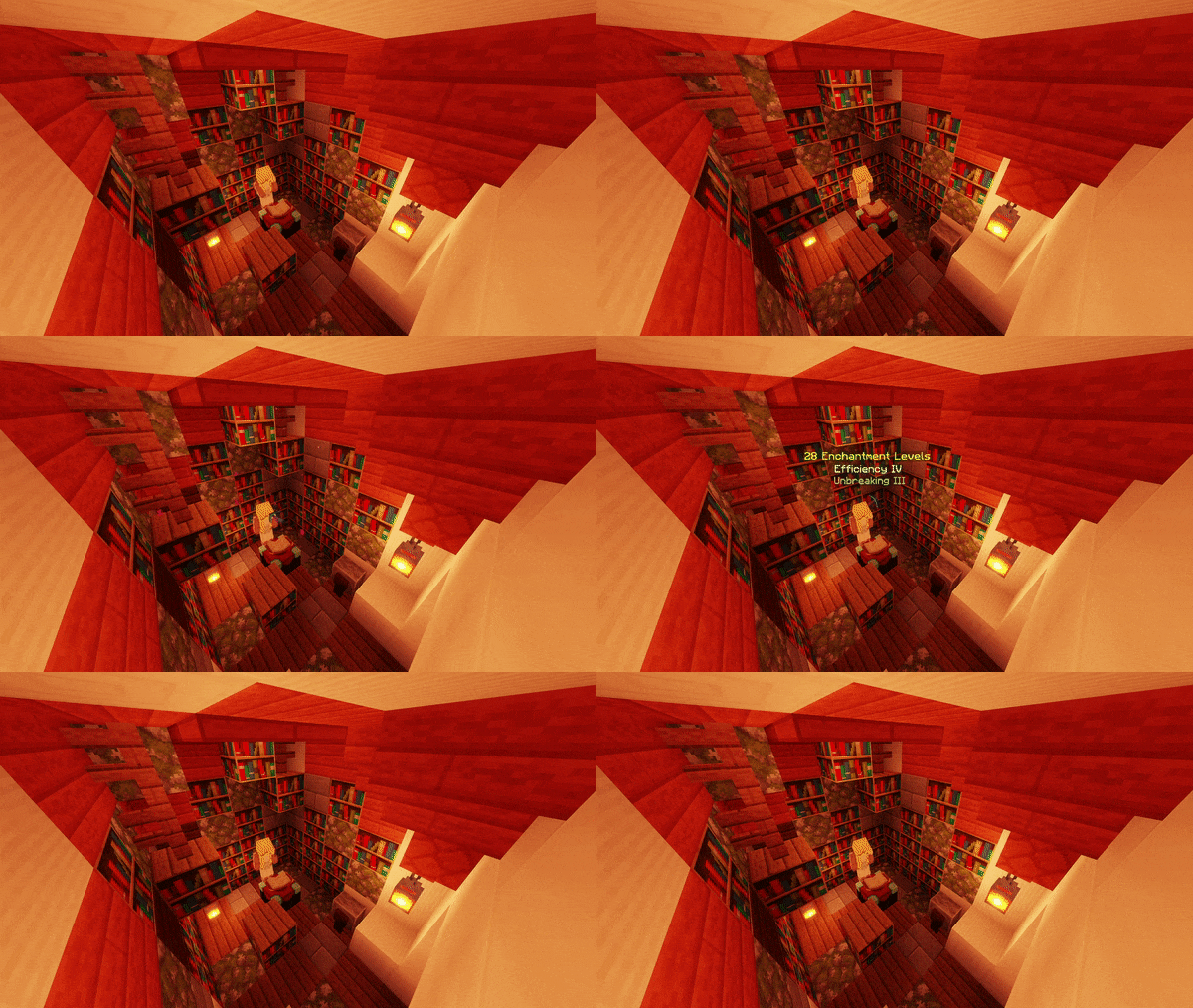
Furnace, BlastFurnace & Smoker

Campfire and SoulCampfire

BrewingStand

Loom

Chest, DoubleChest & EnderChest (Including Trapped Variants)

ShulkerBox, Barrel, Droppers, Dispensers & Hoppers

Beacon & Conduit

JukeBox

NoteBlock

BeeNests and BeeHives

Lectern

Spawner

Banner

Item
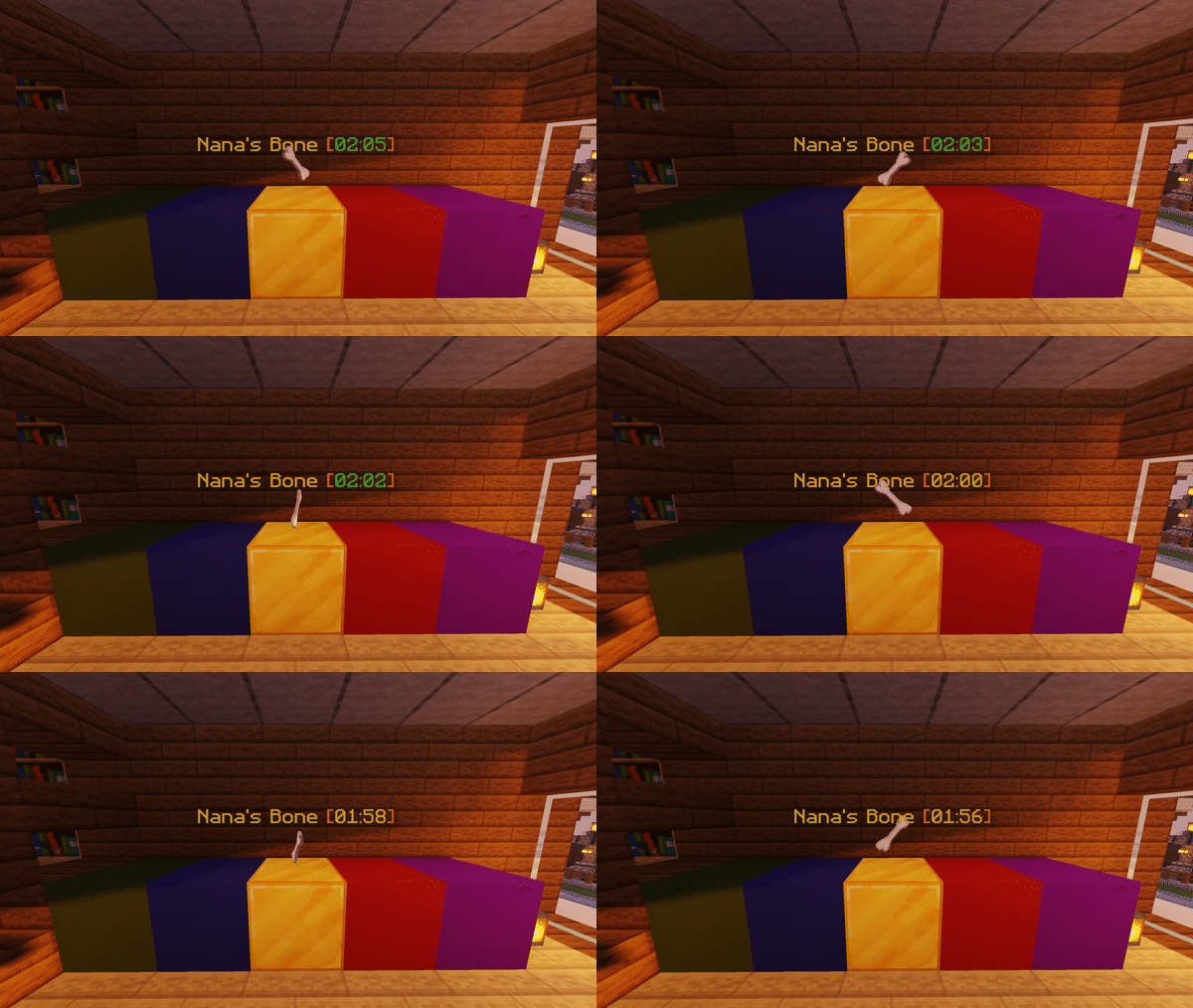
Villager

2. Client-Side!
- None of the blocks and items actually exists on the server!
- They can't be killed or removed by kill commands!
- They won't affect the world in any way!
3. Customization
- Each block display can be disabled in the config!
- Players can toggle a few options for themselves as well!
- Player toggle data can be saved in SQLite (default) or MYSQL
- Certain hologram text automatically uses each player's own client language!
- Many languages from the community! Just take a look! Click me!
Dependencies
- ProtocolLib [1.12.2 or below only] (Please install the latest version that is compatible with your server version)
- LightAPI Fork [1.16.5 or below only] (Not to be mistaken with the original LightAPI)
Supported Plugins
- OpenInv (With silent chest on, chest animations are disabled)
- SuperVanish & PremiumVanish (All animations are disabled while in vanish)
- CMI (All animations are disabled while in vanish)
- Essentials (All animations are disabled while in vanish)
Installation
1. Put InteractionVisualizer.jar and all required dependencies into the plugins folder
2. Start the server
3. Edit the config
4. Restart the server
Development Builds
Jenkins Link
Showcase Server
Want to give the plugin a try?
IP: mc.loohpjames.com
Q&A
How does /iv toggle works?
There are three modes in /iv toggle, they enable or disable certain mechanics used for the displays.
"itemstand" stands for any visual items that are created with armorstands (the ones that lay flat on the blocks and don't float like normal dropped items) and itemframes (i.e. the CartographyTable map)
"itemdrop" stands for any visual items that is a dropped item
"hologram" stands for all the floating text (e.g. furnace progress bar)
The player data used for /ic toggle is saved in the database.
I got an error saying that there are some problems while saving blockdata.json, what do I do?
This is most likely caused by the server not shutting down properly. But regardless of what is the cause of the problem, you can always go to the InteractionVisualizer plugin folder and replace the blockdata.json with one of the backups in the backup folder.
Placeholders
With the plugin PlaceholderAPI installed, you can get the toggle status of a player using placeholders, they are:
%interactionvisualizer_itemstand_<entry>%
%interactionvisualizer_itemdrop_<entry>%
%interactionvisualizer_hologram_<entry>%
If a player has enabled, for example, the "itemstand" module for the Crafting Table, %interactionvisualizer_itemstand_crafting_table% will return "enabled", if it is disabled, it will return "disabled"
API
InteractionVisualizer does provide an API for developers to create add-ons!
Check out the wiki page: https://github.com/LOOHP/InteractionVisualizer/wiki/Developer-API
Commands
/interactionvisualizer reload - Reloads the plugin
/interactionvisualizer refresh - Refresh all item displays for the player executing the command
/interactionvisualizer update - Check for updates
/interactionvisualizer toggle - Toggles display options
(/iv in short)
Permissions
interactionvisualizer.reload - Allows you to reload the plugin [default: op]
interactionvisualizer.refresh - Allows you to refresh displays [default: true]
interactionvisualizer.toggle - Allows you to toggle modules [default: true]
interactionvisualizer.toggle.others - Allows you to toggle modules for others [default: op]
interactionvisualizer.update - Allows you receive update messages [default: op]
Default Config
Latest Config with descriptions
Community Translated Configs
Check out the Repository!
Limitations
- The plugin might not work on Minecraft version 1.10.2 or below

Notes:
I only guarantee that the plugin works perfectly and with full features in the latest version of spigot and paper
Mainly because I am a student and my time is limited, sadly you can't live with just doing what you like, writing plugins, life just doesn't work like what we all wanted :(
Older versions are just "supported", so they might be missing a few features or hooks, but generally should work just fine.
Nevertheless, do your own testing to be sure, just like any other plugin in this forum.
Report problems on discord (recommended) or in the discussion, not in a review. Thanks :)
Similar projects
Plugin →Let Me Despawn
Improves performance by tweaking mob despawn rules. Say bye to pesky unintentional persistent mobs.
26.2MSueta
JourneyMap
Real-time map used for mapping in-game or your browser as you explore.
14.7MSueta
Emotecraft
Create your own emotes in Minecraft.
7.9MSueta
Simple Tpa
A simple tpa plugin which sends requests
5.4MSueta
Common Network
Forge and Fabric Unified Networking Solution
4.7MSueta
Set Home
A lightweight plugin for players to set their homes.
3.8MSueta