
Minecraft Status for WordPress
1.0.0use shortcodes to display server status and player count out of max players on your wordpress site
Minecraft Status for WordPress is a simple and lightweight plugin which easily can be installed on your wordpress website.
- Download the .zip file.
- Go to your wordpress admin page.
- Navigate to "plugins".
- Navigate to "install".
- Click on "upload plugin" and choose the .zip file you downloaded.
- After the upload has been finished, activate the plugin.
You are ready to go :-D... In your wordpress admin panel has been created a new menu endpoint called "Minecraft Status". Click on it in order to navigate to the setup page. There you can type in your server adress and port. Save your settings, now you can start spamming the shortcodes listed on the same page...
This wordpress plugin was developed based on php8.1 and wordpress 6.3.1..
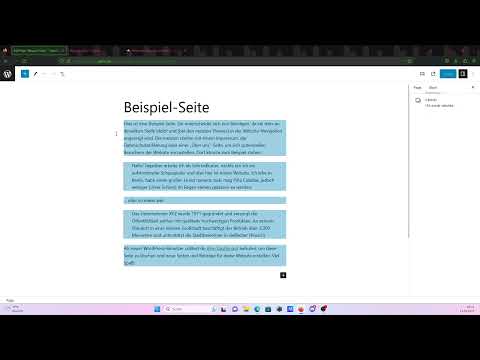
Step by Step Tutorial (english):
Similar projects
Plugin →Let Me Despawn
Improves performance by tweaking mob despawn rules. Say bye to pesky unintentional persistent mobs.
25MSueta
JourneyMap
Real-time map used for mapping in-game or your browser as you explore.
14.7MSueta
Emotecraft
Create your own emotes in Minecraft.
7.5MSueta
Simple Tpa
A simple tpa plugin which sends requests
5.4MSueta
Common Network
Forge and Fabric Unified Networking Solution
3.9MSueta
Set Home
A lightweight plugin for players to set their homes.
3.8MSueta