
Particle Video Player
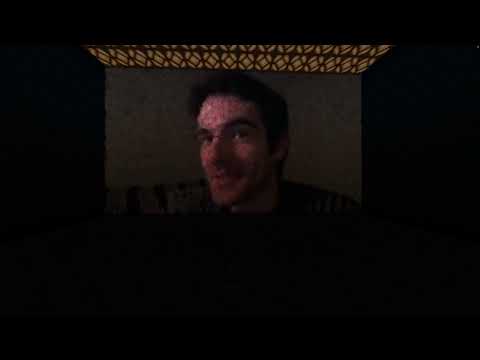
1.1Impress your friends by playing a video inside minecraft with particles.
IMPORTANT
- All the videos must have a 10 fps frame rate to be displayed correctly. (See FAQ)
- The video player renders 10 pixels each blocks, so a resolutions of 160x90 would be 16 by 9 blocks! (See FAQ)
Commands
To play a video just type /video play <fileName> <x> <y> <z> [audio]
If you put "audio" at the end, the plugin will play the sound of a door being broken by a zombie (minecraft:entity.zombie.break_wooden_door). Use this combined with a resource pack to let players hear audio. (A detailed step-by-step tutorial generates in the plugin's folder )
To stop the current playing video, type /video stop
Permissions
- particleplayer.play
- particleplayer.stop
Open FAQ
Where can i find assistance?
You may open a ticket in my discord support server.
How do I change a video's fps / resolution?
How do I make a compatible resource pack?
There are REALLY detailed step-by-step text tutorials that generate in the plugin's folder when you start your server.
Can I customise the plugin?
Not yet, tho I'm working on it!
How bad would it be if I were to make the video too large?
It shouldn't be too much of a problem. The server might crash, but that's it.
Please leave me a review (I'm begging you).
Similar projects
Plugin →Let Me Despawn
Improves performance by tweaking mob despawn rules. Say bye to pesky unintentional persistent mobs.
25MSueta
JourneyMap
Real-time map used for mapping in-game or your browser as you explore.
14.7MSueta
Emotecraft
Create your own emotes in Minecraft.
7.5MSueta
Simple Tpa
A simple tpa plugin which sends requests
5.4MSueta
Common Network
Forge and Fabric Unified Networking Solution
3.9MSueta
Set Home
A lightweight plugin for players to set their homes.
3.8MSueta