
Pixel Painter | [1.21.11 - 26.3]
2.0.2Turn images into block art with 305 block colors and persistent undo.
- Tested MC versions
- 1.21, 26.1, 26.2, 26.3
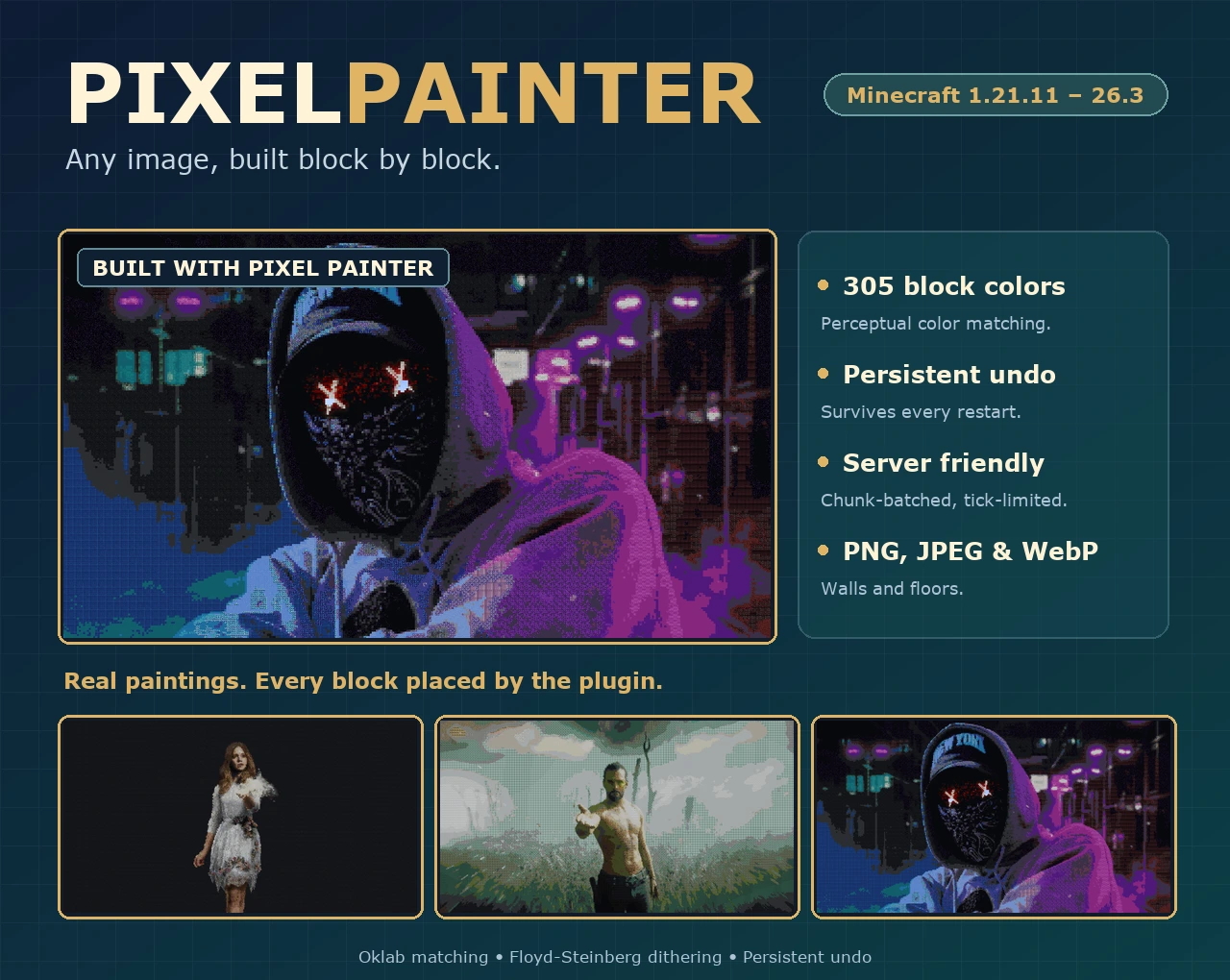
Pixel Painter
Any image, built block by block.
305 block colors · Persistent undo · PNG, JPEG and WebP
Turn images into Minecraft block art, then take it back whenever you like.
Read the documentation · Install in a minute · Browse the Javadocs
Pick an image, choose a height and a direction, and Pixel Painter builds it as a wall or a floor. Colors are matched the way the eye sees them, so portraits, logos and landscapes keep their character in blocks.
Preview the material list first, paint with a live progress bar, and undo the whole thing if it is not what you imagined. Version 2.0 is a complete rewrite.

Colors the way the eye sees them.
Every pixel is matched to the closest block with Oklab perceptual color matching, so the result looks right to people, not just to a formula. Turn on Floyd-Steinberg dithering for smoother gradients without extra materials.
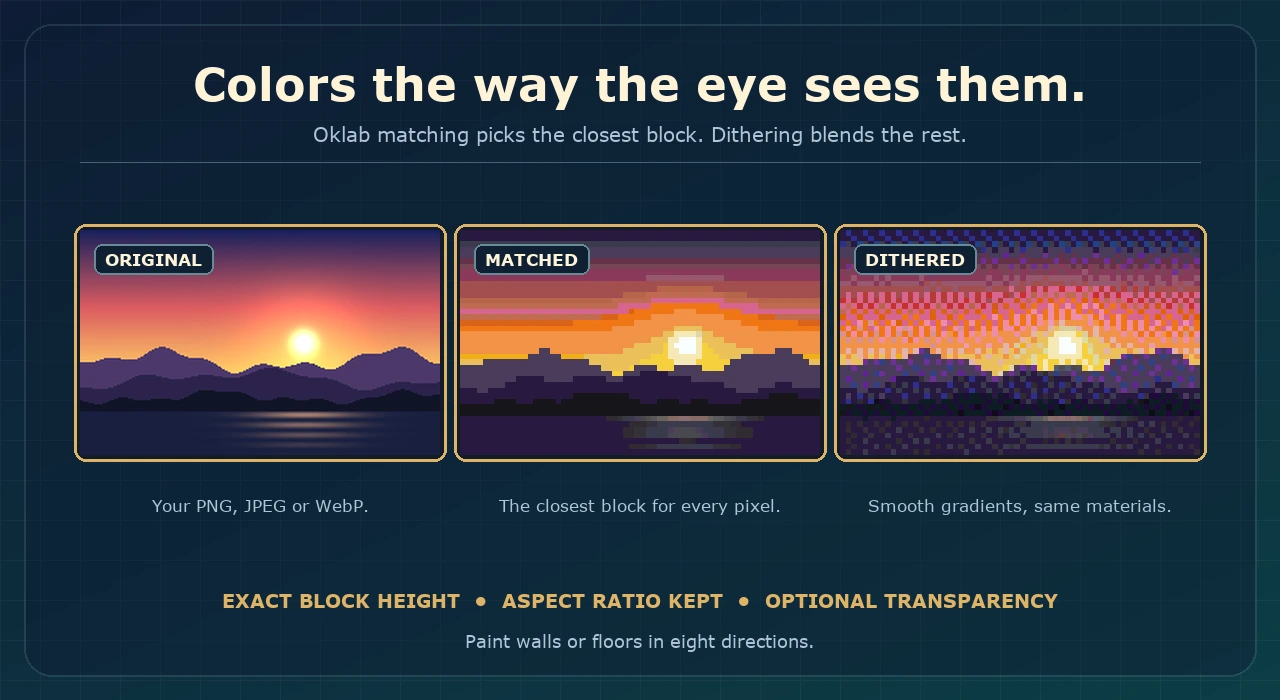
Walls and floors. Build upright or flat in eight directions. Size an image by exact block height, keep its aspect ratio and let transparent pixels preserve the terrain behind it.
Three formats. PNG, JPEG and WebP sources, with limits for width, height and file size that you control.
Creating paintings → · Palettes and dithering →
305 blocks. Only the stable ones.
The palette contains opaque, solid blocks that stay exactly as you built them. Glass and blocks that change on their own, such as unwaxed copper, mycelium and nylium, are never used. A finished painting does not decay, fall or turn into something else.
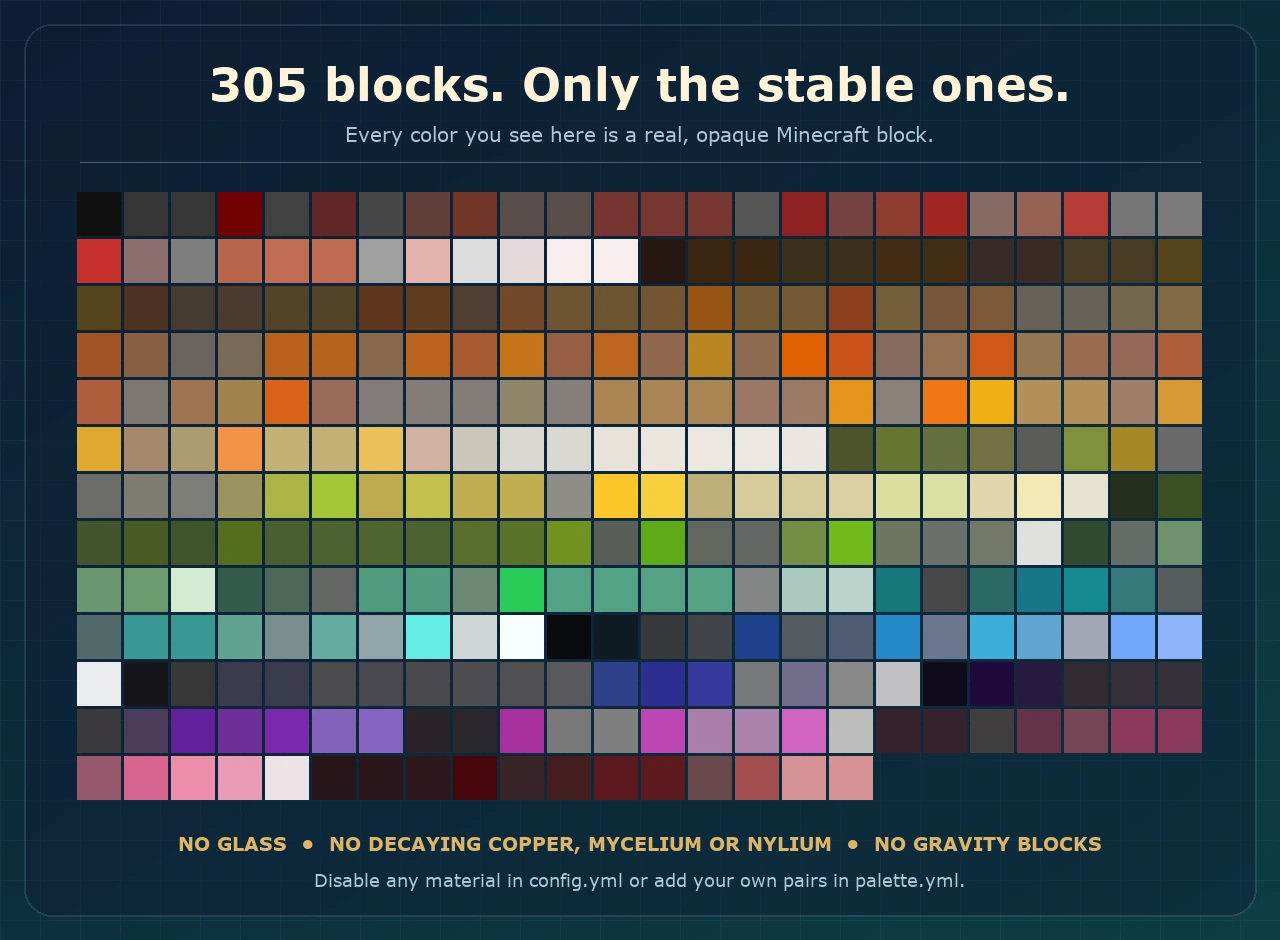
Make it yours. Disable materials globally, build a named palette for a single command, or add your own block and color pairs in palette.yml.
Changed your mind? Undo it.
Every painting is journaled to disk before the first block is placed. Undo restores the original blocks and their properties, even after you cancelled halfway, the server crashed or you restarted for an update.
- History. List your recent paintings and undo any of them by id.
- Cancel safely. Stop a running painting and restore it with one command.
- Recovery. Interrupted builds are detected on startup.
Built for busy servers.
- Chunk-batched painting. Edits are grouped by chunk and limited per tick, so large paintings do not stall the server.
- Bounded image workers decode and scale images away from the main thread.
- Private progress bars and cancellation keep builders in control.
- World border aware. A painting that crosses the border stops with a clear message and a clickable Paint anyway button.
- Download images in game from HTTPS hosts you trust. Local addresses, oversized files and unreadable images are rejected.
- Clickable panels. Help, list, history and estimate open as chat panels, and tab completion stops when a command is complete.
- Fully configurable. MiniMessage messages, palette, limits and permissions.
Compatibility → · config.yml reference →
Install. Paint. Make it yours.
Requirements: Java 25 or newer and Minecraft 1.21.11 through 26.3 (both endpoints included).
- Place the latest plugin JAR in your server's plugins folder and restart.
- Drop PNG, JPEG or WebP files into plugins/PixelPainter/images, or fetch one with /pp download.
- Stand where the image should start and run /pp create.
- Not happy with it? Run /pp undo.
Commands and permissions
- /pp help — clickable command overview. pp.help
- /pp list — available images. pp.list
- /pp estimate <image> <height> — material counts before building. pp.estimate
- /pp create <image> <height> [direction] — paint an image. pp.create
- /pp download <image> <https-url> — download a source image. pp.download
- /pp history — your recent paintings. pp.history
- /pp undo [id] — restore the original blocks. pp.undo
- /pp cancel — stop the running painting. pp.cancel
All permissions default to operators. Read the complete command and permission reference.
Full installation guide · Troubleshooting · FAQ
A clearer picture of how Pixel Painter is used.
Pixel Painter reports aggregate usage statistics through bStats. These help show adoption and version usage. Server owners can disable reporting by setting enabled: false in plugins/bStats/config.yml and restarting. Pixel Painter adds no custom charts or player identifiers.

Your next build can start with a single image.
Bring your favorite pictures into your world, one block at a time.
Similar projects
Plugin →Let Me Despawn
Improves performance by tweaking mob despawn rules. Say bye to pesky unintentional persistent mobs.
26.2MSueta
JourneyMap
Real-time map used for mapping in-game or your browser as you explore.
14.7MSueta
Emotecraft
Create your own emotes in Minecraft.
7.9MSueta
Simple Tpa
A simple tpa plugin which sends requests
5.4MSueta
Common Network
Forge and Fabric Unified Networking Solution
4.7MSueta
Set Home
A lightweight plugin for players to set their homes.
3.8MSueta