
This plugin generates forests . It offers a palette of powerful tools for world maintenance and landscaping .
Main features:
1. Random and organic forest generation
2. Area forest generation
3. Continuous forest regeneration
4. Disabled world zones
1. Random And Organic Forest Generation - MUST TRY!
This feature emulates the way nature spreads in reality. The forest starts with the growth of one tree, and spreads unpredictably into new areas generating vegetation and trees.
The forest respects obstacles: it doesn't spread through cliffs, arid land, and rivers.
If triggered with "forest type" <adaptive> , it adapts the tree types to the local biomes.
Related commands:
/forest organic <size> <adaptive/oak/darkoak/spruce/jungle/birch>
/forest setspeed <number of trees per minute>
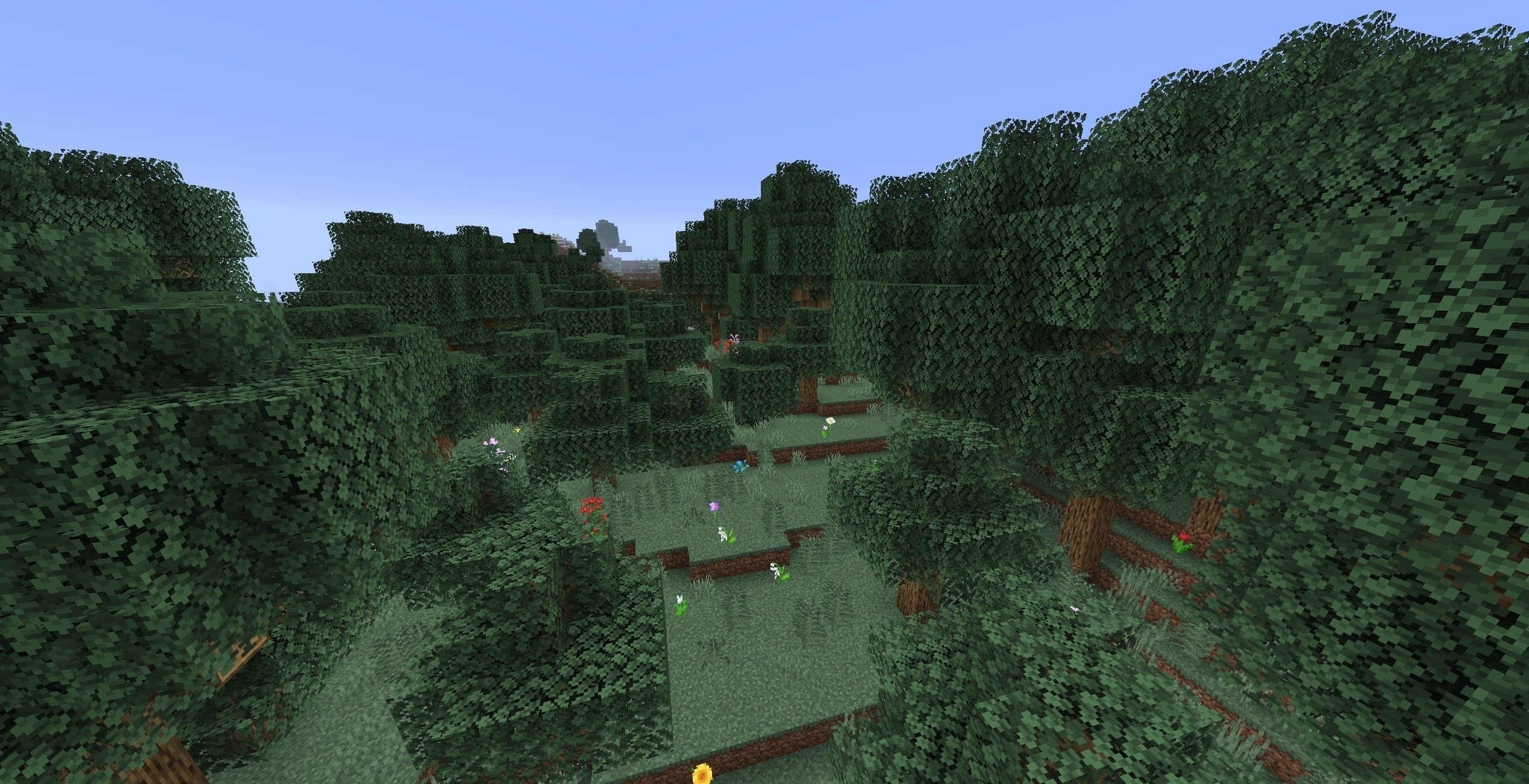
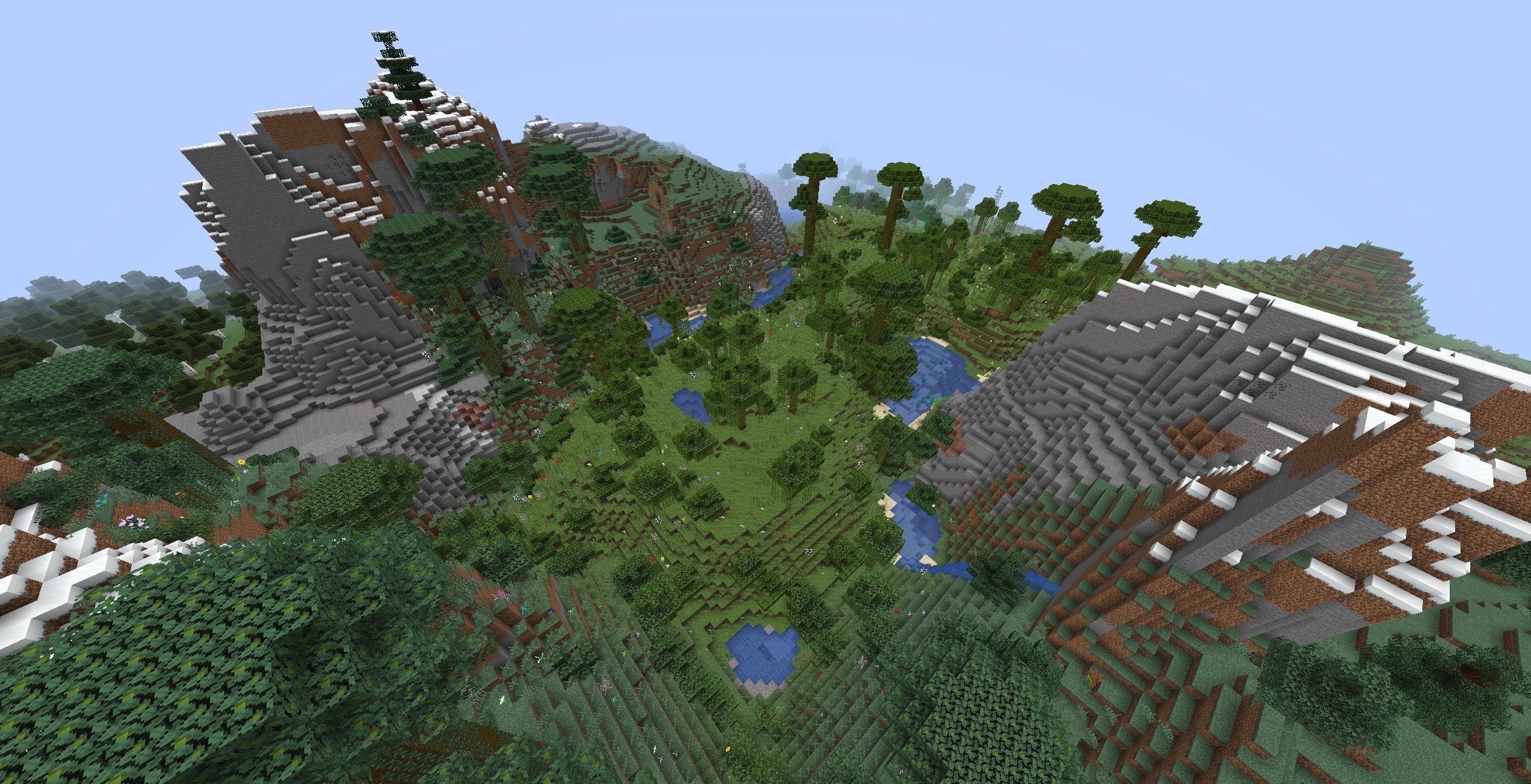
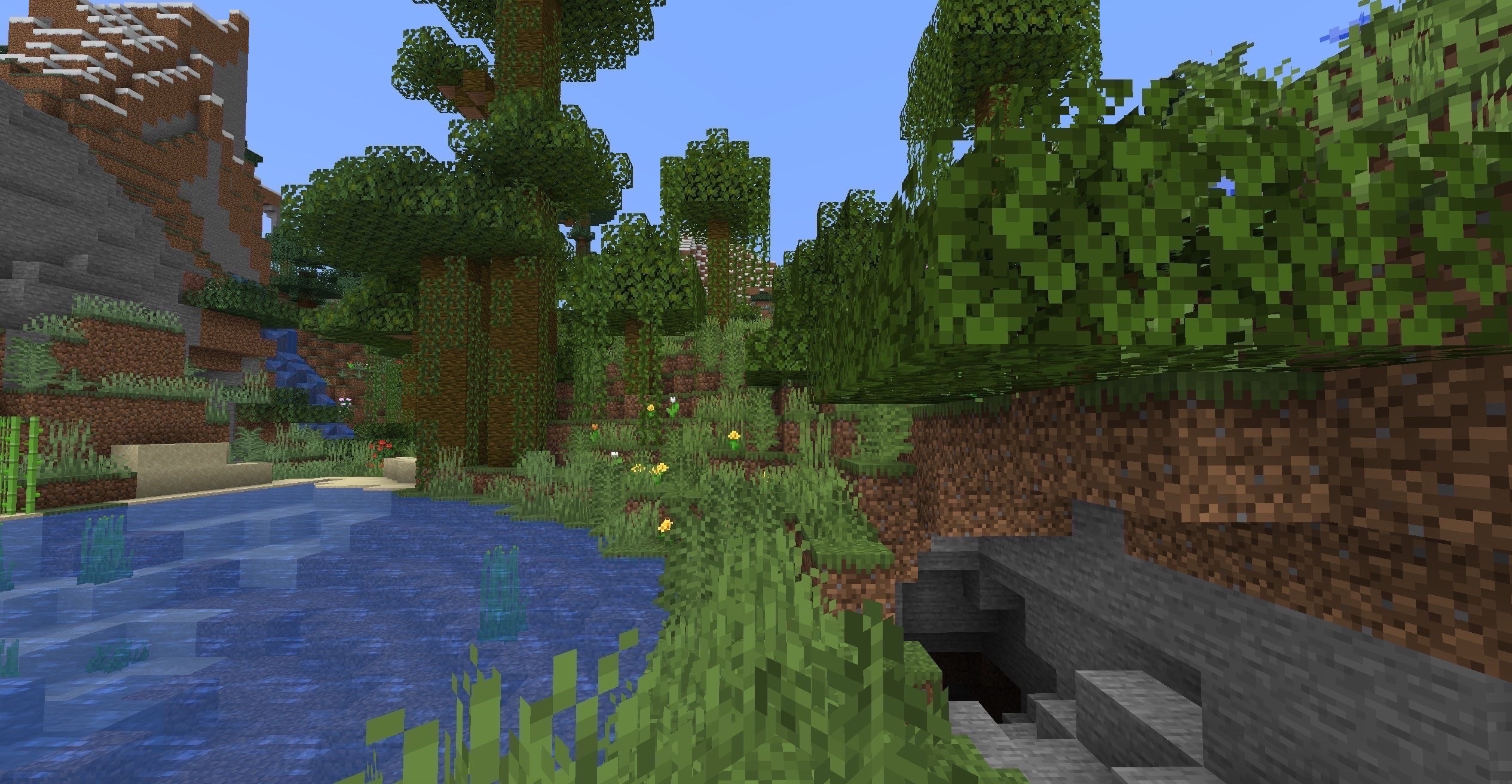
Before/After Pictures



2. Area Forest Generation
This feature generates wilderness over an area.
The density is a factor of time and speed configs, which can be set with /forest settime <seconds>, and /forest setspeed <trees per minute>.
After enabling the forest function with /forest enable, placing a sapling will generate a forest of that sapling's type. Placing a grass block will generate a forest conforming to the location's biome.
Make sure to disable saplings once you're done using it to avoid unwanted trees with /forest disable.
There are three forest shapes to choose from:
center - more wilderness in the middle, less farther away
ring - empty in the middle, wilderness on the outside shaped as a ring
flat - evenly spread over the area
Related commands:
/forest <enable/disable>
/forest settime <seconds>
/forest setspeed <trees per minute>
/forest setrange <blocks>
/forest setshape <flat/center/ring>
Forest Shape Pictures
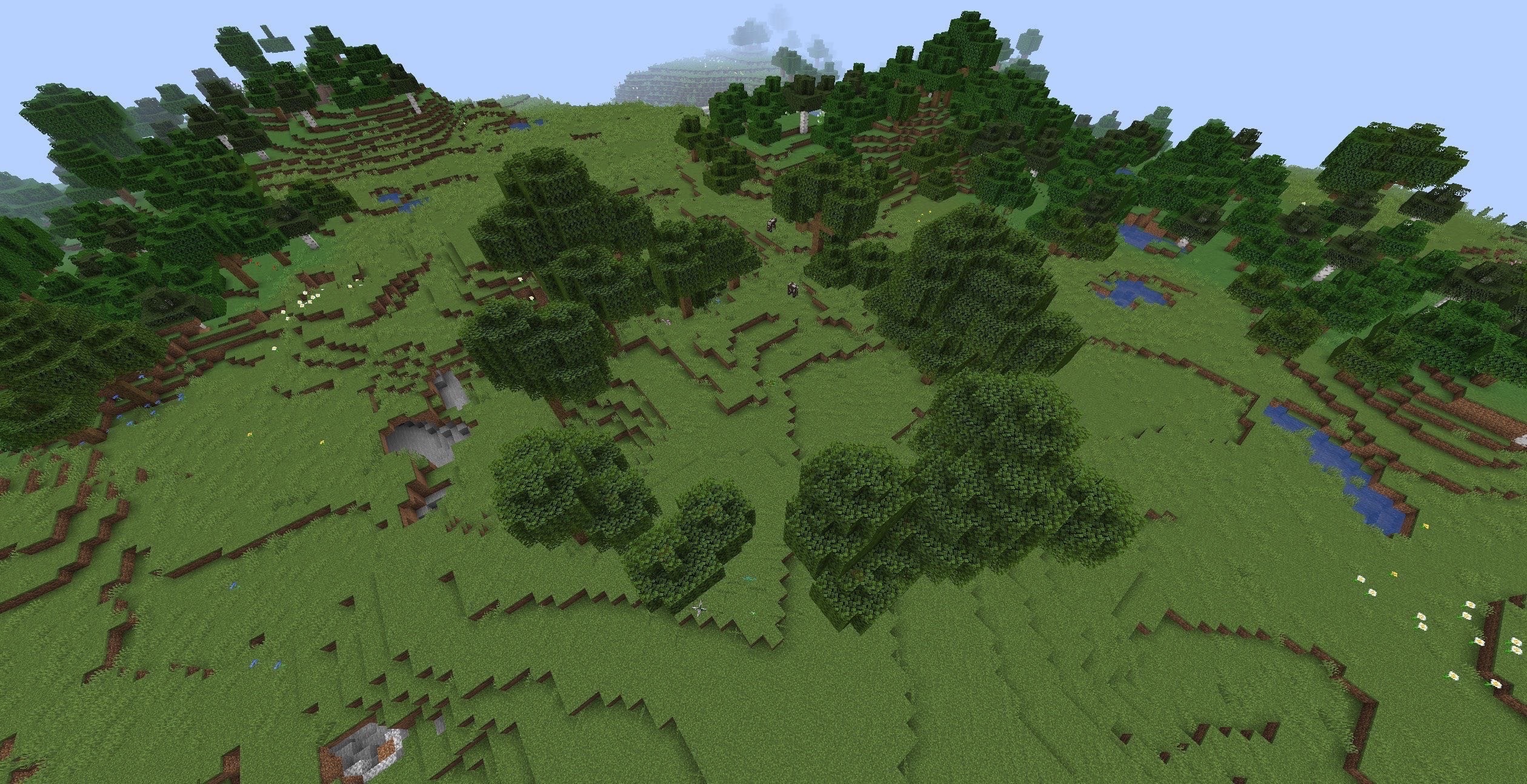
range = 20, shape = ring

range = 20, shape = flat

range = 40, shape = center
3. Systemic Background Nature Regeneration
This feature is meant to generate trees and small plants at a constant rate in areas with online players.
The generator's speed, the affected worlds, and the type of trees can be configured inside the config.yml file.
4. Safezones
Safezones are areas where vegetation will not spread.
To create a safezone first go to one corner of the zone and enter /forest newzone <name>.
Then go to the other corner of the zone and enter /forest tohere.
Other important commands:
/forest zones
/forest delzone <name>
/forest tpzone <name>

example of safezone
Other Important commands:
/forest help - displays help
/forest stop - stops your tasks
/forest stopall - stops all users' tasks
/forest configs - displays your configs
Similar projects
Plugin →Let Me Despawn
Improves performance by tweaking mob despawn rules. Say bye to pesky unintentional persistent mobs.
25MSueta
JourneyMap
Real-time map used for mapping in-game or your browser as you explore.
14.7MSueta
Emotecraft
Create your own emotes in Minecraft.
7.5MSueta
Simple Tpa
A simple tpa plugin which sends requests
5.4MSueta
Common Network
Forge and Fabric Unified Networking Solution
3.9MSueta
Set Home
A lightweight plugin for players to set their homes.
3.8MSueta