
Staff-Core
4.4.6STAFFMODE | BAN GUI | REPORT GUI | WARN GUI | WEB | STAFFCHAT | INVSEE | VANISH
This Sƚαϝϝ-Cσɾҽ plugin, gives you everything your staff needs to moderate.
Multi Language Support in Version 4.4!
In Versions under 1.14 the plugin is not fully working, just some features!
Staff Core is 100% Mysql and Bungeecord compatible, actually I really recommend using Mysql or Bungeecord to have a better expirience!
Permissions
- staff:
        staffcore.staff
    - staffcore-reload
        staffcore.reload
    - freeze:
        staffcore.freeze
    - unfreeze-himself:
        staffcore.unfreeze.himself
    - freeze-bypass:
        staffcore.freeze.bypass
    - staff-chat:
        staffcore.sc
    - clear-chat:
        staffcore.clearchat
    - toggle-staff-chat:
        staffcore.tsc
    - toggle-chat-bypass:
        staffcore.togglechat.bypass
    - mute:
        staffcore.mute
    - un-mute:
        staffcore.unmute
    - help-op:
        staffcore.helpop
    - ban:
        staffcore.ban
    - un-ban:
        staffcore.unban
    - alts:
        staffcore.alts
    - fly:
        staffcore.fly
    - gmc:
        staffcore.gmc
    - gms:
        staffcore.gms
    - heal:
        staffcore.heal
    - ip:
        staffcore.ip
    - vanish:
        staffcore.vanish
    - vanish-see
        staffcore.vanish.see
    - ping:
        staffcore.ping
    - report:
        staffcore.report
    - report-list:
        staffcore.reportlist
    - staff-list:
        staffcore.stafflist
    - tp:
        staffcore.tp
    - tp-all:
        staffcore.tp.all
    - warn:
        staffcore.warn
    - warn-change:
        staffcore.warn.change
    - warnings:
        staffcore.warnings
    - inv-see:
        staffcore.invsee
    - ender-see:
        staffcore.endersee
    - wipe:
        staffcore.wipe
    - suicide:
        staffcore.suicide
    - day:
        staffcore.day
    - night:
        staffcore.night
    - weather:
        staffcore.weather
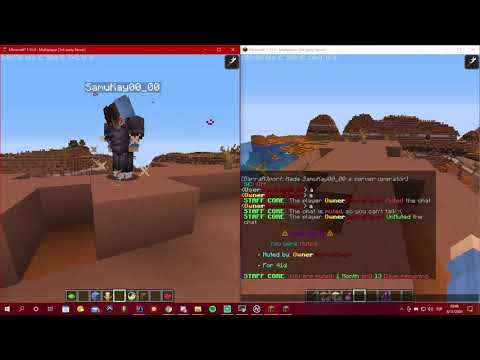
There it is a video where I explain and show how the plugin works:
Vanish:
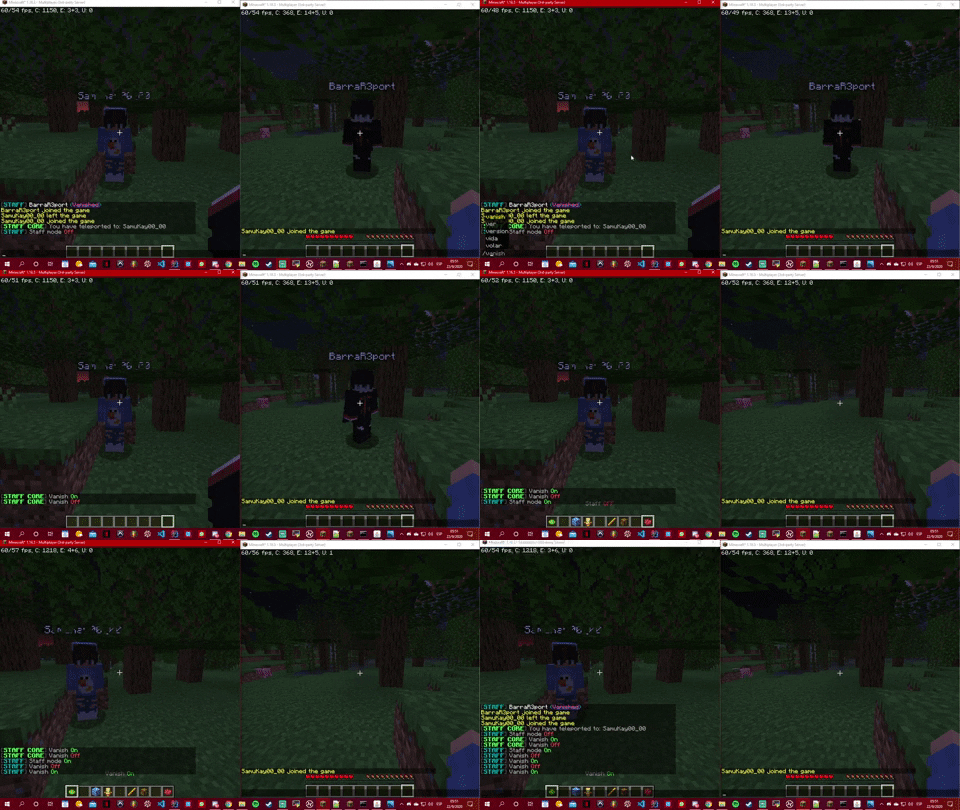
This feature will fully vanish the Staff Members from the normal players. Preventing the vanish players to do any interaction with the world and the players.
Ways to use it:
- Using the command /v
- Using the vanish feature while in staff mode.
Commands:
- /v <--------- this will turn on or off your vanish.
- /v <Player> <------- this will turn on or off other players vanish.
Permissions:
- staffcore.vanish
- staffcore.vanish.see
Video
Freeze:
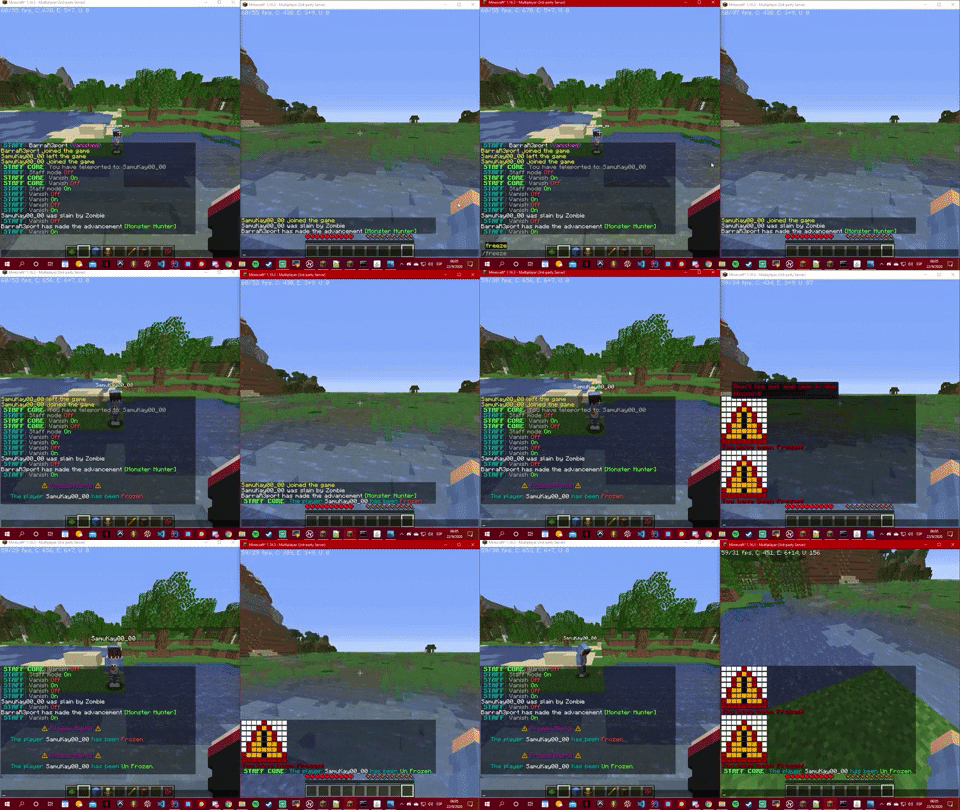
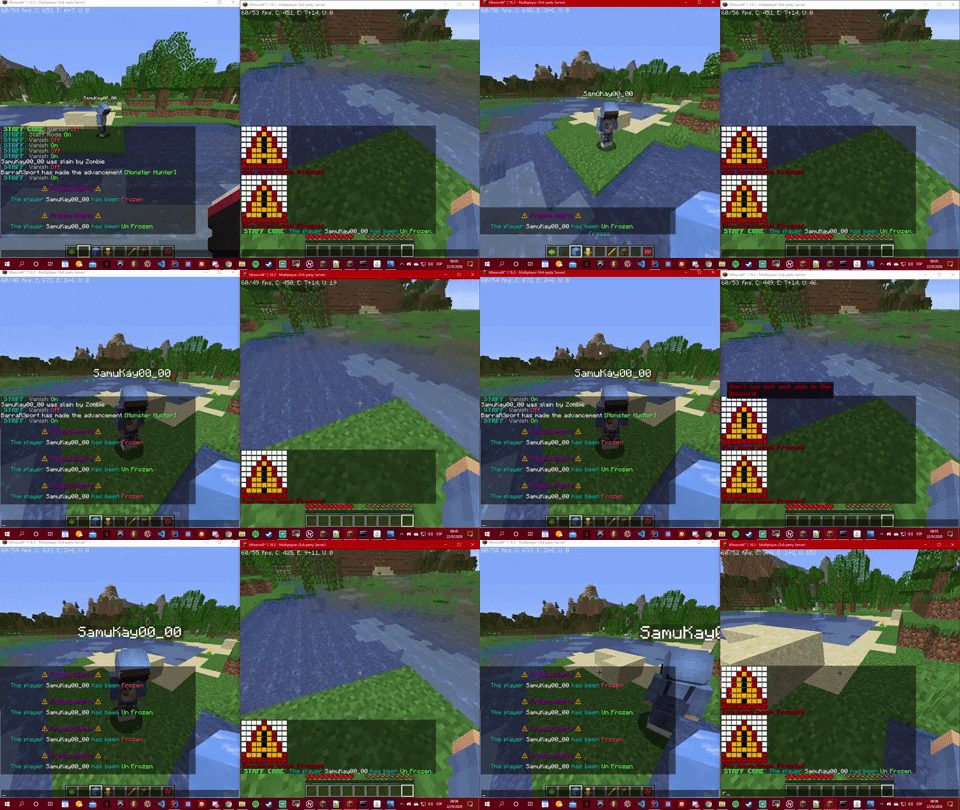
This feature will fully freeze players. Preventing them to do any interaction with the world and the players, for example: Break blocks, chat, type commands, etc.
Ways to use it:
- Using the command /freeze <PlayerName>
- Using the freeze feature while in staff mode.
Commands:
- /v <Player> <------- this will turn freeze or unFreeze Players.
Permissions:
- staffcore.freeze
- staffcore.freeze.bypass
- staffcore.unfreeze.himself
Videos
Chat Manager:
This feature will contains other 3:
The First one is the ToggleStaffChat, that will allows to enable or disable the staff chat.
Ways to use it:
- Using the command /tsc
- You can also use /sc <message>
- Using the Chat Manager feature while in staff mode.
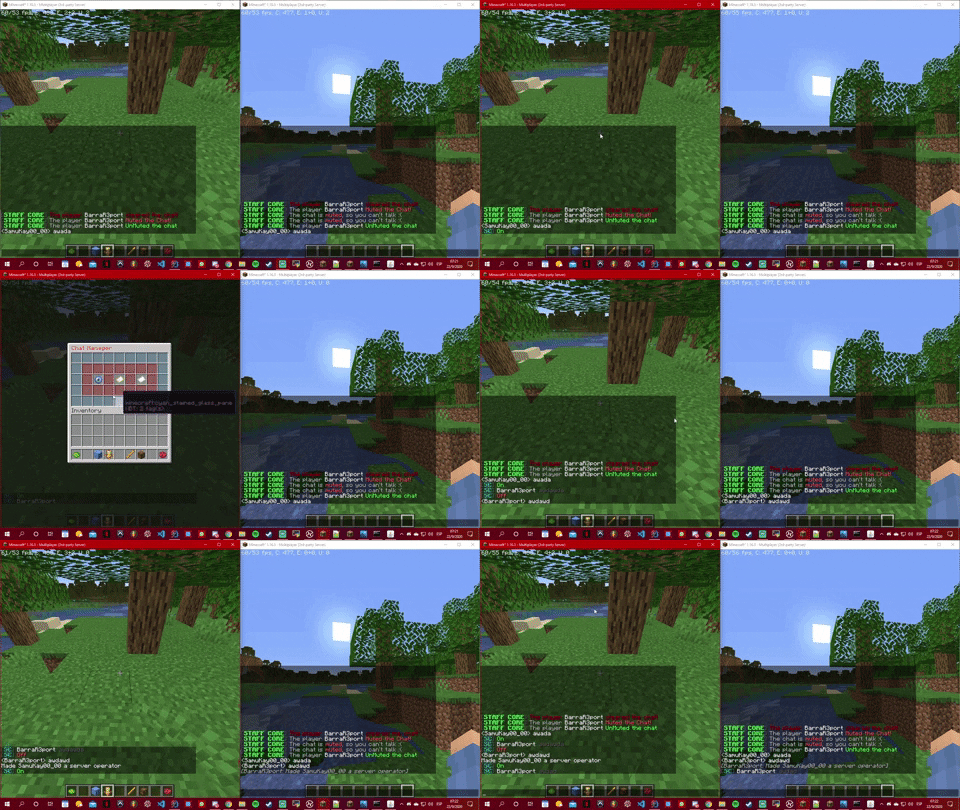
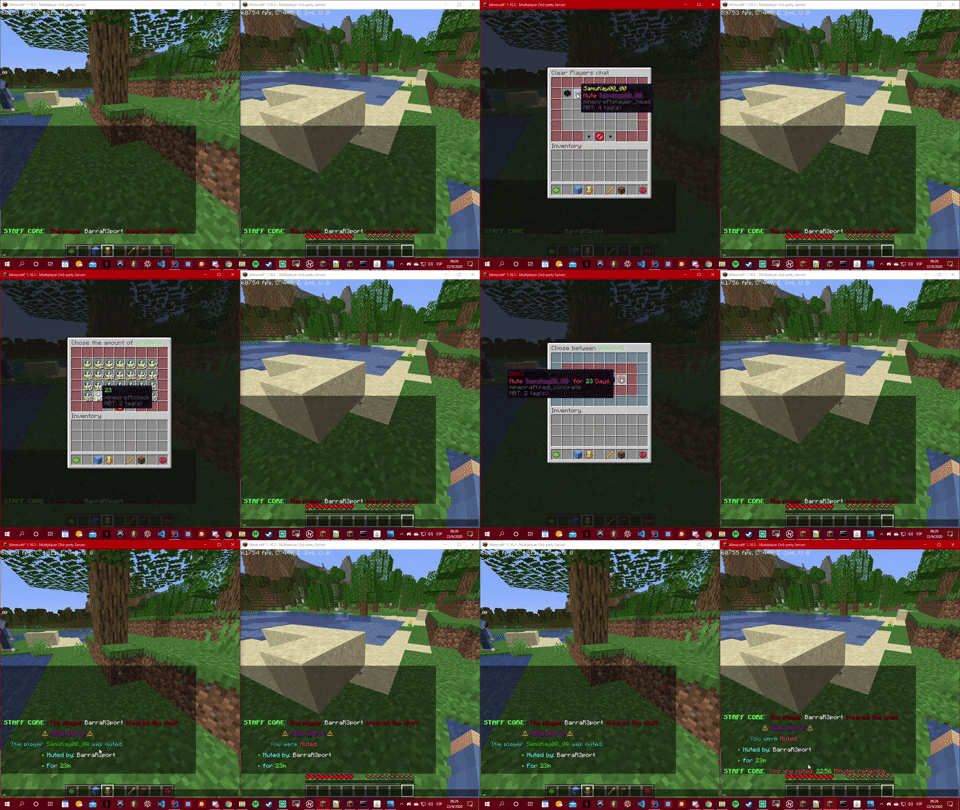
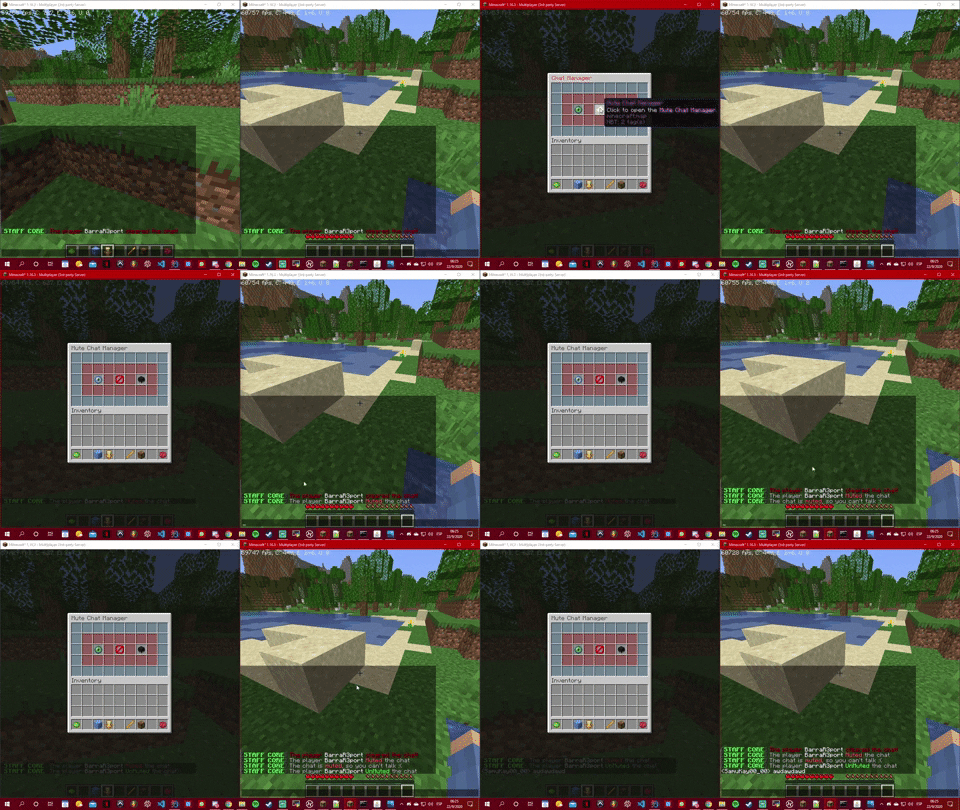
The Second one is the Mute Chat Manager, that will open a new gui were you can choose between mute the global chat and mute an specific player chat, here you have some videos:
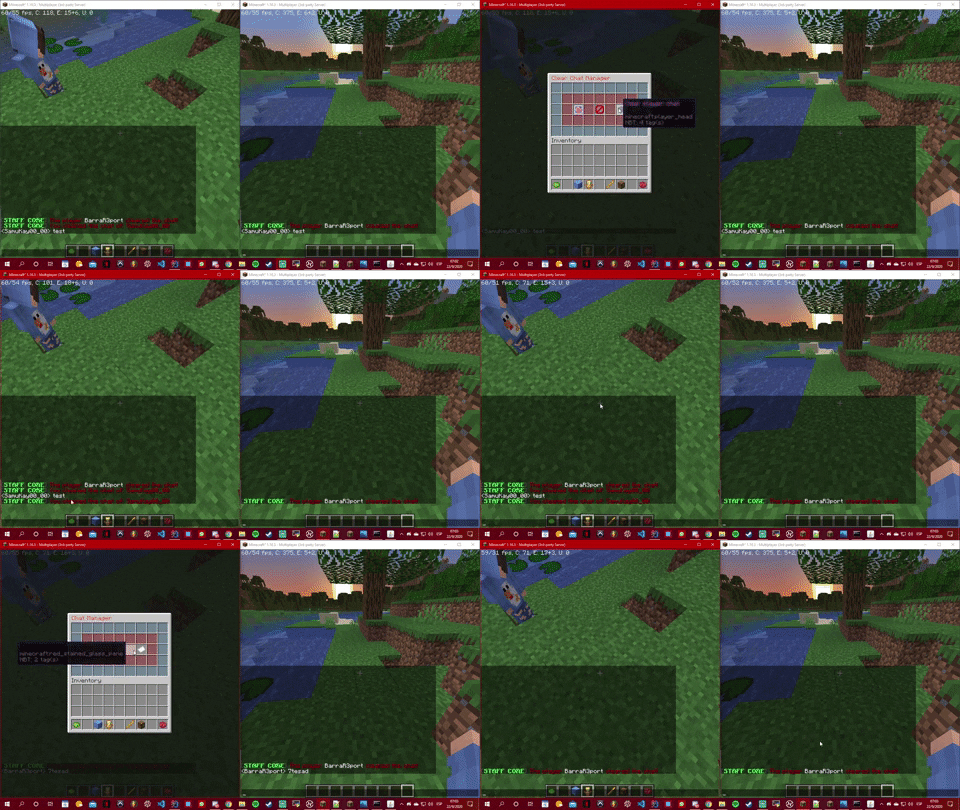
The Last one is the Clear Chat Manager, that will open a new gui were you can choose between clear the global chat and clear an specific player chat, here you have some videos:
Ways to use it:
- Using the Command /cc <----- will clear the server chat
- Using the Command /cc <Player> <-- will clear an specific player chat
- Using the Clear Chat Manager feature while in staff mode.
Commands:
- /tsc <PlayerName>
- /sc <msg>
- /mute <PlayerName> <number><s/m/h/d>
- /mute <PlayerName> (This will mute forever)
- /mute (This will mute the chat forever)
- /unmute <PlayerName>
- /unmute
- /cc
- /cc <PlayerName>
Permissions:
- staffcore.mute
- staffcore.clearchat
- staffcore.sc
- staffcore.tsc
More Vids
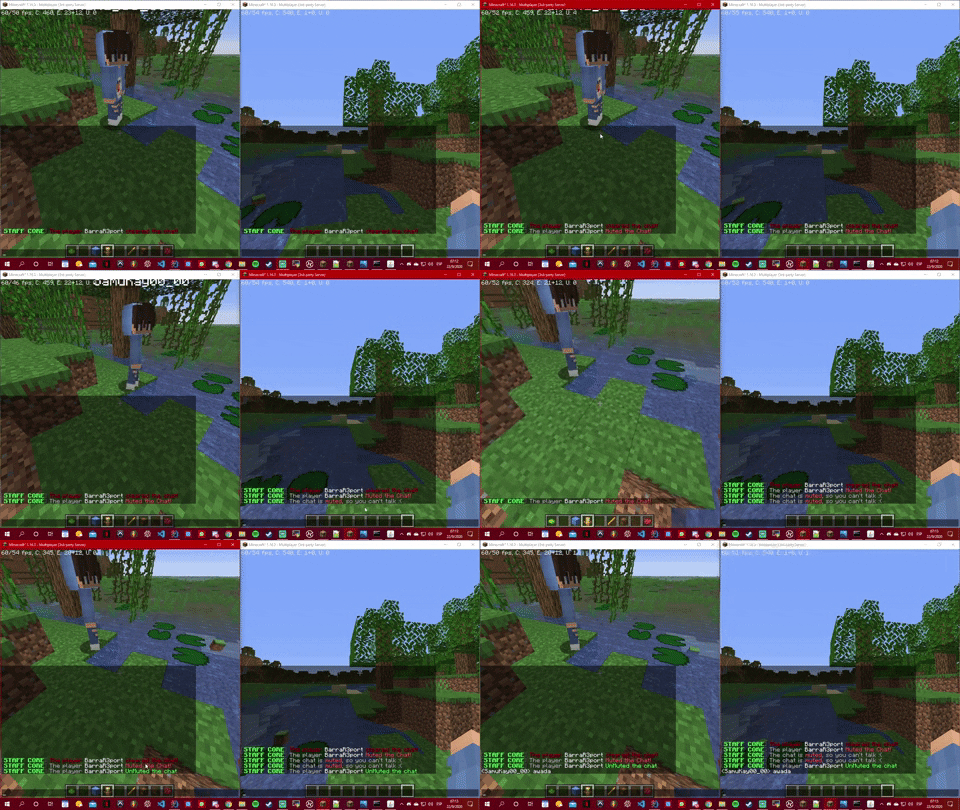
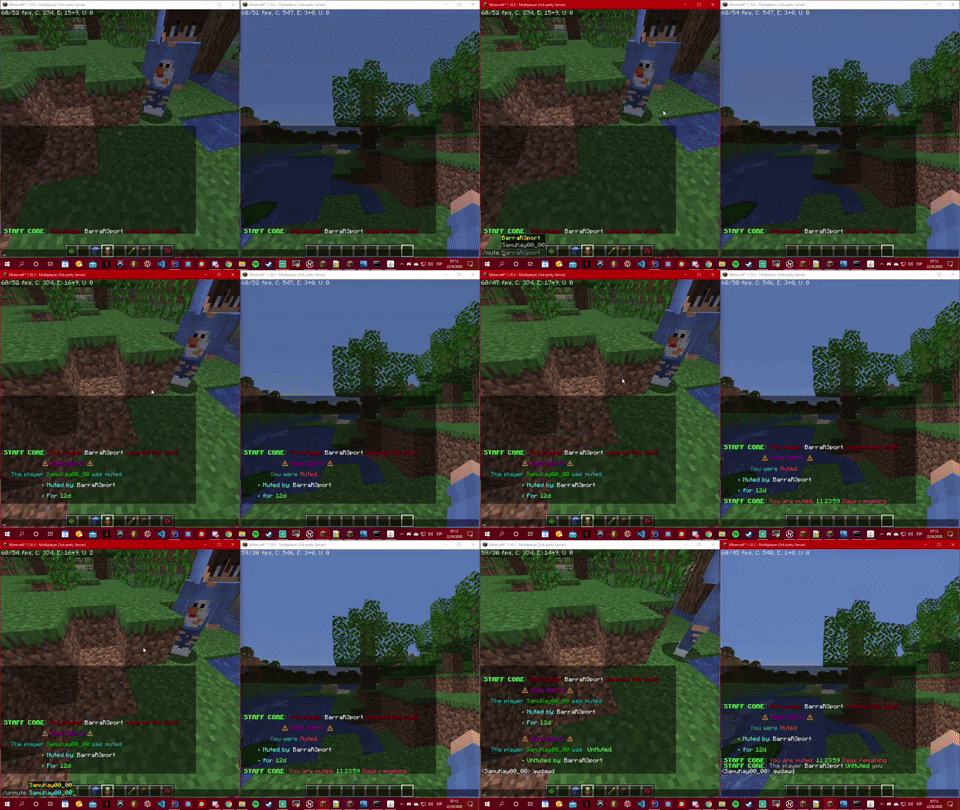
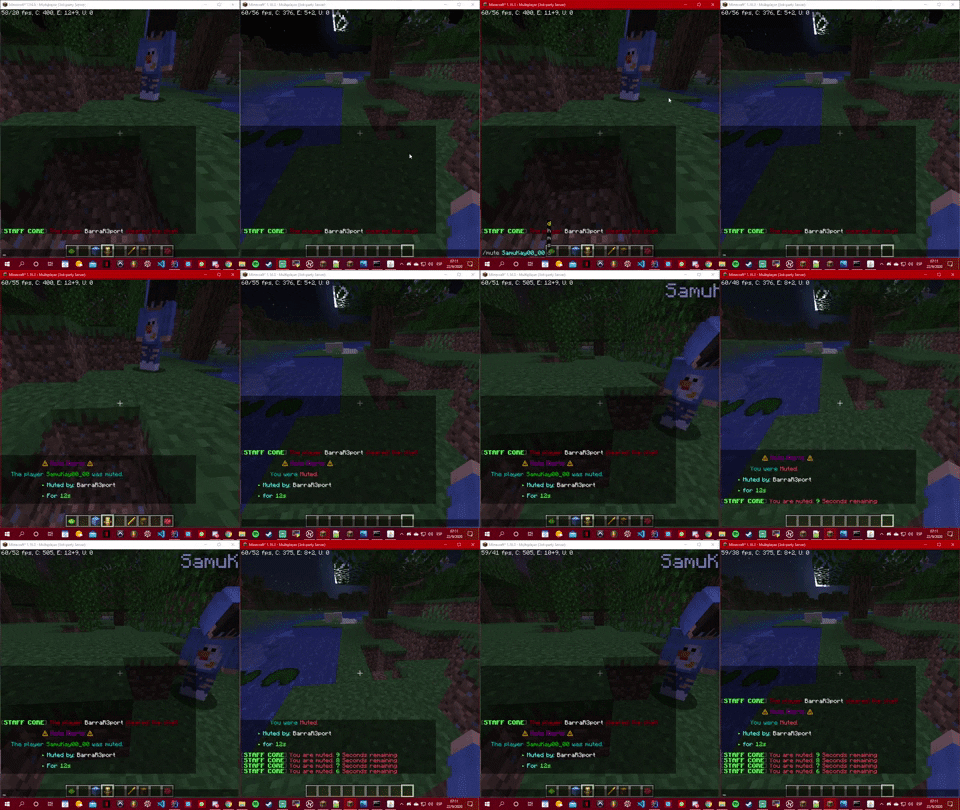
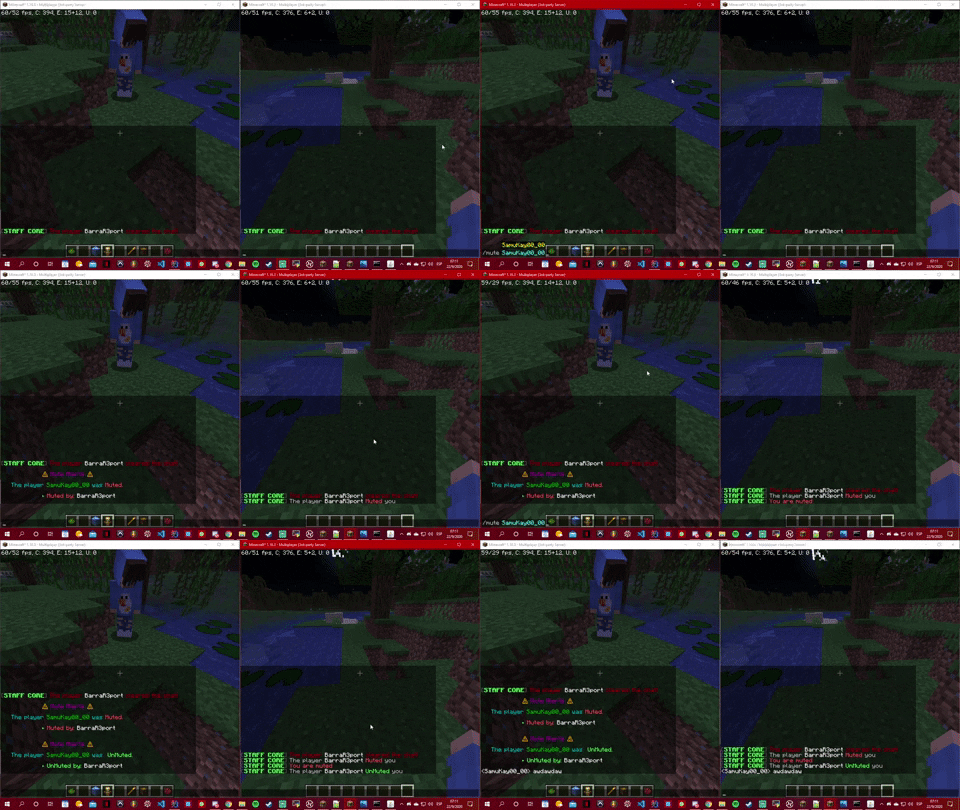
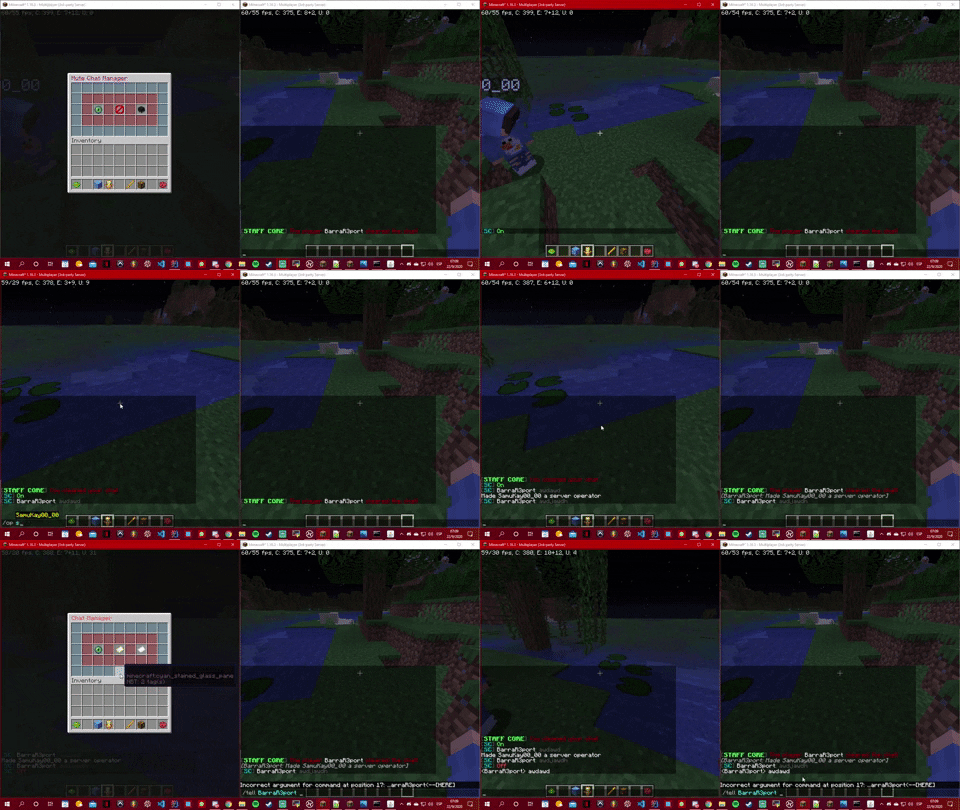
Report Manager:
This feature will open an gui with 2 main options:
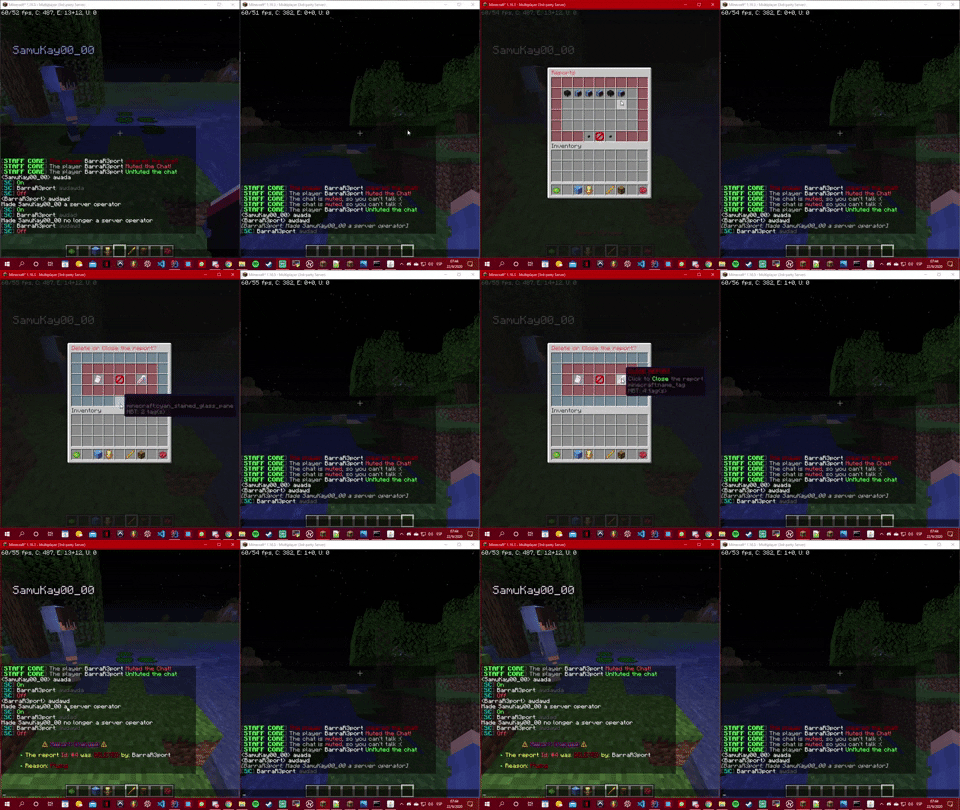
The First one will open another gui with all the opened reports were you will be able to choose what to do with the report. You can Delete the report and you can Close the report. Here you have some videos:
Spoiler
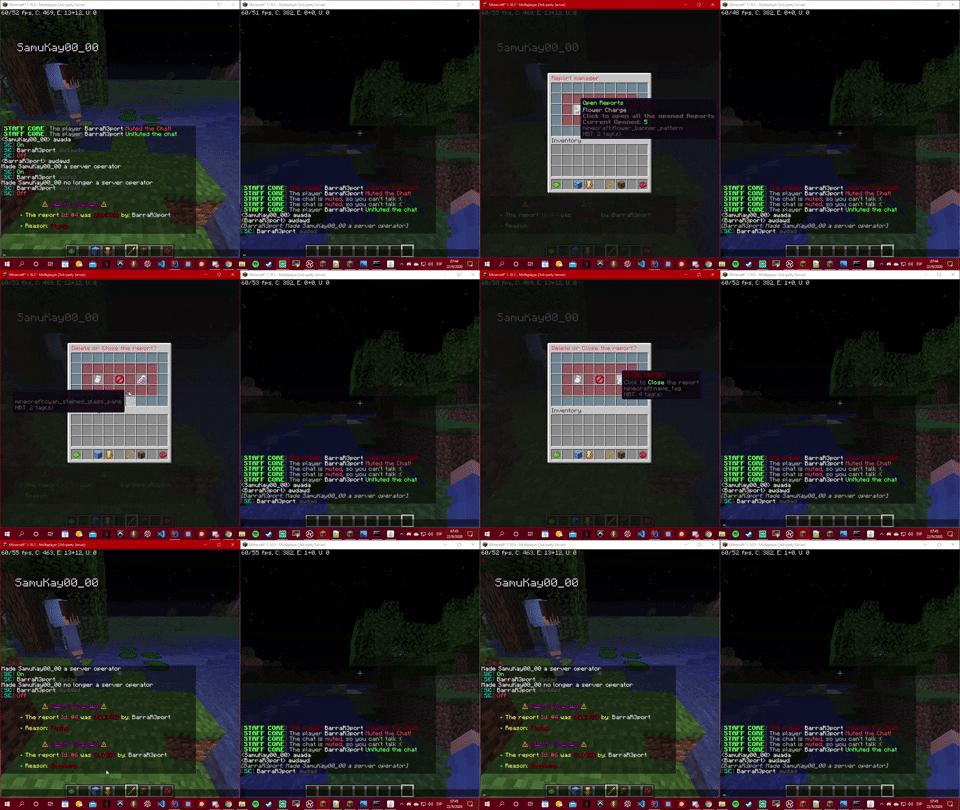
The Second one will open another gui with all the Closed reports were you will be able to choose what to do with the report. You can Delete the report and you can Open the report. Here you have a video:
Spoiler
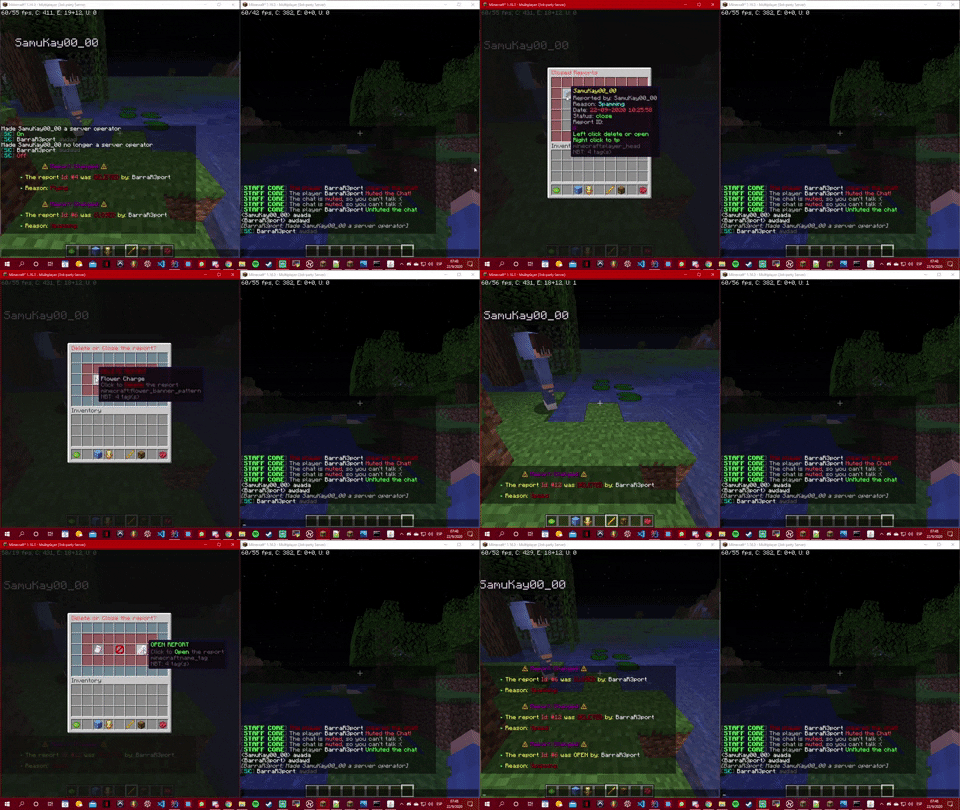
Ways to use it:
- Using the command /reportlist
- Using the Report Manager feature while in staff mode.
Commands:
- /reportlist <------- This will open the Report Manager Gui.
Permissions:
- staffcore.reportlist
InvSee:
This feature will open the player selected inventory, showing the Staff Member all the items that the player has, his health, ping and much more!. Here you have a video:
Spoiler
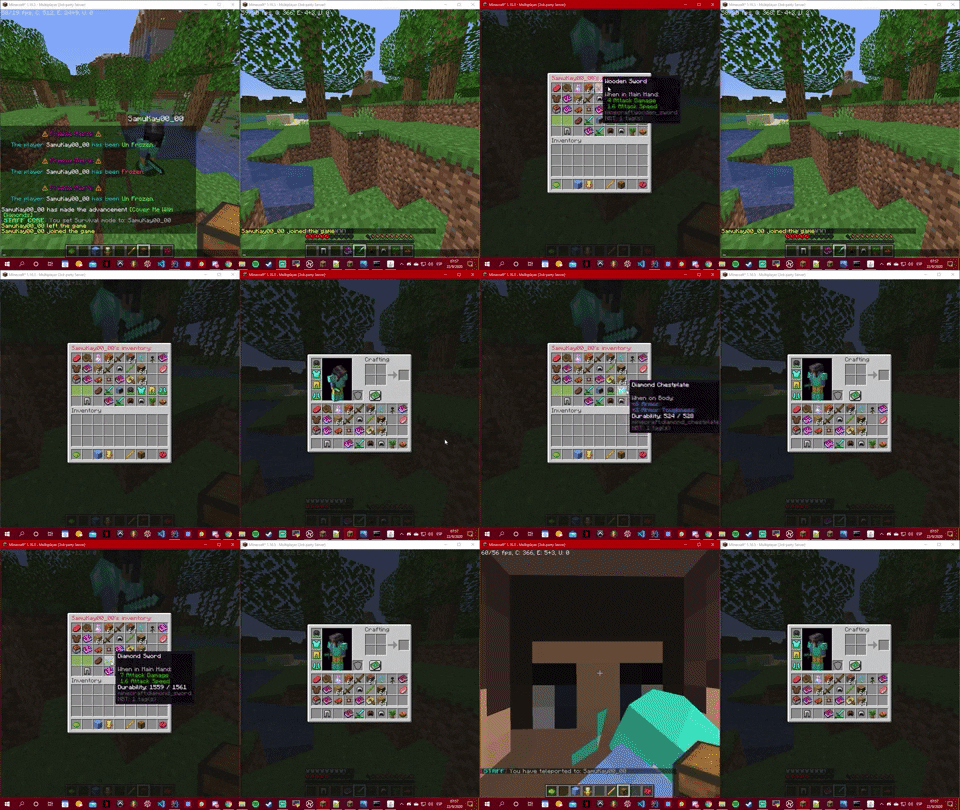
Ways to use it:
- Using the command /invsee <PlayerName>
- Using the InvSee feature while in staff mode.
Commands:
- /invsee <Player>
Permissions:
- staffcore.invsee
Staff Off:
This feature will remove you from the staff mode.
Ways to use it:
- Using the command /staff
- Using the Staff Off feature while in staff mode.
Commands:
- /staff
Permissions:
- staffcore.staff
Report System:
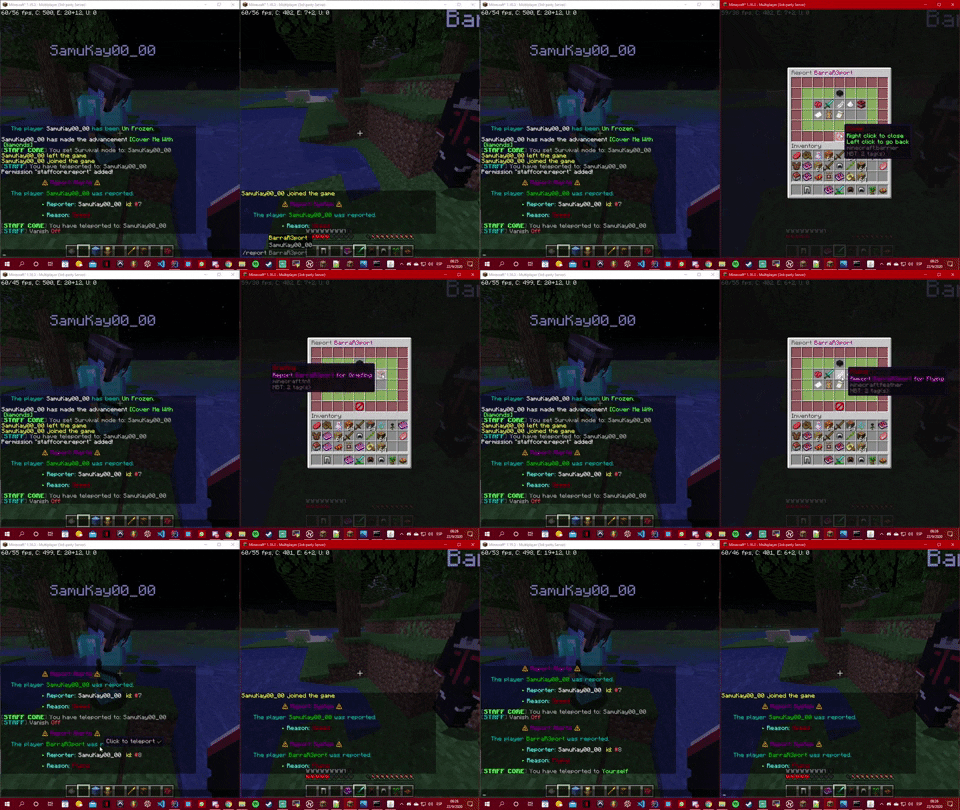
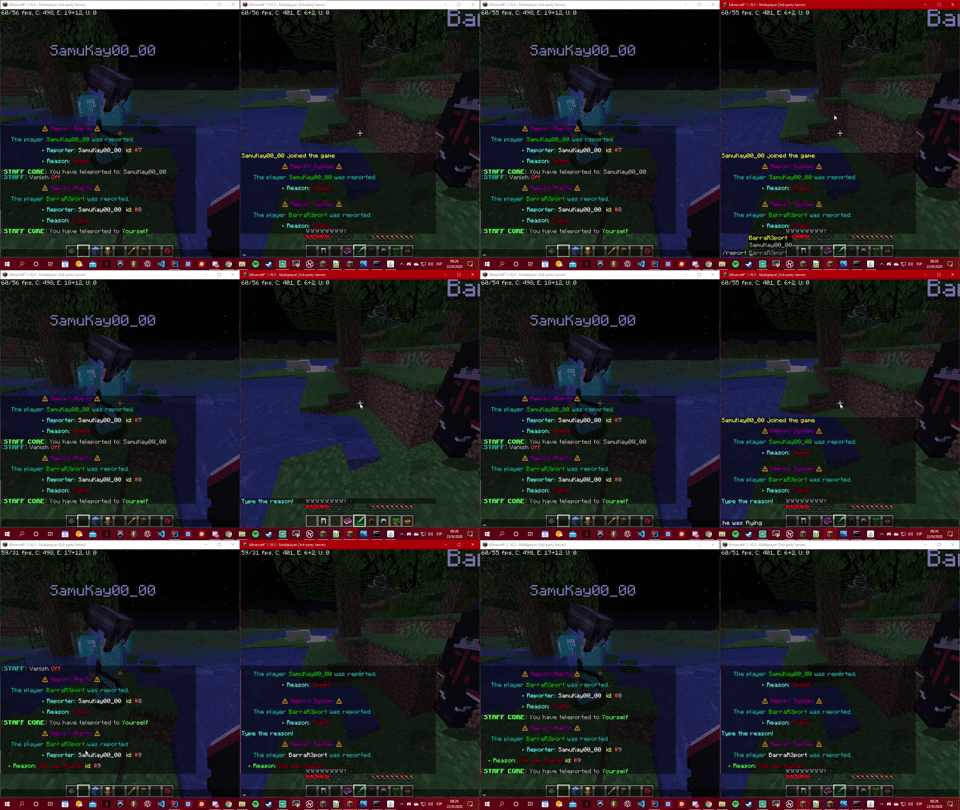
This plugin includes an Report System that allows players to report with a gui and with their own reason, here an example:
Usage:
- /report <PlayerName>
Permission:
- staffcore.report
Spoiler
Gamemode System:
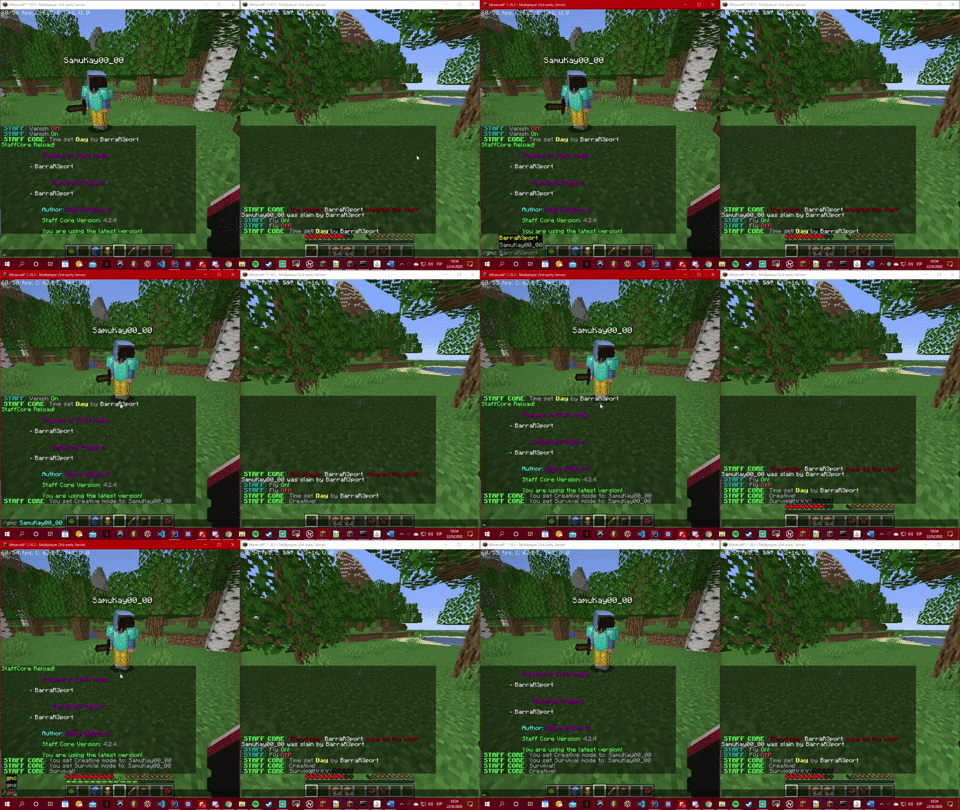
This plugin includes an Gamemode System that allows players change between Survival and Creative Mode, here an example:
Spoiler
Usage:
- /gmc
- /gmc <PlayerName>
- /gms
- /gms <PlayerName>
Permission:
- staffcore.gmc
- staffcore.gms
Teleport System:
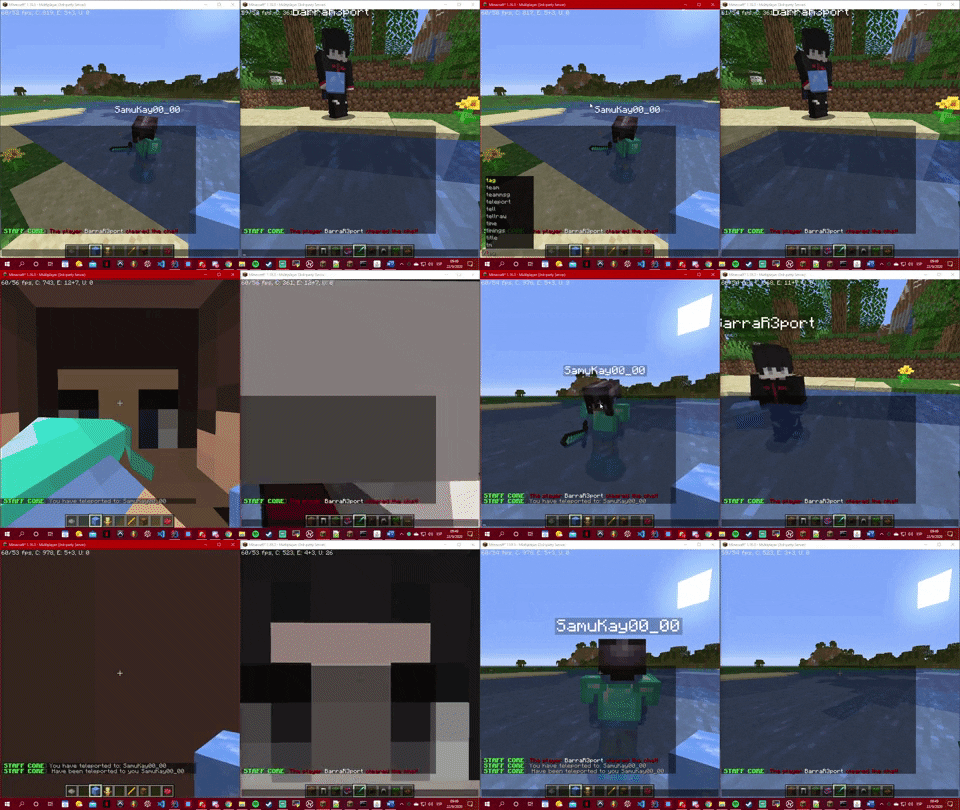
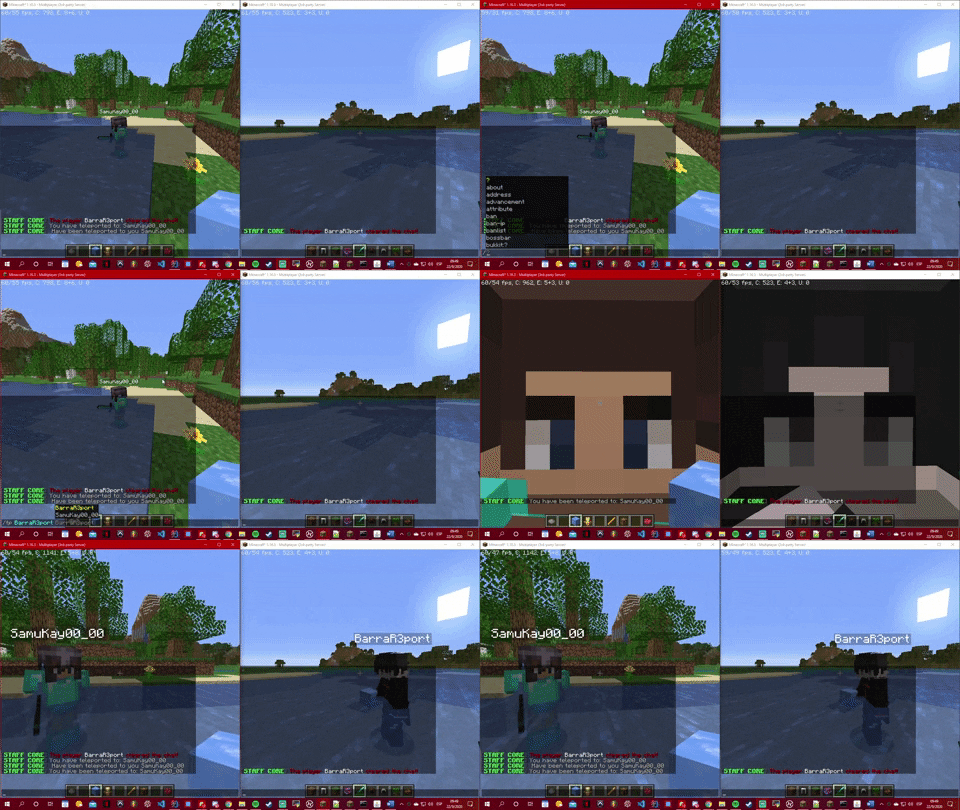
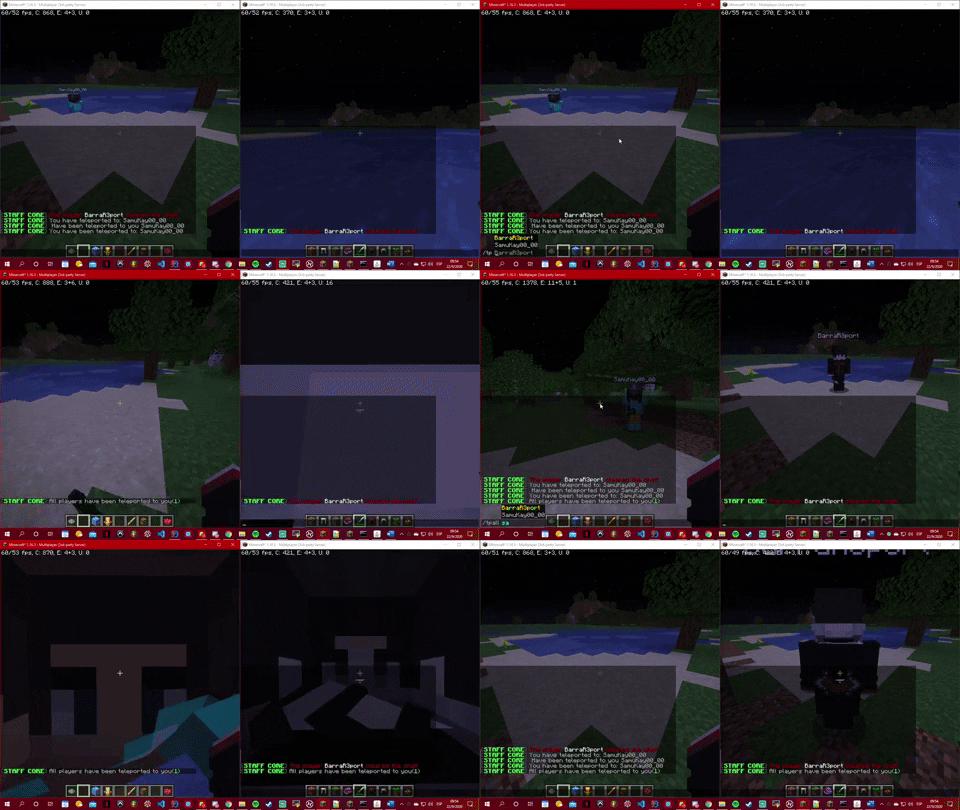
This plugin includes an Teleport System that allows players to teleport between them and all, here you have some videos:
Spoiler
Usage:
- /tp <PlayerName>
- /tp <PlayerName> <PlayerName>
- /tpall
- /tpall <PlayerName>
Permission:
- staffcore.tp
- staffcore.tp.all
Fly System:
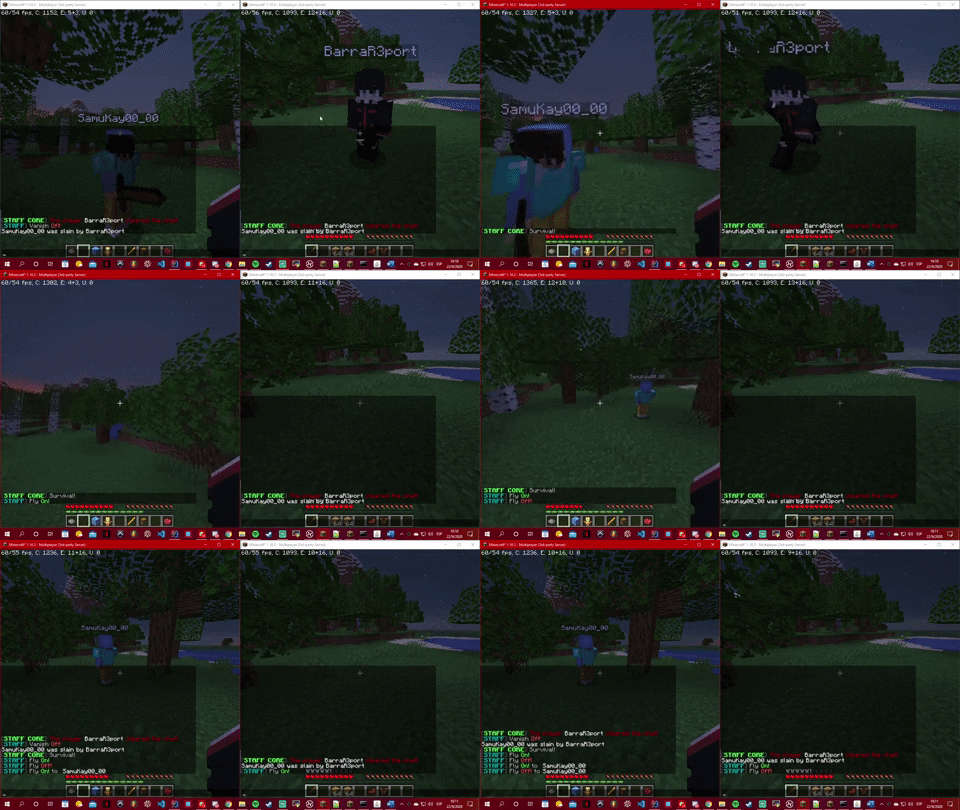
This plugin includes an Fly System that allows players to fly, here an example:
Spoiler
Usage:
- /fly
- /fly <PlayerName>
Permission:
- staffcore.fly
Climate System:
This plugin includes an Climate System that allows players to change the weather with a command, here an example:
Spoiler
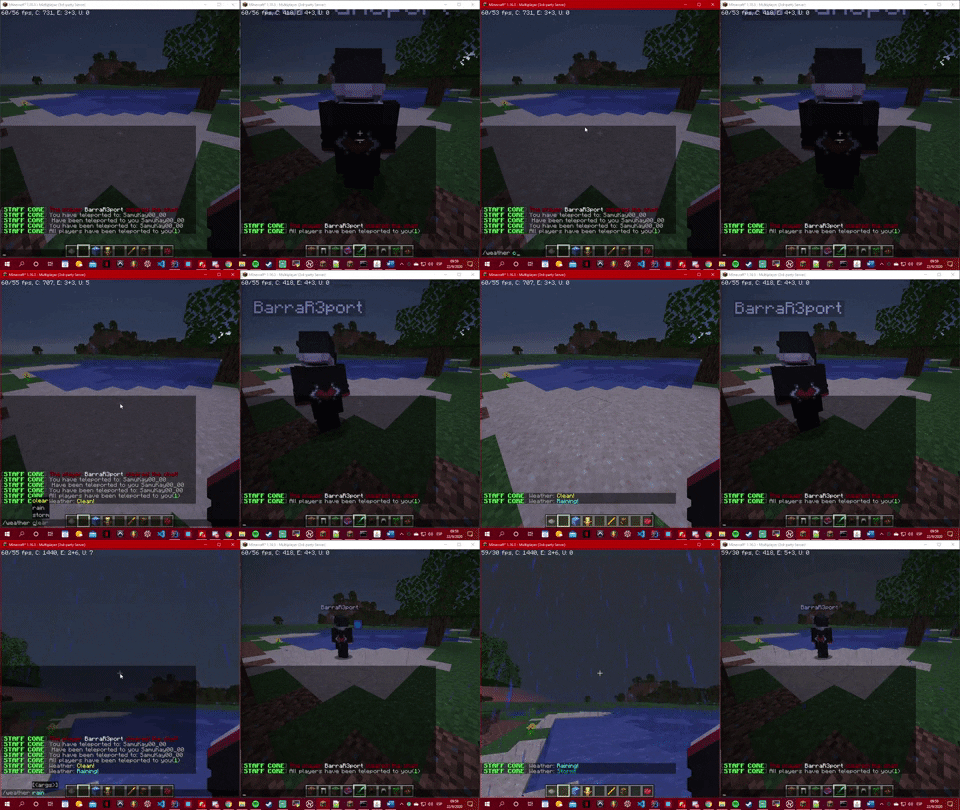
Usage:
- /weather <clear/rain/storm>
Permission:
- staffcore.weather
Net System:
This plugin includes an Net System that allows players to see others players ip and ping, here an example:
Spoiler
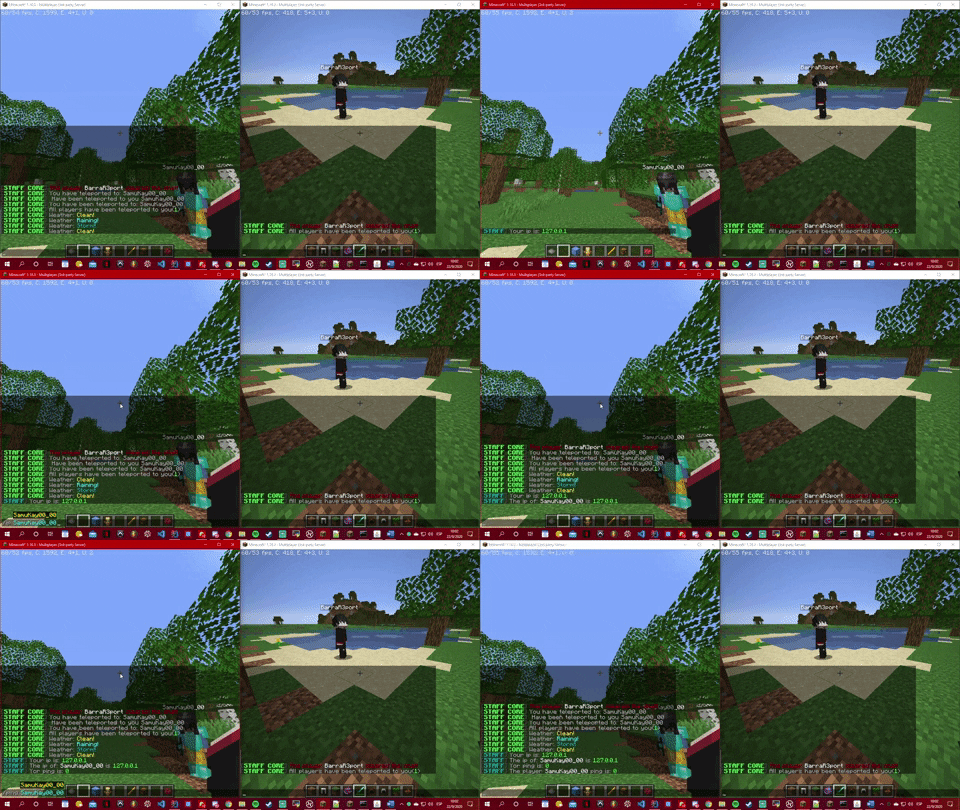
Usage:
- /ping
- /ping <PlayerName>
- /ip
- /ip <PlayerName>
Permission:
- staffcore.weather
Reload & Info System:
This plugin includes an Reload & Info System that allows players to see 2 different list of players, one for all the players that are vanished and all the players that are in staff mode. Also you can check if there is a new version out and reload the config!
Here you can see some videos:
Spoiler
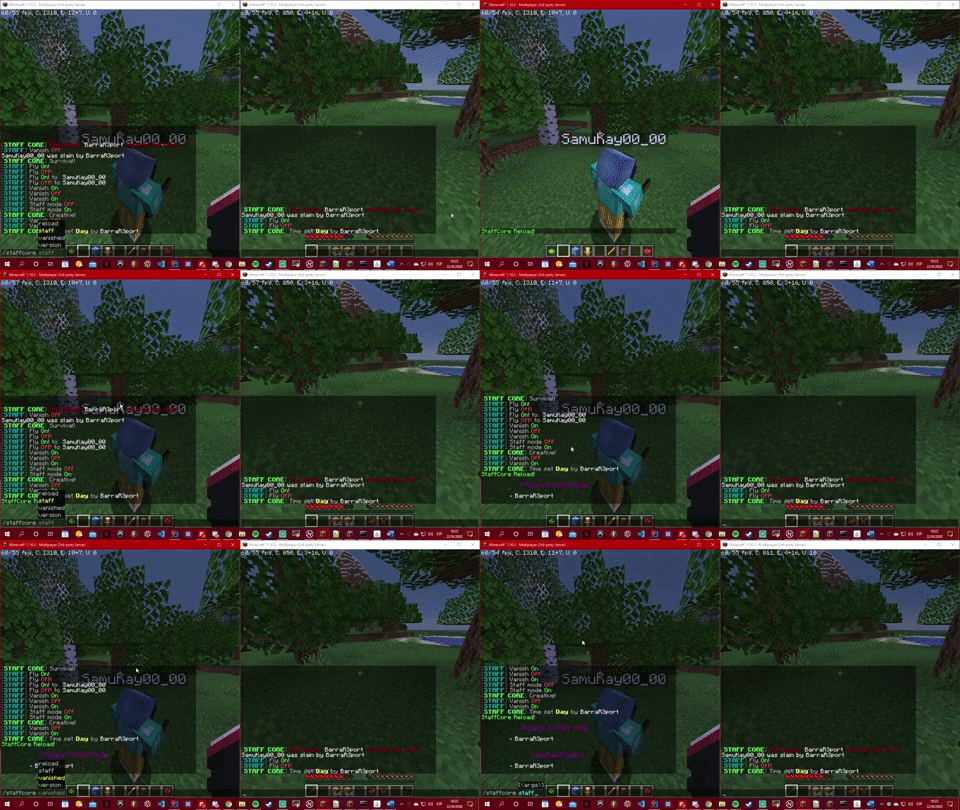
Usage:
- /staffcore <reload/staff/vanished/version>
Permission:
- staffcore.staff
Similar projects
Plugin →Let Me Despawn
Improves performance by tweaking mob despawn rules. Say bye to pesky unintentional persistent mobs.
26.2MSueta
JourneyMap
Real-time map used for mapping in-game or your browser as you explore.
15.6MSueta
Emotecraft
Create your own emotes in Minecraft.
7.9MSueta
Simple Tpa
A simple tpa plugin which sends requests
5.4MSueta
Common Network
Forge and Fabric Unified Networking Solution
4.7MSueta
Set Home
A lightweight plugin for players to set their homes.
3.8MSueta