
Staff Utilities
Today, we are introducing a simple, clean and well-performing script to you today; Staff Utilities.
We may not be able to turn combat back to 1.7 or 1.8; However, we can bring one of the easiest to use and most highly customizable script for staff we have ever made!
When you first open this script you will notice the following code:
options:
    servername: Blank
    helperperms: staff.helper
    modperms: staff.moderator
    adminperms: staff.admin
    commandleavess: /ban %player% Leaving during a screenshare!
    socialmediass: Discord
    sociallinkss: Link
Server Name: By default this will be "Blank", we request that you change this to your server's name.
Helper, Mod, Admin perms: Simply, these are the permissions that will be used in all commands.
command leave ss: This is the command that will be run whenever a player leaves the server during a screen share.
social media ss & social link ss: These are the names of the social media you will be using to screen share someone, and the link that you will be using.
The commands are:
/screenshare [<player>] enable/disable:
This allows the staff members to enable screenshare mode for a player or disable it.
/clearchat:
it clears the chat by putting "" in it 1000 times then sends a chat cleared message.
/chat enable/disable:
Makes it so no one can talk while chat is disabled.
What makes us so good?
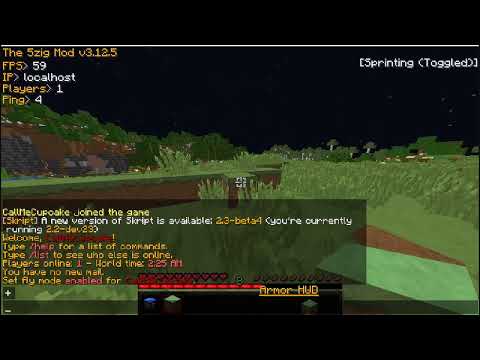
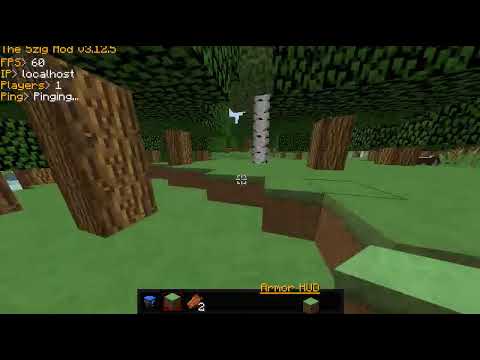
Currently, the main difference between us and a lot of other competitors are, we have clean and easy to optimize code, we take notes of our bugs and find a better solution; for example:
to
Similar projects
Plugin →Let Me Despawn
Improves performance by tweaking mob despawn rules. Say bye to pesky unintentional persistent mobs.
25MSueta
JourneyMap
Real-time map used for mapping in-game or your browser as you explore.
14.7MSueta
Emotecraft
Create your own emotes in Minecraft.
7.5MSueta
Simple Tpa
A simple tpa plugin which sends requests
5.4MSueta
Common Network
Forge and Fabric Unified Networking Solution
3.9MSueta
Set Home
A lightweight plugin for players to set their homes.
3.8MSueta