
Supply Drop Plus (with ENVOYS and IN-GAME EDITOR)
1.0.2The best all in one supply drops and envoy plugin. Has in-game editor and is highly configurable
Supply Drop Plus:
Welcome to the simplest and best supply drop and envoy plugin. This plugin promises quick and simple setup for anyone.
Supports any type of items:
- Enchanted items
- Named items
- Dyed armor
- Shulker boxes
- Books
- ... and literally anything else
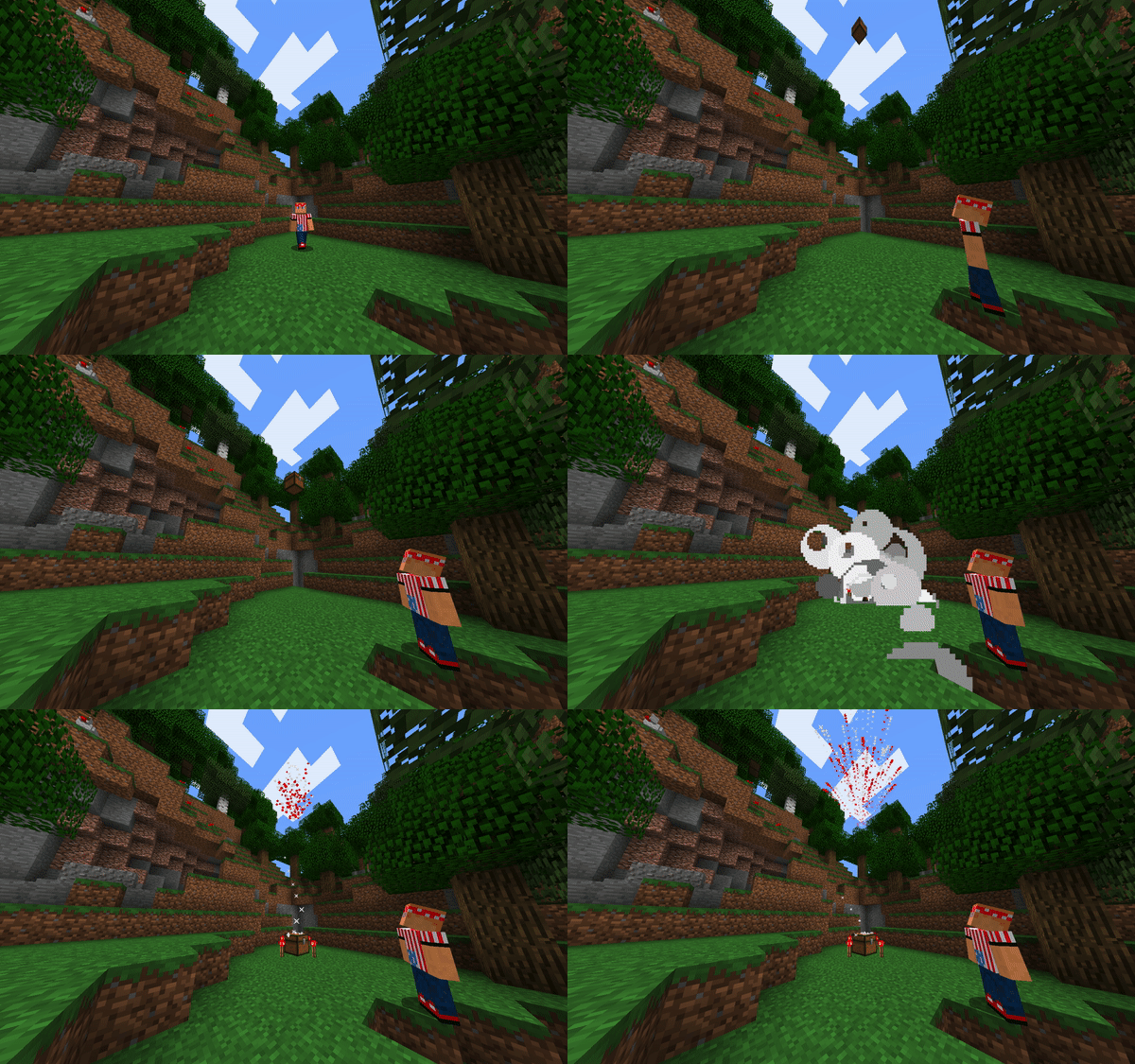
Supply Drop Example:
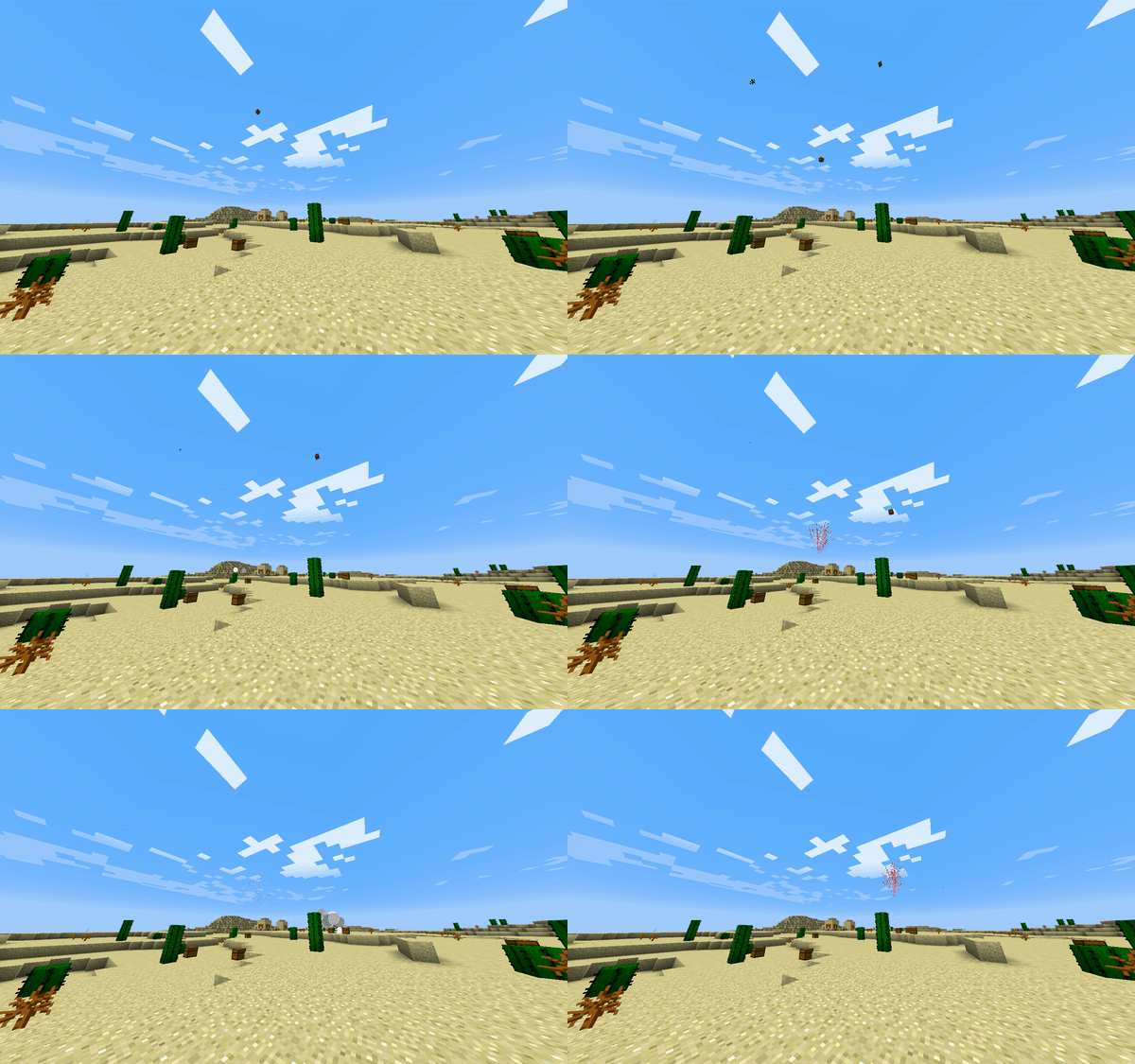
Envoy example:
In-game Editor:

Creating a new supplydrop:
- Execute the command: /editsupplydrop dropname
- Add the items which you want for the drop
- Close the GUI, it will automatically save
Updating a supplydrop:
- Execute the command: /editsupplydrop dropname
- The previous loadout will appear in the GUI
- Change the items around
- Close the GUI, it will automatically save
Deleting a supplydrop:
- Execute the command: /deletesupplydrop dropname
Requesting a supplydrop:
- Execute the command: /supplydrop dropname
- Wait a few seconds... :)
Creating an envoy:
- Execute the command: /envoy create envoyname
Specifying boundaries for an envoy:
- Execute the command while standing at the first corner of an envoy zone: /envoy pos1 envoyname
- Execute the command while standing at the second corner of an envoy zone: /envoy pos2 envoyname
Adding a drop to an envoy:
- Execute the command: /envoy adddrop envoyname dropname chance(whole number, sorry)
Removing a drop from an envoy:
- Execute the command: /envoy removedrop envoyname dropname
Setting the length of an envoy:
- Execute the command: /envoy setlength envoyname length(minutes, whole number as well)
Setting the drop count of an envoy:
- Execute the command: /envoy setdropcount envoyname dropcount
Deleting an envoy:
- Execute the command: /envoy delete envoyname
Starting an envoy:
- Execute the command: /envoy start envoyname
Permissions:
- /supplydrop : supplydrop.use
- /supplydrop dropname : supplydrop.use.DROPNAME
- all other commands: supplydrop.admin (will change soon if requested)
Config:
- drop height can be set to height relative to player or at build limit
- can place torches around drop when it lands
- can toggle cool glider made of banners that falls with it (can not promise it perfectly syncs with drop)
- all messages are configurable
Thank you in advance for using this plugin. (y) Please feel free to PM me or message me on discord at: 'thesugarchris#8521' for suggestions, I will be more than happy to implement any requests. :cool:
Similar projects
Config →Let Me Despawn
Improves performance by tweaking mob despawn rules. Say bye to pesky unintentional persistent mobs.
25MSueta
JourneyMap
Real-time map used for mapping in-game or your browser as you explore.
14.7MSueta
Emotecraft
Create your own emotes in Minecraft.
7.5MSueta
Simple Tpa
A simple tpa plugin which sends requests
5.4MSueta
Common Network
Forge and Fabric Unified Networking Solution
3.9MSueta
Set Home
A lightweight plugin for players to set their homes.
3.8MSueta